
Visily
What it is
Overview
A wireframing tool that generates UI mockups from text descriptions, uploaded screenshots, or hand-drawn sketches. Early reviewers describe the accessibility angle as the main draw — product managers and startup founders who need to communicate design ideas without Figma expertise. The AI generation handles the layout work while a component library fills in buttons, forms, and navigation elements. 291K monthly visits suggest adoption beyond the thin review sample.
At a glance
Usability & Quality overview
Best for
- Early-stage ideation
- Non-designers building wireframes
- Screenshot-to-wireframe conversion
Watch out for
- AI editing regenerates coarse changes instead of precise edits
- Diagram logic is unreliable
- Multi-step UX friction in editing workflows
Real product, not a wrapperIndependent product
Visily offers genuine value beyond basic AI chat interfaces through specialized wireframing workflows, seamless Figma integration, screenshot-to-mockup conversion, and AI guidance specifically tuned for UI/UX design tasks rather than general text generation.
Strong evidenceQuality score
Visily The easiest AI for ideation and wireframing from text/screenshots, but not for production design.
This score is our editorial judgment, computed automatically from the sources, weights, and dates shown above. It reflects the data we could verify as of July 9, 2026, not a guarantee or statement of fact about Visily. Third-party ratings and quotes belong to their original platforms and authors. Thin data lowers our confidence label, and we say so instead of guessing. Work on Visily? Dispute any datapoint and we will review it, publish your response, and correct verified errors.
Plans
Pricing
How free is free?
Free with limits
300 AI credits/month on free; Pro $132/year for 3,000 credits
What you get for free
- 300 AI credits per month
- Standard AI design generation
- Limited boards and elements
- Basic wireframe and prototype creation
Behind the paywall
- Higher AI credit limits (3,000+ per month)Pro
- AI deep design & design instructionsPro
- Unlimited boards & elementsPro
- Figma export & importPro
- Export to CodePro
- Advanced security & controlBusiness
- SAML SSOBusiness
Community feedback
Aggregated reviews
Ratings and quoted comments below are aggregated from third-party sources and reflect those users' views, not SearchTools.ai's.
What reviewers talk about
themes inside the Sentiment pillar — not score ingredients
62Output Quality49 mentions
“Visily is just a geat product! — My overall experience is great for conceptualizing but has a slight learning curve. The AI is impressive at understanding complex software needs and structuring mockups beautifully from prompts. On the downside, it tends to force dark mode based o”
“AI design-to-code output is improving fast but it's still nowhere near drop-in for production. Expect to use it for scaffolding and prototyping, not final implementation. The biggest gap is component reuse. These tools generate isolated code per screen with no awareness of your e”
“Here are some UI design tools for entrepreneurs that need to design UI for product in an early stage: Canva has become the most known tool for non-designers on the market. You can design for different content types, including photos, videos, labels, workbooks, GIFs, and more. Vis”
“Im extremely new to this, so please bear with me. I have created a few wireframes using Visily and imported them to Figma. The problem is that our developer needs more IOS specific designs which Visily does not provide. Im explored different IOS UI kits, but its almost more time ”
44Value & Pricingthin data · 6 mentions
“I use Visily (https://www.visily.ai/) for wireframing and the output is nearly as good as a complete mockup, saving me effort from using different tools. It can also export the project themes like colors, fonts,... to Tailwind config and CSS variables, help speed up front-end cod”
“A perfect wireframe tool — ","incentivized":"NoIncentive — I loved the easy navigation and components menu, I really appreciated being able to transition between lo-fi and hi-fi wireframes without having to add extra components. Integrating the Visily AI with the Design and Plan ”
“I loved the easy navigation menu and how everything seems more close-knit. I loved the integration of its AI and design at the same time, allowing further refinement to execute an idea. Limited credits on the free plan. There weren't any other issues, but the free version is quit”
“Thoughts on Visily — Visily can completely meet 90% of my current job requirements. There is a high possibility that I will completely switch to using Visily instead of figma — It's very easy to explore all of Visily features, drag and drop is Visily strong point. makes design ex”
70Ease of Use32 mentions
“I find Visily incredibly user-friendly. It's so easy to use that even as a marketing guy with only some knowledge of product development, I can handle designing and creating a product with ease. I appreciate how there are just a few natural ways to use it without needing proper o”
“I use Visily to make prototypes for apps for my school projects. I like how you can either brainstorm or design with Visily. It's great because sometimes you're not sure if you've expressed the idea the best way possible, so seeing that feedback is great. The initial setup was ve”
“Here are some UI design tools for entrepreneurs that need to design UI for product in an early stage: Canva has become the most known tool for non-designers on the market. You can design for different content types, including photos, videos, labels, workbooks, GIFs, and more. Vis”
“What I like best about Visily is how accessible it is for non-designers. I frequently create mockups, and the platform makes it easy to translate ideas into clean, usable designs without needing a design background. The AI features are especially helpful in speeding up the proces”
Watch & learn
Video content
YouTube YOUTUBE24.8K views
Uizard Vs Visily - There’s A Clear Winner! UI/UX AI TOOLS
AI.Tooltip1 year ago
 YOUTUBE5.6K views
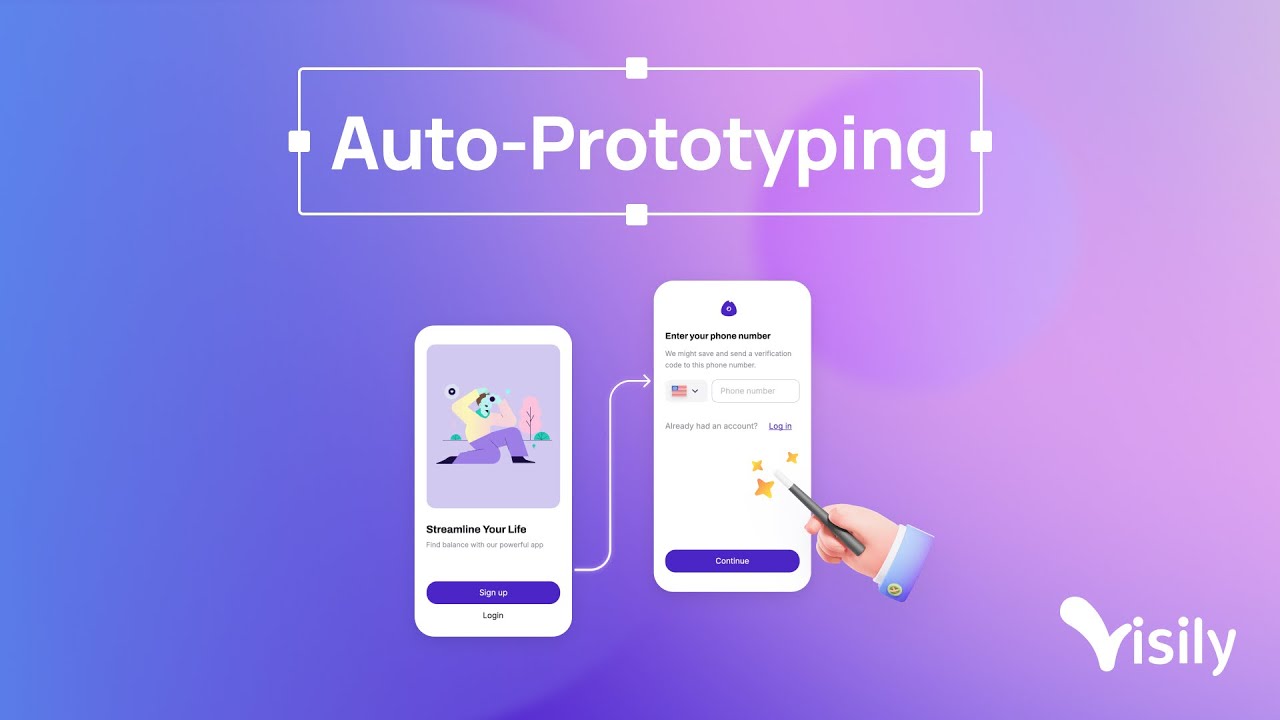
Introducing Visily Auto-Prototyping
visilyai1 year ago
 YOUTUBE9.4K views
Visily AI Tutorial for Beginners - Best UI/UX AI Design Tool in 2026
tinrovic-ai1 year ago
Capabilities
Key features
Graphic Design
Creates layouts, posters, and visual designs from prompts and brand inputs
Website Designer
Designs website layouts, sections, and visual styles from your descriptions
App Builder
Builds working applications from plain-language descriptions without manual coding
Design Assistant
Helps create and refine visual designs, layouts, and graphics from your ideas
The honest take
What users love & flag
Distinct themes surfaced across 65 reviews from 2 sources — each grounded in real review text, ranked by how often it comes up.
Questions
Frequently asked
What is Visily?
Visily is an AI-powered design platform that enables non-designers to create professional UI wireframes and prototypes. It's specifically built for product managers, startup founders, and business stakeholders who need to communicate their product vision without extensive design training or experience with complex tools like Figma.
Is Visily free to use?
Yes, Visily offers a free Starter plan that includes 300 AI credits per month and basic features with limited boards and elements. For more advanced needs, they offer Pro ($11/month annually) and Business ($29/month annually) plans with significantly more AI credits and additional features.
What types of input can I use to generate designs in Visily?
Visily accepts multiple input sources including text prompts describing your interface, screenshots of existing applications, hand-drawn diagrams that get converted to digital wireframes, or you can select from thousands of pre-built templates. The AI then generates high-fidelity mockups from any of these inputs.
Can I export my Visily designs to other tools?
Yes, Visily supports exporting designs to Figma for handoff to professional designers and can also export to code for development. This makes it easy to transition from initial mockups created by non-designers to professional development workflows.
Does Visily support team collaboration?
Yes, Visily includes real-time collaboration features such as on-canvas commenting, cursor chat, follower mode, and shared asset libraries. Teams can work together simultaneously on designs and provide feedback directly within the platform.
What's the difference between Visily's pricing tiers?
The main differences are AI credits and features: Starter (free) gives 300 credits monthly with basic features, Pro ($11/month annually) provides 3,000 credits with unlimited boards and Figma export, while Business ($29/month annually) offers 10,000 credits plus advanced security, SAML SSO, and priority support.
Can I create interactive prototypes with Visily?
Yes, Visily includes Auto-Prototyping capabilities that let you create interactive demonstrations with clickable navigation. This allows you to show stakeholders how the interface will function, not just how it looks.
What makes Visily different from other design tools?
Visily specifically focuses on non-designer users, combining the ease of use that simple mockup tools provide with the professional-quality output typically requiring complex tools like Figma. Its AI-powered generation from multiple input types eliminates the steep learning curve while maintaining high-quality results suitable for stakeholder presentations.
Compare Visily
Compare with another toolMore Like This
