Low confidence — this score is based on limited public data (mostly aggregate ratings, with little independent discussion or review detail), so it may not reflect real-world quality.
What it is
Overview
A multi-model image and video workspace that aggregates 80+ AI models for generation, upscaling, and editing tasks. Upsampler positions itself as a one-stop hub where digital artists and content creators can access different AI engines without switching between separate tools. The audience pulling 409K monthly visits includes photo editors working on texture enhancement and creators building video content from static images.
At a glance
Usability & Quality overview
Best for
- AI image upscaling
- image enhancement workflows
- users who want image and video creation in one browser tool
Watch out for
- pricing clarity
- parameter tuning
- limited long-form user evidence
Built on another provider's modelResells a third-party model API
The platform aggregates over 80 AI models for complete image and video workflows, offering specialized upscaling and editing tools with pay-per-use pricing that suggests real infrastructure rather than a simple API wrapper.
Moderate evidenceQuality score
Upsampler is a browser-based AI image and video enhancement tool for upscaling and editing, with a slight learning curve.
This score is our editorial judgment, computed automatically from the sources, weights, and dates shown above. It reflects the data we could verify as of July 28, 2026, not a guarantee or statement of fact about Upsampler. Third-party ratings and quotes belong to their original platforms and authors. Thin data lowers our confidence label, and we say so instead of guessing. Work on Upsampler? Dispute any datapoint and we will review it, publish your response, and correct verified errors.
Plans
Pricing
How free is free?
Trial only
Free tier has 0 credits; pay-per-use at 4¢/credit required
What you get for free
- Access to 80+ AI models for image/video generation and editing
- 2 concurrent jobs, 4 jobs in queue
- 0 included monthly credits (must purchase credits to use)
Behind the paywall
- Any actual usage (credits required for all operations)Pay-per-use at 4¢/credit
- Monthly credit bundles with lower per-credit ratesPro ($15/mo)
- Higher concurrent job limits (4+ jobs)Pro ($15/mo)
- Larger job queue (18+ jobs)Pro ($15/mo)
Community feedback
Aggregated reviews
Ratings and quoted comments below are aggregated from third-party sources and reflect those users' views, not SearchTools.ai's.
What reviewers talk about
themes inside the Sentiment pillar — not score ingredients
73Value & Pricingthin data · 5 mentions
“Nothing promised as free 'Qwen Image Edit 2509'. It makes surely you need pay before using it.”
“Are you a ComfyUI user? If yes, there should be many great workflows out there you can use directly and for free.. Otherwise, Upsampler.com is 15 USD and amazing at close-up skin texture, don't know about other use-cases. There was a post in this subreddit some days ago”
“If you want to build your own, go to openmodeldb.info and openart.ai . There are many different workflows for upscaling. However refactoring Magnific is hard and most workflows dont come close. Another close alternative is clarityai.co - they have an open source version too but it requirea a decent GPU to run. Not exactly free but much cheaper than Magnific is also the Upscaler from LetzAI, if you want a fast and easy alternative.”
“This free tool converts 2d images into 3d, you don't even have to sign up. Just published it so feedback is welcome:https://upsampler.com/free-image-to-3d-no-signup”
Watch & learn
Video content
YouTube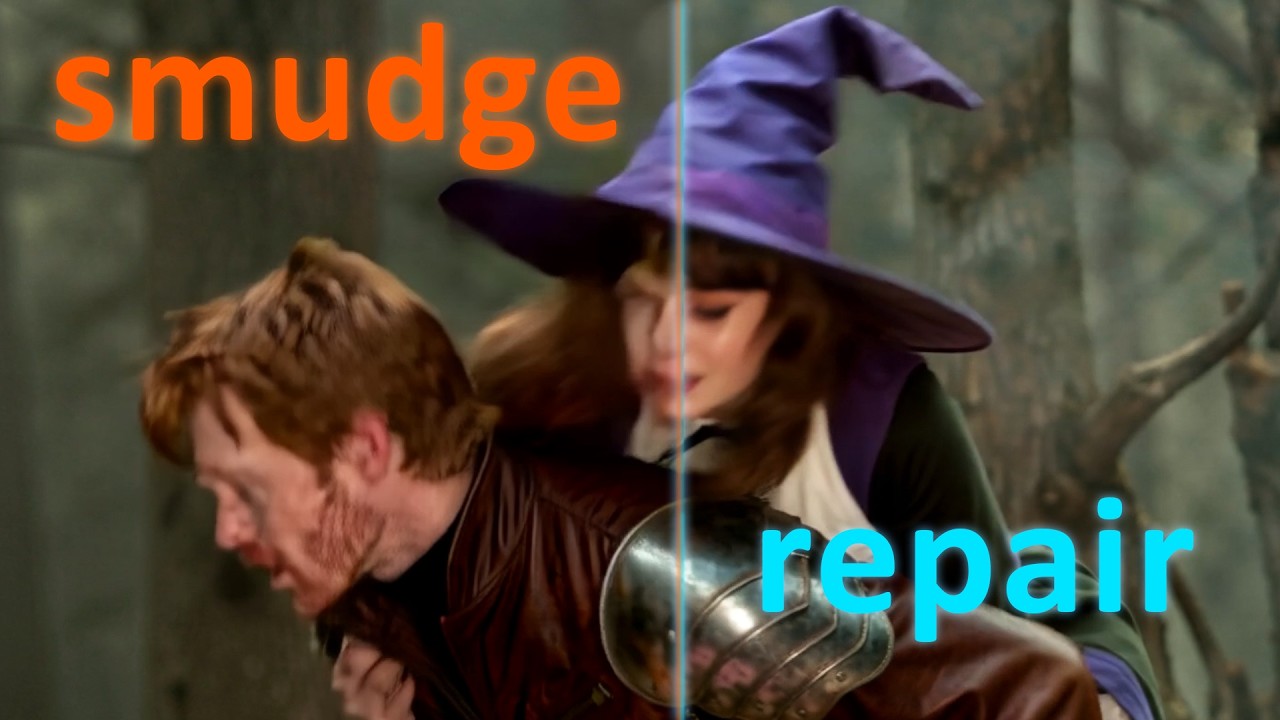 YOUTUBE4.1K views
Fix ANY Gen with this must-have V2V Upsampling workflow | AI Filmmaking Part 3
foxfuressence2 months ago
Capabilities
Key features
Photo & Image Generator
Generates original images and photos from text prompts and reference inputs
Video Generator
Creates original video clips from text prompts, images, or scripts
Image Enhancer
Upscales, sharpens, and restores image quality and resolution automatically
The honest take
What users love & flag
Distinct themes surfaced across user reviews — each grounded in real review text, ranked by how often it comes up.
Questions
Frequently asked
What is Upsampler?
Upsampler is a comprehensive AI platform that provides access to over 80 specialized AI models for image and video creation workflows. It consolidates image generation, upscaling, editing, and video creation into a single platform, eliminating the need to juggle multiple tools and subscriptions. The platform uses a pay-as-you-go credit system and offers full API access with commercial usage rights.
Is Upsampler free to use?
Upsampler offers a free Starter plan that includes some initial credits, with additional usage charged at 4 cents per credit. For regular users, there are subscription plans starting at $15/month for the Pro plan (1,400 credits) up to $95/month for the Business plan (10,000 credits). All extra credits purchased don't expire, and there are no long-term subscription commitments required.
What's the difference between Creative Upscale and Precise Upscale?
Creative Upscale intelligently regenerates images at higher resolutions using Flux and Stable Diffusion models, which can enhance and add creative details to the original image. Precise Upscale preserves the original content faithfully using models like Seed VR and GAN upscalers, maintaining the exact look and feel of the source image. This dual approach lets you choose between enhancement or preservation based on your specific needs.
How many AI models does Upsampler include?
Upsampler provides access to over 80 AI models across different functions. This includes 33 models for image generation (like Nano Banana Pro, Seedream, and GPT Image), 24 models for image editing, 15 models for video generation, and 3 specialized models for video upscaling. The platform also offers specialized models for different content types like portraits, architecture, anime, and game assets.
Can I edit images without losing quality on Upsampler?
Yes, Upsampler's editing suite maintains full resolution quality throughout the editing process. It provides 24 AI models for targeted modifications using text prompts and optional precision masking, which prevents the quality degradation that typically occurs with other AI editors. This allows you to make specific changes to parts of your image while preserving the original resolution and quality.
Does Upsampler support video creation and upscaling?
Yes, Upsampler includes comprehensive video capabilities with 15 models for generating videos from text prompts or animating existing images. It also offers video upscaling to 4K resolution using 3 specialized video models that provide motion-stable enhancement. Credits for video generation are consumed at a rate of 17 credits per second of video created.
How does Upsampler's credit system work?
Upsampler uses a credit-based pricing system where different tasks consume varying amounts of credits based on complexity. Basic upscaling costs 0.25 credits per megapixel, while video generation uses 17 credits per second. Credits can be purchased individually (starting at 4 cents each on the free plan) or included in monthly subscription plans, and any extra credits purchased never expire.
What platforms is Upsampler available on?
Upsampler is currently available as a web-based tool that you can access through your browser. All plans include full API access, allowing developers to integrate Upsampler's capabilities into their own applications and workflows. The platform is designed to work seamlessly across different devices through the web interface.
Compare Upsampler
Compare with another toolMore Like This
