Stable Audio
What it is
Overview
Stable Audio generates music tracks and sound effects from text prompts, with outputs extending up to 6 minutes. Built by Stability AI as a proprietary audio generation model trained on licensed content from AudioSparx. Content creators and musicians use it for background tracks, sound design, and commercial projects where licensing clarity matters upfront.
At a glance
Usability & Quality overview
Best for
- instrumental music generation
- sound effects
- background beds
Watch out for
- no vocals or sung lyrics
- workflow complexity across model and pricing options
- sound effects may take multiple attempts
Real product, not a wrapperIndependent product
Stable Audio uses proprietary models trained specifically for music and sound generation, with access to licensed music datasets from AudioSparx. This represents genuine specialized technology rather than a wrapper around general-purpose AI models.
Strong evidenceQuality score
Stable Audio generates high-quality instrumental music and sound effects from text prompts, with strong background-music and sound-design output.
This score is our editorial judgment, computed automatically from the sources, weights, and dates shown above. It reflects the data we could verify as of July 23, 2026, not a guarantee or statement of fact about Stable Audio. Third-party ratings and quotes belong to their original platforms and authors. Thin data lowers our confidence label, and we say so instead of guessing. Work on Stable Audio? Dispute any datapoint and we will review it, publish your response, and correct verified errors.
Plans
Pricing
How free is free?
Free with limits
10 tracks/month on free; Pro $12/mo for 250 tracks
What you get for free
- 10 monthly track generations
- Up to 6 minutes track duration
- 6 minutes monthly upload amount
- Personal license for generated content
Behind the paywall
- Higher monthly generation limits (250+ tracks)Pro
- Stable Audio 2.5 model accessPro
- Creator license for commercial usePro
- Higher upload limits (30+ minutes/month)Pro
Community feedback
Aggregated reviews
Ratings and quoted comments below are aggregated from third-party sources and reflect those users' views, not SearchTools.ai's.
What reviewers talk about
themes inside the Sentiment pillar — not score ingredients
52Output Quality17 mentions
“Nice. Quick, under 12Gb inc. the text encoder, iterative editing (inpainting of audio), up to six minutes of audio output. And 'commercial use' as well. For ComfyUI , with no nonsense about log-ins: https://huggingface.co/Comfy-Org/stable-audio-3”
“I gave it a try and generated a song, epic song with strings and piano, it sounded absolutely bloody awful! Like a child having a fit on a zylophone. 10/10 would not recommend, suno.ai is a gazillion times better! Song in Question: https://stableaudio.com/1/share/5b38725d-6545-41e4-8fc7-a3d2a00b6766”
“unfortunately it's not very good, i tried one of the existing prompts and it's just trying to be music but it's mostly noise like their previous model, I am no sure what Suno is doing and it's so much better”
“Ok, here's something cool, with a denoise of 0.7 to 0.8, you can transform recognizable instrumental songs into a different style Stable audio 3-medium, Going The Distance, Bill Conti https://vocaroo.com/1m7knWRyLteR https://vocaroo.com/1atuhKPvr79N https://vocaroo.com/192IXtQFbOAB”
42Value & Pricingthin data · 5 mentions
“Interesting, but not a great move since Suno has already been out for a while and can also generate songs with vocals singing your lyrics. I also think Suno is cheaper (if I remember correctly) with the low tier at $8 per month vs $12 of Stableaudio...”
“Literally couldn't give a shit what they do if its paywalled. DOA as we all know Facebook is working in that space and releasing their models.”
“I might buy a subscription just to support them. I am hugely grateful for Stable Diffusion and want to encourage them to continue releasing open source models. That can't continue to happen without some kind of cash flow.”
“Stable Audio doesnt allow to use their generated music in video games. Is there an alternative to Stable Audio that allows to use the music in video games?”
31Ease of Usethin data · 9 mentions
“Nice. Quick, under 12Gb inc. the text encoder, iterative editing (inpainting of audio), up to six minutes of audio output. And 'commercial use' as well. For ComfyUI , with no nonsense about log-ins: https://huggingface.co/Comfy-Org/stable-audio-3”
“DOA without an open model”
“Will this model be open sourced? We will be open sourcing a music generation model soon, trained on different data. Neat tech. Kinda don't care though. Wake me up when I can locally host it.”
“Stable Audio 2.0 was exclusively trained on a licensed dataset from the AudioSparx music library, honoring opt-out requests and ensuring fair compensation for creators. Guess we're not going to be able to download the model yet. 😐”
Watch & learn
Video content
YouTube YOUTUBE151 views
ComfyUI Course - Text to Audio Make Free AI Music :stable-audio-3-medium-base.safensor | (Ep 02)
pandaDevroom3 months ago
 YOUTUBE72 views
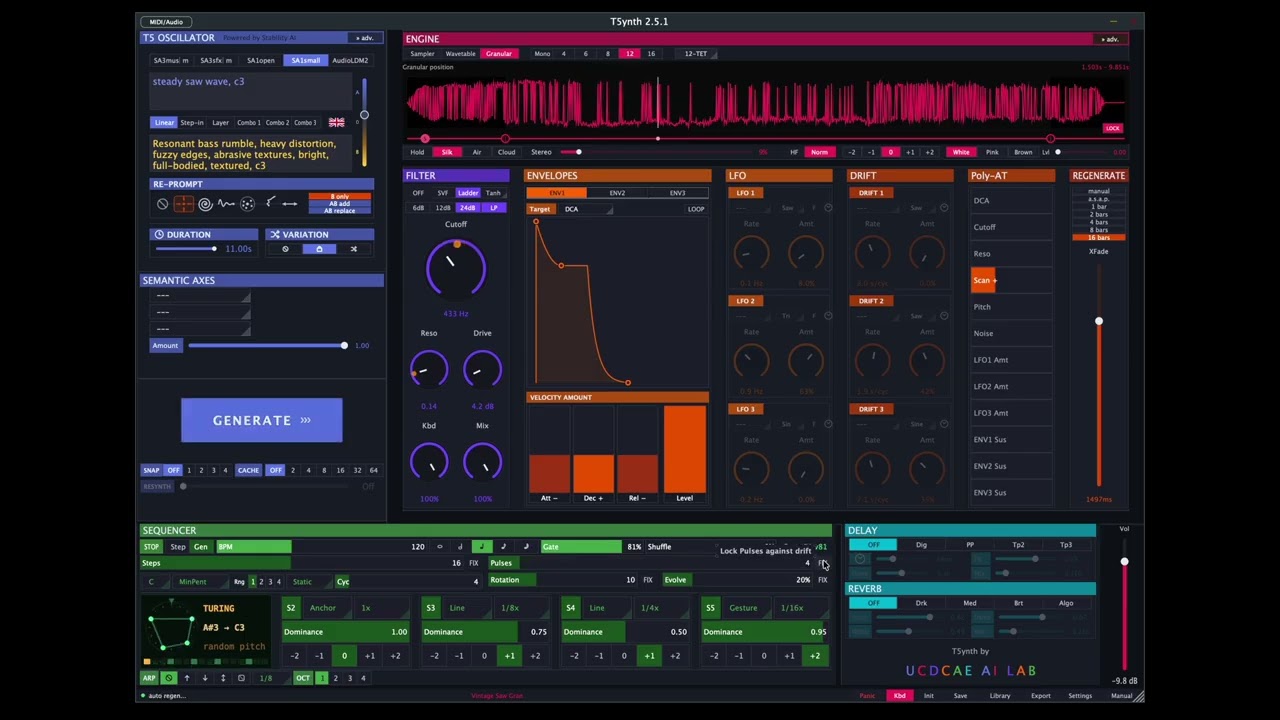
T5ynth 2.5: Stable Audio 3, Polyphonic Generative Sequencer, RePrompt, Snapshots, better UI
joeriben3 months ago
 YOUTUBE29 views
AI DJs Are Almost Here | Meshy Community
Meshy_Community3 months ago
Capabilities
Key features
Music Generator
Composes original instrumental or vocal music tracks from prompts, genres, and moods
Text to Music
Composes songs and instrumental tracks from your text descriptions
The honest take
What users love & flag
Distinct themes surfaced across user reviews — each grounded in real review text, ranked by how often it comes up.
Questions
Frequently asked
What is Stable Audio?
Stable Audio is an AI-powered platform that generates music, sound effects, and soundscapes using advanced diffusion models. Users can create up to 6-minute audio tracks from text prompts or transform existing audio files into different styles, with all generated content available for commercial use through creator licensing on paid plans.
Is Stable Audio free to use?
Stable Audio offers a free tier that includes 10 monthly track generations with up to 6 minutes per track, but this comes with a personal license for non-commercial use only. Paid plans start at $11.99/month for the Pro tier, which includes 250 monthly generations and commercial licensing rights.
How long can the generated music tracks be?
Stable Audio can generate music tracks up to 6 minutes in length across all subscription tiers. This is notably longer than many competing AI music generation platforms, making it suitable for complete songs rather than just short clips or loops.
Can I use Stable Audio's generated music commercially?
Yes, all paid subscription tiers include creator licensing that allows you to use generated music commercially in projects and music releases. The free tier only includes a personal license for non-commercial use, while enterprise licensing is available for organizations with over $1M annual revenue.
What are the two main ways to create audio with Stable Audio?
Stable Audio operates through text-to-audio generation, where you describe the desired music style, instruments, mood, and tempo in text prompts, and audio-to-audio transformation, where you upload existing audio files to transform them into different styles or create variations. There's also a beta feature for converting vocals into music and sound effects.
What audio quality does Stable Audio provide?
Stable Audio generates high-quality audio files at 44.1 kHz stereo quality using advanced audio diffusion models. This professional-grade audio quality makes the generated content suitable for commercial music production and professional projects.
How many tracks can I generate with each Stable Audio plan?
The free plan allows 10 monthly generations, while paid plans offer significantly more: Pro ($11.99/month) includes 250 generations, Studio ($29.99/month) provides 750 generations, and Max ($89.99/month) offers 2,500 monthly track generations. All paid plans use the Stable Audio 2.5 model.
Can Stable Audio create sound effects and soundscapes, or just music?
Stable Audio can generate music tracks, sound effects, and ambient soundscapes from text descriptions. This versatility makes it useful for content creators who need various types of audio content beyond just musical compositions, including background sounds and audio effects for videos or games.
Compare Stable Audio
Compare with another toolMore Like This
