
Low confidence — this score is based on limited public data (mostly aggregate ratings, with little independent discussion or review detail), so it may not reflect real-world quality.
What it is
Overview
A text-to-slides generator that works directly inside Google Slides and PowerPoint rather than requiring a separate app. You paste text, pick a template, and it builds presentation slides within the tools you already use. The audience skews toward content creators, business professionals, and educators who want to skip manual slide assembly. Review volume is too thin to confirm sentiment patterns at only 4 reviews.
At a glance
Usability & Quality overview
Best for
- Students and teachers needing quick simple slides
- Busy professionals creating basic presentations fast
- Users who want to stay in Google Slides/PowerPoint workflow
Watch out for
- AI-generated text often generic or nonsensical
- Crashes, blank slides, and feature bugs
- Free plan limits 3 presentations/month; paid plans pricey
Real product, not a wrapperIndependent product
SlidesAI offers direct integration with Google Slides and PowerPoint, allowing users to generate presentations within familiar tools rather than learning new software. It provides workflow automation for converting text to slides, though it lacks proprietary AI models or specialized training data.
Moderate evidenceQuality score
SlidesAI An AI tool that turns text into functional presentation slides quickly, but content requires editing and bugs occur
This score is our editorial judgment, computed automatically from the sources, weights, and dates shown above. It reflects the data we could verify as of July 9, 2026, not a guarantee or statement of fact about SlidesAI. Third-party ratings and quotes belong to their original platforms and authors. Thin data lowers our confidence label, and we say so instead of guessing. Work on SlidesAI? Dispute any datapoint and we will review it, publish your response, and correct verified errors.
Plans
Pricing
Community feedback
Aggregated reviews
Ratings and quoted comments below are aggregated from third-party sources and reflect those users' views, not SearchTools.ai's.
What reviewers talk about
themes inside the Sentiment pillar — not score ingredients
56Output Quality13 mentions
“TL;DR ChatSlide (formerly DrLambda) is the specialist pick if you want slides and avatar videos and voiceovers coming out of the same workflow — especially for training, education, or healthcare content. Multi-source input (PDF/URL/video) is the best in this group. Smaller compan”
“I experimented with Slidesai.io yesterday and found it lacking in its core functionality. Despite inputting content, the resulting slides were poorly designed and aesthetically unpleasing. The suggested images had no relevance to the topic, and the text was haphazardly placed wit”
“I’ve been using AI tools for slides for a long time because I’m usually dealing with presentations. Here’s the take I can give on these tools that I've tried in creating slides from a daily presenter perspective. These are the tools I used: Gamma, Skywork AI, Beautiful.ai and Tom”
“Hey all, I run an AI tools directory and thought I'd take the time to share some of my top picks for GPT-powered tools that create visual presentations/slides. Keep in mind none of these will completely replace manual work if you want something very high quality, but they do get ”
46Value & Pricingthin data · 7 mentions
“TL;DR ChatSlide (formerly DrLambda) is the specialist pick if you want slides and avatar videos and voiceovers coming out of the same workflow — especially for training, education, or healthcare content. Multi-source input (PDF/URL/video) is the best in this group. Smaller compan”
“I purchased the product on April 20 and submitted a refund request on April 21 due to dissatisfaction. Despite fully complying with all refund conditions outlined in your policy, I have not received any response or acknowledgment. As of today, April 27, there has been complete si”
“The two stars are because this company makes tracking and canceling their required subscription nearly impossible. This is an updated review: The transactions come from "paddle.net." If you want to cancel, the receipt tells you to go to paddle.net, but that's just a bot. When y”
“Dude seriously? 750/month monthly fees for 10 presentations? and yearly fee of 7500? People will expect you to make 10 presentations with images, chart etc for Rs 750.”
69Ease of Usethin data · 8 mentions
“TL;DR ChatSlide (formerly DrLambda) is the specialist pick if you want slides and avatar videos and voiceovers coming out of the same workflow — especially for training, education, or healthcare content. Multi-source input (PDF/URL/video) is the best in this group. Smaller compan”
“The two stars are because this company makes tracking and canceling their required subscription nearly impossible. This is an updated review: The transactions come from "paddle.net." If you want to cancel, the receipt tells you to go to paddle.net, but that's just a bot. When y”
“First of all, you can get other apps cheaper or for free. It is not worth the money. But that is not why I came to leave a comment. The charge will appear as Paddle on your statement so watch for that. They do not make canceling easy. When you follow the link on the invoice, it t”
“I’ve been using AI tools for slides for a long time because I’m usually dealing with presentations. Here’s the take I can give on these tools that I've tried in creating slides from a daily presenter perspective. These are the tools I used: Gamma, Skywork AI, Beautiful.ai and Tom”
Watch & learn
Video content
YouTube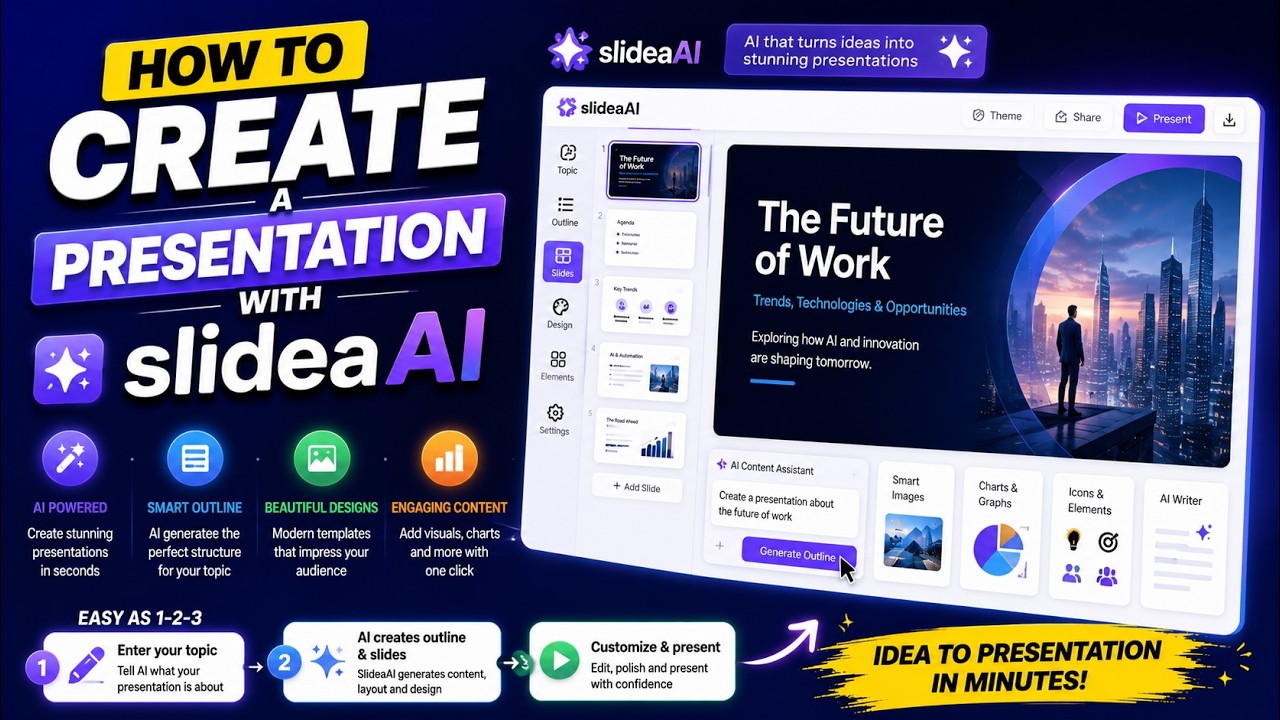 YOUTUBE39 views
How to Create a Presentation with SlidesAI
epicmentorship2 months ago
Capabilities
Key features
Presentation Generator
Builds slide decks from a prompt or outline, complete with layouts and visuals
Content Generator
Produces written content like articles, posts, and copy from brief prompts
Text to Image
Creates pictures and artwork from the text prompts you write
The honest take
What users love & flag
Distinct themes surfaced across user reviews — each grounded in real review text, ranked by how often it comes up.
Questions
Frequently asked
What is SlidesAI?
SlidesAI is an AI-powered tool that transforms text into professional presentation slides instantly. It works as a native extension within Google Slides and PowerPoint, allowing users to generate structured presentations without leaving their familiar presentation software. The tool automates the entire slide creation process, from content organization to layout design.
Is SlidesAI free?
Yes, SlidesAI offers a free Basic plan that includes 12 presentations per year, 2500 character input limit, and 120 AI credits. For more features, there are paid plans: Pro at $10/month (120 presentations yearly, 6000 character input) and Premium at $20.83/month (unlimited presentations, 12000 character input).
How does SlidesAI integrate with existing presentation software?
SlidesAI operates as a native extension within both Google Slides and PowerPoint rather than as a separate platform. Users can input text directly into the SlidesAI interface while working in their familiar presentation environment. This eliminates the need to learn new software or export/import content between different applications.
What can I input into SlidesAI to generate slides?
You can input text, topics, or paste existing notes directly into SlidesAI. The Pro and Premium plans also support document uploads for processing. The character limits vary by plan: 2500 characters for Basic, 6000 for Pro, and 12000 for Premium plans.
Can SlidesAI generate images for my presentations?
Yes, SlidesAI can generate relevant images using AI technology and also provides access to stock photography. This eliminates the need for external image searches and helps create more visually appealing presentations automatically.
What customization options does SlidesAI offer?
SlidesAI allows users to specify tone, audience, and presentation style before generation. After slides are created, you can refine content by rephrasing text, adjusting tone, shortening content, and modifying layouts. You can also customize slide designs, colors, and formatting within your existing presentation platform.
Does SlidesAI work in multiple languages?
Yes, SlidesAI supports over 100 languages for content generation. All presentations can be exported in standard PPTX format, ensuring universal compatibility across different platforms and language settings.
Who typically uses SlidesAI?
SlidesAI is designed for educators, professionals, and students who regularly create presentations but want to focus on content rather than design mechanics. The tool has achieved 14 million+ installations and is used by leading companies including Amazon, Microsoft, LinkedIn, and universities like MIT, Stanford, and Cambridge.
Compare SlidesAI
Compare with another toolMore Like This
