
What it is
Overview
Local recording technology that captures 4K video and audio directly to each participant's device, then applies AI for automatic editing and content repurposing. Early reviewers describe the local-recording approach as the primary draw — internet drops don't kill the session since nothing streams during capture. Built as a hybrid tool combining proprietary recording tech with AI processing layers. The audience skews toward podcasters, video producers, and content creators managing remote interviews and multi-participant recordings.
At a glance
Usability & Quality overview
Best for
- Podcasters and content creators who need reliable remote recording with studio-quality output
- Users who want AI to automate editing tasks like removing filler words and silence
- Non-technical creators seeking an intuitive interface for video editing and repurposing
Watch out for
- AI edits may require manual adjustment for precise control
- Limited availability of detailed critical user reviews in search results
- Some users note AI-generated clips may need tweaking for specific use cases
Real product, not a wrapperIndependent product
Riverside offers significant value beyond basic AI chat interfaces through proprietary local recording technology, automated workflow chains for podcast production, extensive platform integrations, and specialized video/audio editing features. The combination of reliable recording infrastructure and AI-powered post-production tools creates a comprehensive content creation platform.
Strong evidenceQuality score
Riverside Reliable AI-powered remote recorder that delivers studio-quality 4K video and automates editing, but limited evidence of critical long-form user experiences
This score is our editorial judgment, computed automatically from the sources, weights, and dates shown above. It reflects the data we could verify as of July 15, 2026, not a guarantee or statement of fact about Riverside. Third-party ratings and quotes belong to their original platforms and authors. Thin data lowers our confidence label, and we say so instead of guessing. Work on Riverside? Dispute any datapoint and we will review it, publish your response, and correct verified errors.
Plans
Pricing
Community feedback
Aggregated reviews
Ratings and quoted comments below are aggregated from third-party sources and reflect those users' views, not SearchTools.ai's.
What reviewers talk about
themes inside the Sentiment pillar — not score ingredients
52Output Quality83 mentions
“Its not that popular on this subreddit, but for me personally it has been great. When me and my friends started our podcast, we started in the slums by using obs to record on discord. One of the biggest regrets I have about podcasting is not using riverside sooner. It has made ed”
“I quickly moved from Riverside as our host for a newly launched show when it became clear that, despite no indication to such, files I edited in Premiere were subject to “magic” adjustment before getting distributed. This included horrendous compression. Troubleshot tons of thing”
“We’ve recorded 30+ episodes on riverside this year and the editing process has gone from bad to worse. It’s incredibly unreliable for editing, and a lot of our guest recordings randomly disappear or don’t upload all the way. So many bugs. Also they keep making the core experience”
“When we started our podcast, we started with Riverside. It had a great UI, all the capabilities we wanted and needed. First three episodes we recorded, but found ourselves fighting constant sync issues. The lossless audio tracks did not sync up to the high definition video, and e”
35Value & Pricing16 mentions
“Great value for the cost and always evolving — 10 out of 10. I have complete trust and confidence in everything about the Riverside platform. I know that useful features and upgrades are always in the works. And in a couple of instances where we had some technical difficulties, t”
“I paid £288 for a subscription which was taken. When I went to use Riverside it was showing as being in free trial mode. I asked for a refund and was told I had already had one! I had not. In the meantime I had to set up a monthly subscription so that I could carry on with my int”
“hello, I yet again am having an issue with exporting and the media repeatedly failing and when it’s not doing that, it won’t upload at all. This is quite literally the most unreliable platform I have EVER used. I can never get my moneys worth because theres ALWAYS a problem. Time”
“I have been a long-time user of Riverside and have remained loyal as they worked out the kinks. As part of this I had three studios in the pro subscription (it was unlimited studios) and had my producer access it for running the shows and to extract for editing. Now...BOTH are on”
34Reliability55 mentions
“As someone who relies on Riverside professionally, I require reliability. My client’s shows depend on it, which means my ability to keep my clients is centered around Riverside’s reliability. I’ve been using it for four years and have had a handful of issues, only three of which ”
“Editor and overall UI/UX is clunky but core app seems to be decent. However, I completely lost about 30 minutes of work that said it was saved. Support said they could not determine the issue so I am forced to redo the work and just hope it doesn't happen again I guess...”
“Also getting a bit fed up with Riverside atm. From browser issues causing me to have to use "cloud recordings" because the "local" recording is done in browser cache, no actual storage hooks, dropouts and other audio anomalies, an echo when we use XLR Mics and Closed back monitor”
“I have recorded hundreds of episodes on Riverside with very few issues. The issues we have had were quickly and successfully resolved by support.”
41Support24 mentions
“Riverside is the best in class web video management software! — My overall experience is OUTSTANDING from every angle. I really enjoy the live stream, the host website, etc — I am impressed with all the great features that Riverside provides. I satisfied with the audio, etc. — I ”
“Claims to have 24 hour support anywhere in the world. When you try to use it you get a message saying that they have no agents available and the will be in touch with you via email within 24 hours. So nbot helpful at all if your paying and have a problem. Wont work with firefox o”
“Their customer service people went on my company's LinkedIn and started calling people's personal phone numbers, they would call at 9am and try to upsell us on their "new tier". Most unprofessional shit I've ever seen.”
“Finished editing our 15th episode at 3 am. Hit publish. Episode published per Riverside. Woke up. Nothing published anywhere. Chat support says we'll go to email, completely unconcerned. Unpublished. Re-published with a slightly different file. Does not appear to be publishing on”
69Ease of Use53 mentions
“Its not that popular on this subreddit, but for me personally it has been great. When me and my friends started our podcast, we started in the slums by using obs to record on discord. One of the biggest regrets I have about podcasting is not using riverside sooner. It has made ed”
“This is unnecessary. This is not what people want to use riverside for. Their editing interface is garbage and I think that it probably causes more people to quit podcasting than to continue. They also limit how much of your footage you can download and export, which is INSANE.”
“The most helpful thing about Riverside is how easy it is to use. I can just hit record and let the AI lay the groundwork for me with cuts and clips, and the text-based editing is amazing. I also like that Riverside has added a lot of different ways to connect and share your conte”
“Ease of use. Really focused on getting rolling and the learning curve is not too steep. Particularly like that I can edit my podcast from the transcript. Scheduling is pretty simple and at this point I'm rolling about 2 episodes a week, while still maintaining my life, which agai”
80Trust derived from dimensions + predator detectionview math
A composite of the quality dimensions weighted by mention volume, then capped by predator / abuse-detection rules.
Reasoning
Watch & learn
Video content
YouTube YOUTUBE1.3K views
Social Scheduling with Riverside
Riversidefm3 months ago
 YOUTUBE980 views
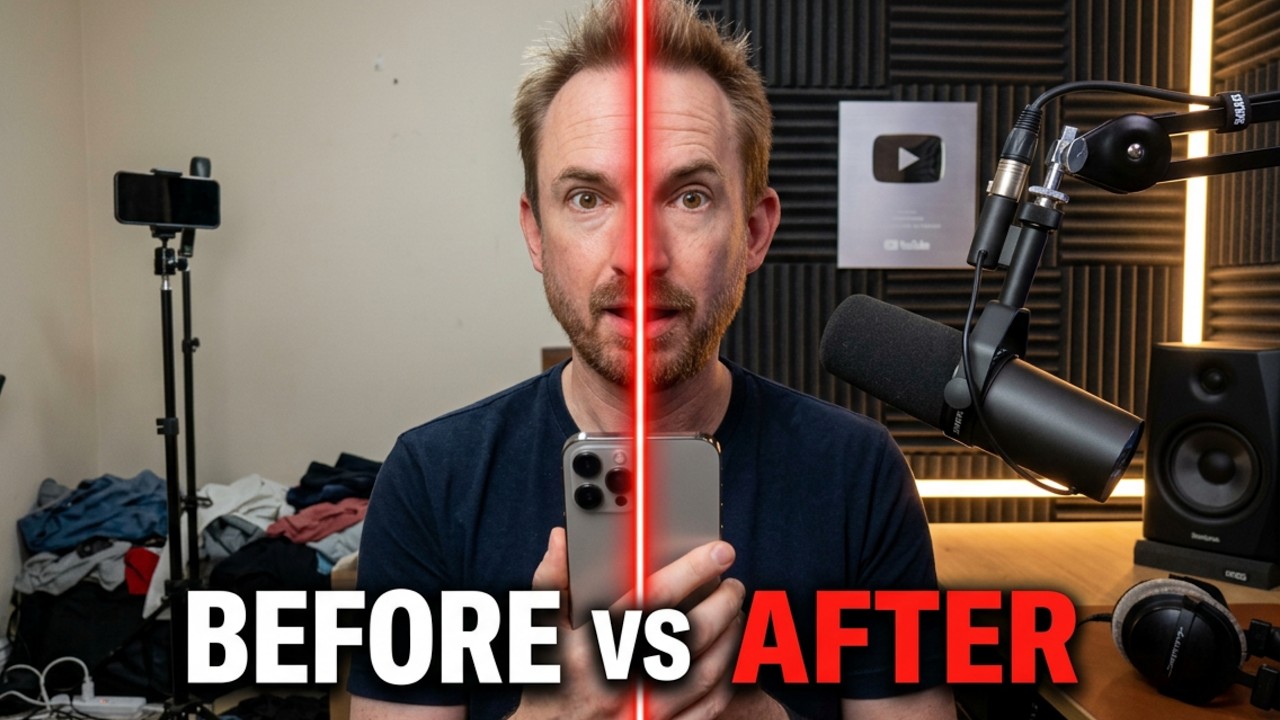
Transform Phone Recordings Into Studio Quality
MikeRussell3 months ago
 YOUTUBE1.1K views
Fastest AI Editing Workflow for Podcasts
TrevorJonesCreator3 months ago
Capabilities
Key features
Video Recording
Captures screen and camera footage with AI editing and transcription built in
Video Editor
Cuts, trims, and assembles footage into polished videos using text commands
Podcast Assistant
Helps script, edit, transcribe, and produce podcast episodes from recordings or notes
Transcriber
Converts recorded audio and video into accurate written transcripts
The honest take
What users love & flag
Distinct themes surfaced across 21.7K reviews from 4 sources — each grounded in real review text, ranked by how often it comes up.
Questions
Frequently asked
What is Riverside?
Riverside is a comprehensive content creation platform that records studio-quality 4K video and uncompressed audio locally, then uses AI to handle editing, transcription, clip generation, and multi-platform distribution. It's designed for podcasters and content creators who want professional results without expensive equipment or technical expertise.
Is Riverside free?
Yes, Riverside offers a free plan with basic features and no credit card required. Paid tiers are also available that provide advanced AI tools, longer recording times, and priority support.
How does Riverside's local recording work?
Riverside captures video and audio directly on each participant's device rather than streaming through the internet during recording. This means your recording quality won't be affected by poor internet connections, dropped calls, or bandwidth issues that typically plague online recording sessions.
Can I record with remote guests on Riverside?
Yes, Riverside supports recording with remote guests while maintaining high quality through its local recording technology. Each participant's audio and video is recorded separately on their own device, ensuring professional quality regardless of internet connectivity issues.
What AI editing features does Riverside offer?
Riverside's AI Co-Creator automatically generates promotional clips, social media posts, thumbnails, and headlines optimized for different platforms. It also includes filler word removal, eye contact correction, B-roll generation, automatic layout changes, and can translate content into over 30 languages with dubbing capabilities.
How does Riverside's text-based editing work?
Riverside provides a text-based editor that allows you to edit videos by simply modifying the automatically generated transcripts. When you delete or rearrange text in the transcript, the corresponding video and audio segments are automatically edited to match your changes.
Does Riverside handle podcast distribution?
Yes, Riverside includes built-in podcast hosting that automatically distributes your content to major platforms including Spotify, Apple Podcasts, and YouTube. This eliminates the need for separate hosting and distribution services.
Can I live stream with Riverside?
Yes, Riverside supports live streaming in full HD to multiple destinations simultaneously. It includes audience interaction tools, custom branding options, and automatically records your webinars or live streams for later use.
What platforms is Riverside available on?
Riverside is available as a web-based tool that you can access through your browser, and it also has an iOS app for mobile recording and content creation.
Compare Riverside
Compare with another toolMore Like This
