
What it is
Overview
OpenCV addresses the fundamental challenge faced by developers building computer vision applications: implementing complex image processing and analysis algorithms from scratch. Before OpenCV, developers working on projects involving object detection, facial recognition, motion tracking, or image manipulation had to either write low-level algorithms manually or license expensive proprietary solutions. OpenCV targets software developers, researchers, and organizations building applications that require visual perception capabilities, from mobile apps to robotics systems.
At a glance
Usability & Quality overview
Best for
- traditional computer vision
- real-time image processing
- C++/Python developers who want a battle-tested library
Watch out for
- messy bindings
- underdocumented behavior
- confusing C++ errors
Real product, not a wrapperIndependent product
OpenCV provides 2500+ computer vision algorithms that general LLMs cannot replicate — real-time object detection, color masking, edge detection, and image transformation pipelines. It's foundational infrastructure for CV tasks, not a wrapper around existing AI models. Users explicitly cite capabilities like facial recognition algorithms (eigenfaces, fisherfaces) and hardware-accelerated processing unavailable in ChatGPT or Claude.
Strong evidenceQuality score
OpenCV A battle-tested computer vision library for real-time image processing, but its Python/C++ ergonomics are rough.
This score is our editorial judgment, computed automatically from the sources, weights, and dates shown above. It reflects the data we could verify as of November 16, 2026, not a guarantee or statement of fact about OpenCV. Third-party ratings and quotes belong to their original platforms and authors. Thin data lowers our confidence label, and we say so instead of guessing. Work on OpenCV? Dispute any datapoint and we will review it, publish your response, and correct verified errors.
Plans
Pricing
How free is free?
Genuinely free
Open-source library, free for commercial use with no restrictions
What you get for free
- 2500+ optimized computer vision algorithms
- Apache 2 License - free for commercial use
- Real-time image processing capabilities
- Cross-platform support (Windows, Linux, macOS, mobile)
- Multiple language bindings (Python, C++, Java, etc.)
- No rate limits or usage quotas
Behind the paywall
- Long-term maintenance and certified binariesEnterprise LTS
- Expert engineering supportEnterprise LTS
- Premier enterprise supportEnterprise Premier
Community feedback
Aggregated reviews
Ratings and quoted comments below are aggregated from third-party sources and reflect those users' views, not SearchTools.ai's.
What reviewers talk about
themes inside the Sentiment pillar — not score ingredients
81Output Quality11 mentions
“What I like most about OpenCV is how powerful and flexible it is for working with images and videos. It provides a huge collection of algorithms for tasks like object detection, image processing and video analysis. Another big advantage is that it’s open-source, so it’s widely used in both industry and research. The biggest downside is the learning curve. While it offers many features, understanding how to use them effectively, especially for advanced tasks, can be challenging for beginners. Ope”
“1. As a Data Scientist, I have to work on computer vision projects involving complex image processing tasks. The OpenCV library makes it easy to manipulate the image data as per our requirements. 2. It is fast and with a lot of inbuilt functionalities along with classical and State-of-the-art algorithms, which makes our job easier. 3. It has very good memory management which makes it efficient. I faced some issues while displaying images using the OpenCV library. It used to freeze the display wi”
“I love the fact that one can perform resizing, transformation, and many other image processing techniques on images with the use of simple functions. Sometimes, I even choose to edit my photos using OpenCV rather than commercial image editors. OpenCV is very perfect for me at the moment, I haven't had any reason to dislike it. While working on an image recognition task, I needed to resize and also change the dimension format of the images in the image dataset from (3, 400, 400) to (500, 800, 3).”
“In OpenCV, I primarily like the way it effortlessly detects the objects in a live image (from a camera module); image recognition is what I find quite better in OpenCV. Another feature of OpenCV is Color masking and colour tracking, which I use a lot in one of my projects for differentiation of the objects in the image. It takes very little time to detect an object with optimum accuracy in OpenCV compared to other similar libraries. As it is written in Python, integration ease and performance bo”
50Ease of Usethin data · 8 mentions
“A great resource our team used last year was DeltaCV sim. This is a locally run simulator for easyOpenCV like how you would use it on the control hub. We found this resource really helpful when it came to testing and debugging. I also recommend asking things like chatGPT when stuck on a generic opencv problem. It does a much better job at sifting through all of the documentation to find a working solution. Just make sure you actually understand why the solution works before using it!!! Start”
“Good question. I never got the chance to find out. I just tried getting started with OpenCV and immediately ran into trouble. This program works off the old DOS like shell, so goodbye using a GUI (graphical user interface). It takes over 200 GBytes to fit on the hard drive, so I couldn't put it on my C drive. The program doesn't like operating from any other drive and immediately failed. I'm really saddened that this OpenCV doesn't even work on my computer. I had saved my money to enroll in this”
“What I like most about OpenCV is how powerful and flexible it is for working with images and videos. It provides a huge collection of algorithms for tasks like object detection, image processing and video analysis. Another big advantage is that it’s open-source, so it’s widely used in both industry and research. The biggest downside is the learning curve. While it offers many features, understanding how to use them effectively, especially for advanced tasks, can be challenging for beginners. Ope”
“We can easily use prebuilt classifiers and its opensource, which is awesome its hard to use because its different versions are different in syntax good library using opencv to solve computer vision problems like pattern detection and image processing”
80Trust derived from dimensions + predator detectionview math
A composite of the quality dimensions weighted by mention volume, then capped by predator / abuse-detection rules.
Reasoning
Watch & learn
Video content
YouTube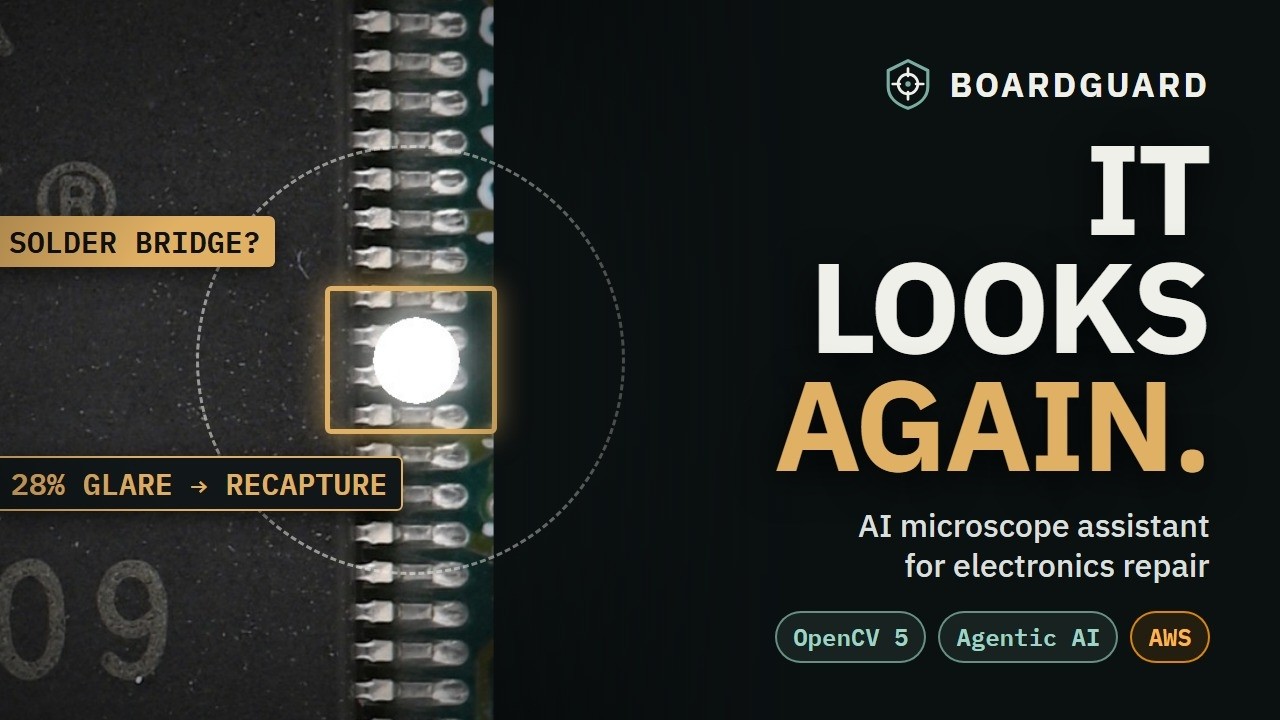 YOUTUBE187 views
BoardGuard — AI microscope assistant for electronics repair | OpenCV AI Competition 2026
fuadahamed493221 days ago
 YOUTUBE135 views
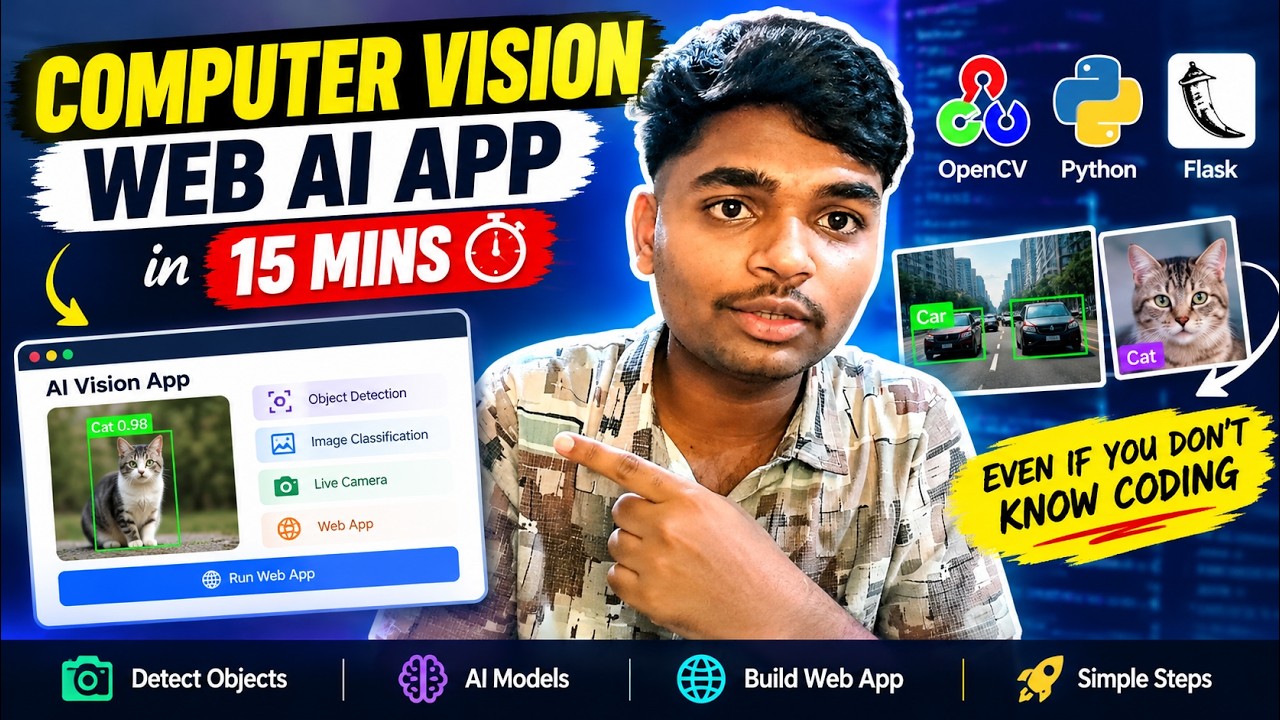
Build a Computer Vision AI Web App in 15 Minutes 🤖 | Python + OpenCV + Flask (Beginner Friendly)
Techbuzzindiaspidey1 month ago
 YOUTUBE119 views
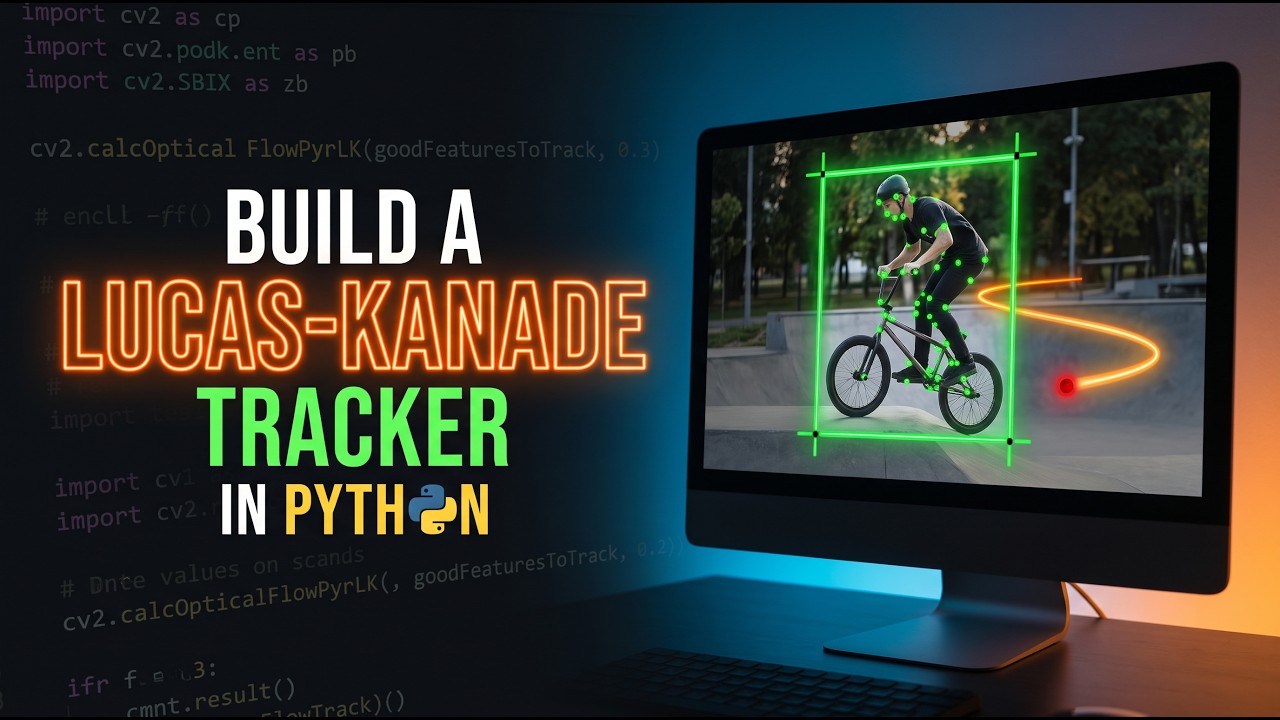
Build a Lucas Kanade Tracker in Python
eranfeit16 days ago
 YOUTUBE63 views
Optical Flow and Object Tracking with Lucas–Kanade (theory + OpenCV demo)
TheAbdelwahab831 month ago
 YOUTUBE62 views
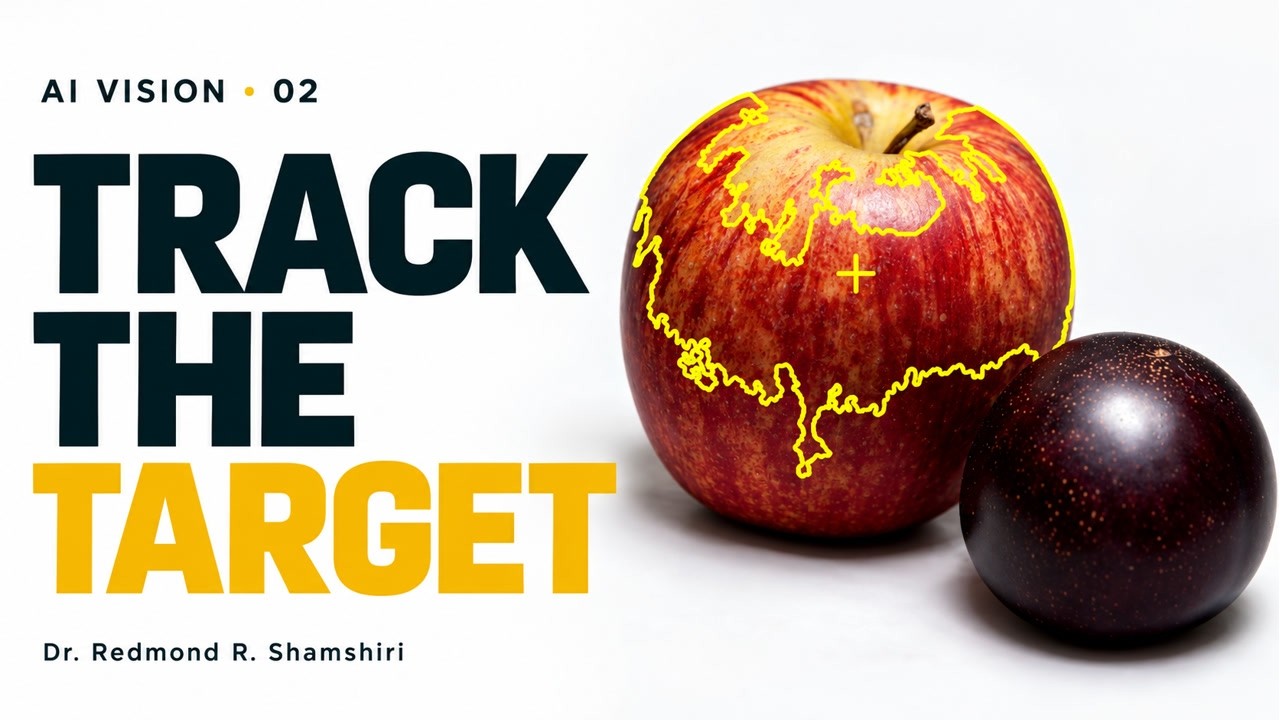
Track a Coloured Object with OpenCV on Raspberry Pi | Lecture 02
adaptiveagrotech430428 days ago
 YOUTUBE78 views
Roadlens | OpenCV Hackathon
ayansheikh405528 days ago
Capabilities
Key features
Image Recognition
Identifies objects, scenes, and content within images and returns labels
Developer Tools
Provides utilities that help programmers build, test, and ship software faster
The honest take
What users love & flag
Distinct themes surfaced across 41 reviews from 2 sources — each grounded in real review text, ranked by how often it comes up.
Questions
Frequently asked
What is OpenCV?
OpenCV is the world's largest open-source computer vision library containing over 2500 optimized algorithms for real-time image and video processing. It allows developers to build computer vision applications across multiple programming languages (C++, Python, Java) and platforms without writing complex algorithms from scratch. The library has been continuously developed since 2000 and is maintained by the Open Source Vision Foundation.
Is OpenCV free to use?
Yes, OpenCV is completely free and released under the Apache 2 License, which permits both personal and commercial use without licensing fees. The core library is open source and available through GitHub. For organizations requiring additional support, enterprise services like Long-Term Support (LTS) and Premier support are available through paid subscriptions.
What can OpenCV do?
OpenCV can process images and video streams in real-time, detect and track objects, faces, and movements, perform feature detection and image recognition, and handle camera calibration and 3D reconstruction. It also supports machine learning integration with computer vision pipelines and enables spatial AI tasks. The library is specifically optimized for real-time applications with minimal latency.
What programming languages does OpenCV support?
OpenCV provides programming interfaces for C++, Python, and Java. This multi-language support gives developers flexibility to integrate computer vision capabilities into their applications using their preferred language, unlike many alternatives that only support a single language.
What platforms can I use OpenCV on?
OpenCV supports Linux, macOS, Windows, iOS, and Android operating systems. This cross-platform compatibility enables developers to build applications from a single codebase that can run on desktop computers, mobile devices, and embedded systems.
How does OpenCV compare to building computer vision algorithms from scratch?
Before OpenCV, developers had to either manually write low-level computer vision algorithms or purchase expensive proprietary solutions. OpenCV eliminates this challenge by providing 2500+ pre-built, optimized algorithms that developers can immediately integrate through simple programming interfaces, significantly reducing development time and complexity.
What educational resources does OpenCV offer?
OpenCV provides free bootcamps covering PyTorch, TensorFlow & Keras, OpenCV fundamentals, and Python for beginners. They also offer paid courses on topics like deep learning, generative AI, and advanced vision applications. Additionally, developers can access documentation, tutorials, a Q&A forum, and a wiki through the OpenCV website.
Who maintains and develops OpenCV?
OpenCV is operated by the Open Source Vision Foundation, a non-profit organization that maintains the project's development. The library has been continuously developed since its inception in June 2000, demonstrating 26 years of operational history and long-term stability. OpenCV.AI provides consulting services for businesses needing computer vision solutions.
What makes OpenCV different from other computer vision libraries?
OpenCV distinguishes itself as the world's largest computer vision library by algorithm count and community size, with 26 years of operational history since 2000. Its optimization for real-time performance prioritizes speed over academic implementations, and its non-profit foundation structure with an open-source license ensures it remains freely available without vendor lock-in risks.
Compare OpenCV
Compare with another toolMore Like This
