
What it is
Overview
Microsoft Copilot handles conversational AI tasks across work and personal contexts, keeping separate chat histories for each. Built as a proprietary AI assistant that integrates directly into Microsoft 365 applications. The 64.4 million monthly users are primarily office workers and enterprise subscribers who already use Outlook, Word, Teams, and other Microsoft products. Reviewers consistently praise the document summarization and email drafting assistance within their existing workflows.
At a glance
Usability & Quality overview
Best for
- Microsoft 365 users who want context-aware help in Outlook, Teams, Excel, Forms, and document workflows
- Summaries, drafting, and lightweight workplace assistance inside the Microsoft ecosystem
Watch out for
- Generic chat and drafting can feel underwhelming
- Quality depends heavily on prompt quality and Microsoft app context
- Free usage is limited
Frontier model
Built on GPT 5.6 Sol (xHigh) — #21 ranked AI overall
▼ 3 in 30dupdated 2026-10-1699/100
smarter than 98% of ranked models
Also runs: GPT 5.4 (High) #35 phi-3-mini-4k-instruct #390
Arena Scores adapted from the LMArena leaderboard dataset, © LMArena, CC BY 4.0
Quality score
Microsoft Copilot Context-aware AI assistance for Microsoft 365 workflows, but output quality varies by app.
This score is our editorial judgment, computed automatically from the sources, weights, and dates shown above. It reflects the data we could verify as of October 12, 2026, not a guarantee or statement of fact about Microsoft Copilot. Third-party ratings and quotes belong to their original platforms and authors. Thin data lowers our confidence label, and we say so instead of guessing. Work on Microsoft Copilot? Dispute any datapoint and we will review it, publish your response, and correct verified errors.
Plans
Pricing
How free is free?
Free with limits
Free tier has usage caps; image generation limited to 3/day
What you get for free
- AI-powered chat assistance across work and personal tasks
- Available on web, desktop, and mobile with conversation sync
- Image generation (limited to 3 per day)
- Requires Microsoft account sign-in
Behind the paywall
- Additional premium features beyond free tierMicrosoft 365 Subscription
- Desktop versions of productivity appsMicrosoft 365 Subscription
- Higher usage limitsMicrosoft 365 Subscription
Cost to actually use
Based on 61 classified review complaints about rate limits, credits, and billing.
Community feedback
Aggregated reviews
Ratings and quoted comments below are aggregated from third-party sources and reflect those users' views, not SearchTools.ai's.
What reviewers talk about
themes inside the Sentiment pillar — not score ingredients
42Output Quality109 mentions
“What I value most about Microsoft 365 Copilot is its incredible versatility. It transforms the way I approach my daily workload by optimizing an endless array of tasks, from drafting complex emails to summarizing detailed documents. Beyond the time saved, what truly stands out is the tool's precision; it consistently delivers accurate, context-aware results that seamlessly integrate with the entire Microsoft ecosystem. It is an essential asset for me because enhance productivity and maintain hig”
“Most aggravating and time wasting ! I use Gemini and Claude. Copilot will always try to answer how-to question related to software related issues with complicated, circuitous, made-up procedures that don't work. When finally confronted it just dismisses it with perhaps a thank-you, and starts all over with another procedure guaranteed to waste your time. I have it "free" with Office 365 or I would cancel my subscription. (this is based on months and several experiences of a similar nature).”
“There has been multiple times where I ask a question. It comes back with an answer but it is nowhere near correct. I was asking for an opinion on who would be a better QB to play in Fantasy football. Copilot came back with many errors, starting with what team each of the QBs play for. It had both QBs with the wrong team, once I corrected it, it then proceeded to tell me what teams their respective teams were playing. Once again this information was incorrect. When I corrected it again, it ”
“Copilot stelt mij teleur op meerdere fronten. Hoewel het concept veel belooft, voelt de uitvoering rommelig, inconsistent en vaak frustrerend. De tool lijkt regelmatig moeite te hebben met simpele opdrachten, geeft onduidelijke antwoorden of mist context die essentieel is om een goede reactie te geven. Dit zorgt ervoor dat je als gebruiker constant moet bijsturen, herhalen of corrigeren — iets wat je juist níét wilt bij een AI-assistent. Daarnaast werkt Copilot niet altijd intuïtief. Soms begri”
23Value & Pricing24 mentions
“Not yet mentioned yet, is that Microsoft provides the copilot/M365 licensed user EDP (data protection) for their data. They promise not to use it to train LLMs and to keep it otherwise within the licensed "bubble". Many commercial and public sector organizations need this because they have legal (and privacy) restrictions they must adhere to.”
“Just awful. I've been using co-pilot in VS Code few a week or so now. 1) It uses huge amounts of credits for any non-trivial application. It can easily consume $10 in about 15 minutes of writing a unit test. 2) If has no idea of code structure or separation of concerns and will happily add completely unrelated code to the same class. 3) It generates vast amounts of duplicate code and has no idea of code reuse. It writes code like a first year uni student, so I assume it is trained on uni project”
“ich habe leider Copilot im Rahmen von Office Premium erworben, also über 200 € dafür bezahlt, um es ein Jahr zu nutzen. Die KI ist nicht fähig, auch nur einfache Aspekte wahrheitsgemäß, recherchiert und logisch zu beantworten. Ich kann meinen Chat mit der KI Microsoft gerne zur Verfügung stellen. Ich glaube, das All allein das Lese Erlebnis dazu taugen würde, den Verantwortlichen Manager die Boni zu streichen. Letztes herrliches Beispiel: ich frage die KI Copilot, ob sie eine PowerPoint Präsenta”
“Greedy: Microsoft is getting greedy. Copilot went from free on the website, to app only, and paid after 10 messages. Not to mention it has changed too, it’s less intelligent. Microsoft you’re super greedy. 1/5”
15Reliability50 mentions
“Been using copilot pro for a while now and it's honestly pretty good as a daily driver. It's far more restrictive in terms of guardrails and topics, but it's got a decent personality and has been helpful for everything from writing to research. It also provides full sources if asked. Other models are better in many ways like Claude , but you don't hit usage limits as an average user in copilot and not really ever with pro”
“If I could rate this with 0 STARS I would go ahead and do it... Microsoft has deleted all of my COPILOT chats without any fault on my end and has NOT fixed the problem at all If you do not want to lose your personal data; please do not purchase their premium COPILOT version, unless you want to take a chance.”
“It habitually ( daily basis, I use it about 8hrs a day) give information that its assuming on its own, not factual or the direction I gave. Every single time I correct it, it argues with me. When its off on whatever the topic is, I tell it to stop, the appropriate response is ok, it refuses to take that direction. accountability. It tells me im not wrong and goes way off topic about me....its made dangerously WRONG ASSUMPTIONS THAT COST ME MONEY. It is not safe if it can not learn and/or f”
“Copilot is, without exaggeration, the imbecile of the AI world — a digital half‑wit dressed up in corporate branding and sold as a “smart assistant.” It’s the kind of malfunctioning, cognitively vacant system that makes you wonder if Microsoft accidentally released a prototype that failed every internal test. This AI doesn’t just struggle. It face‑plants. Constantly. It can’t follow basic instructions. It can’t remember what you said moments ago. It contradicts itself like it’s arguing with its”
38Ease of Use52 mentions
“I like that it works directly inside the tools I already use every day. I spend a lot of time in Outlook, Teams, Word, and PowerPoint, so the main benefit for me is saving time on repetitive tasks without changing my usual workflow. The interface is familiar and easy to understand. I did not need much onboarding because it feels like another function inside Microsoft 365 rather than a completely separate platform. The integrations are probably its strongest point, especially for reviewing email ”
“Copilot tells me I am not permitted to draw my own art in my own preferences, I am not allowed to draw fictional Paleontology projects, that my hand drawn art is blocked because my hand drawn art looks like thousands of copyright BS content. I am only allowed to draw boring cringe Gen Z meme art. So I tossed 500+ pieces of art in the paper shredder, Thanks Microsoft. I totally love destroying my own artwork. Top notch Artificial Intelligence folks.”
“Copilot studio is so confusing atm. Multiple ways to build agent. Different things with the same name (I was trying to build an agent with python interpreter and the documentation is completely wrong/outdated) Stop using your clients as beta testers.”
“constantly changing layout, create tab keeps disappearing and copilot AI can only scan 3 documents/pictures at a time. severely interfering with my work flow forcing me to find other apps which are both slower and more difficult with intergration to OneDrive. Honestly disappointing is one of the nicest things I can say about this Android App.”
74Trust derived from dimensions + predator detectionview math
A composite of the quality dimensions weighted by mention volume, then capped by predator / abuse-detection rules.
Reasoning
Watch & learn
Video content
YouTube YOUTUBE140.7K views
Microsoft Copilot Just Got a Massive Upgrade
KevinStratvert17 days ago
 YOUTUBE21.8K views
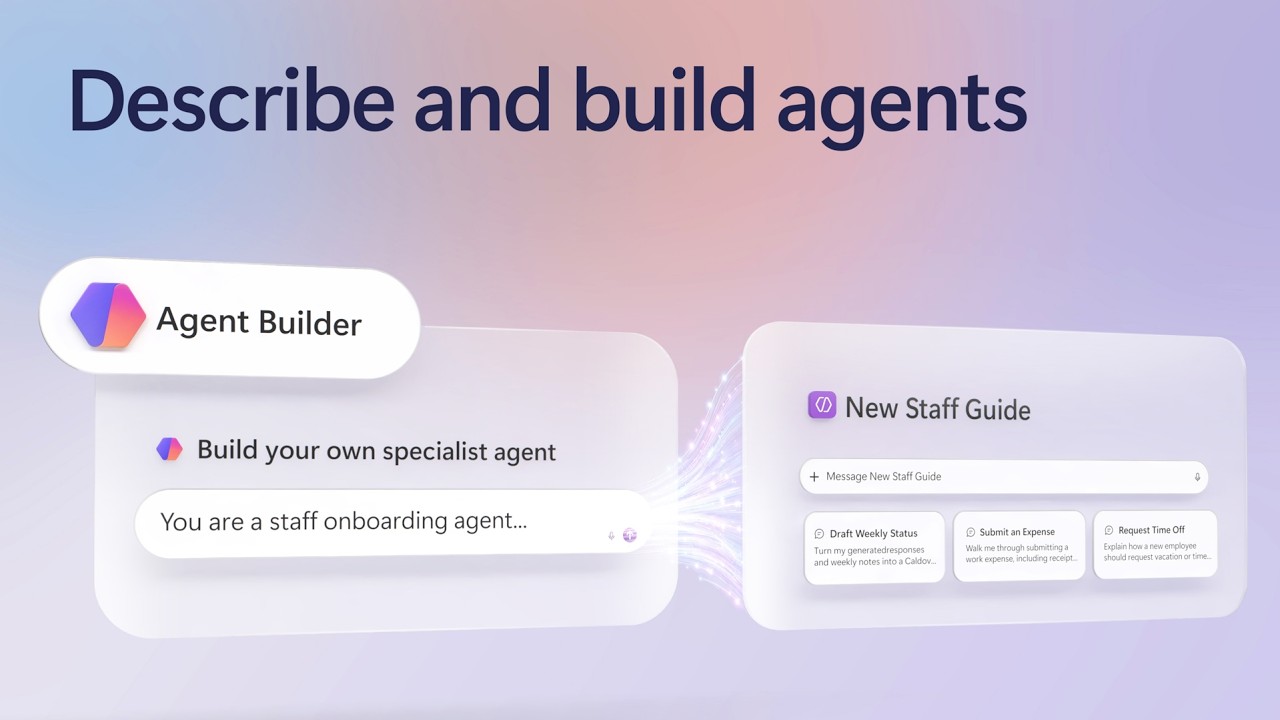
Create agents fast with Agent Builder in Copilot
MSFTMechanics18 days ago
 YOUTUBE68.2K views
The New Microsoft Copilot Is Here: Everything You Need to Know
toolfinderhq18 days ago
 YOUTUBE63.5K views
The NEW Microsoft Copilot Super App – Everything That’s Changing
MikeTholfsen10 days ago
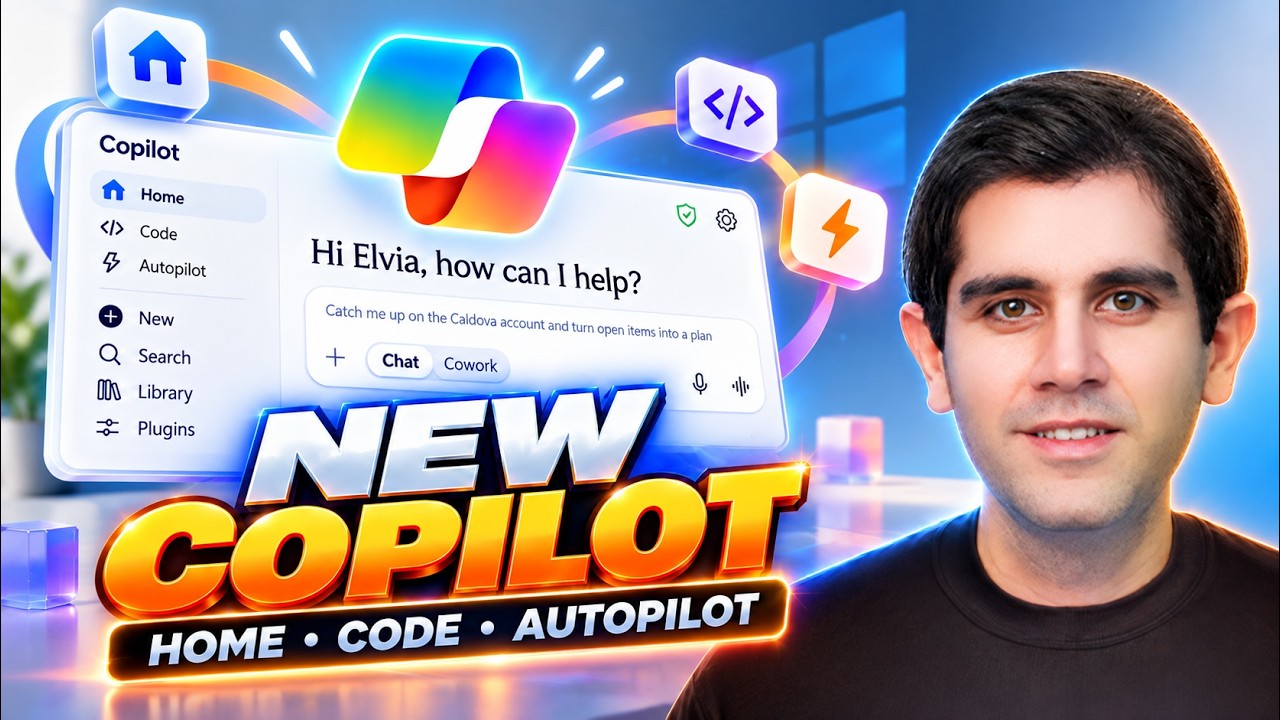 YOUTUBE32.3K views
The NEW Microsoft Copilot Is Here! Home, Code, Autopilot & More 🚀
RezaDorrani14 days ago
 YOUTUBE15.1K views
The NEW Microsoft Copilot: Everything You Need to Know
your365coach10 days ago
Capabilities
Key features
Chatbot
Holds conversations and answers questions through a natural-language chat interface
Content Generator
Produces written content like articles, posts, and copy from brief prompts
Code Assistant
Helps you write, explain, and fix code directly inside your editor
The honest take
What users love & flag
Distinct themes surfaced across 10.6M reviews from 3 sources — each grounded in real review text, ranked by how often it comes up.
Questions
Frequently asked
What is Microsoft Copilot?
Microsoft Copilot is a conversational AI assistant that provides unified AI assistance across both work and personal contexts. It offers three primary modes - Chat, Search, and Create - allowing users to get answers, find information, and generate content through natural language conversations while maintaining strict separation between work and personal data.
Is Microsoft Copilot free to use?
Yes, Microsoft Copilot is free with a signed-in Microsoft account, though some capabilities are subject to usage limits. Additional premium features and integrations with productivity applications like Word, Excel, and PowerPoint are available through paid Microsoft 365 subscriptions.
What platforms is Microsoft Copilot available on?
Microsoft Copilot is available across multiple platforms including web browsers, dedicated desktop applications for Windows and Mac, and mobile apps for iOS and Android. Conversations and chat history automatically sync across all devices while maintaining separation between work and personal accounts.
How does Microsoft Copilot keep work and personal data separate?
Microsoft Copilot maintains strict separation between work and personal contexts by tying conversations to the appropriate account type. Chat histories, files, and data remain separate based on whether you're using your work or personal Microsoft account, ensuring professional and personal information never mix.
What are the three main modes of Microsoft Copilot?
Microsoft Copilot operates through Chat mode for natural conversations and brainstorming, Search mode for finding information from web sources and work files, and Create mode for drafting content and generating AI images. Users can access all features by typing questions or requests in natural language.
Can Microsoft Copilot generate images?
Yes, Microsoft Copilot can generate AI-powered images through its Create mode. Users simply describe what they want to create in natural language, and Copilot will generate corresponding images based on their descriptions.
Does Microsoft Copilot integrate with Office applications?
Yes, Microsoft Copilot integrates deeply with the Microsoft ecosystem, particularly for users with Microsoft 365 subscriptions. It works seamlessly with familiar productivity tools like Word, Excel, and PowerPoint, allowing users to access AI assistance while working within these applications.
Can Microsoft Copilot search through my work files?
Yes, Microsoft Copilot's Search functionality allows users to find specific files, data, and insights within their work environment. This capability helps users locate information across their work files while maintaining appropriate access permissions and data separation.
Compare Microsoft Copilot
Compare with another toolMore Like This
