Magic Path
What it is
Overview
Magic Path is a collaborative canvas where AI agents and humans build interactive prototypes with production React code, not static mockups. The workflow speed gain is what early users most often name — 10× faster prototyping than traditional methods, per documented reports. Built as a wrapper with a visual interface layer over code generation, though the underlying model is not disclosed. The audience that recurs in feedback is web designers transitioning to code, frontend developers prototyping quickly, and beginner developers learning React. 128K monthly visits.
At a glance
Usability & Quality overview
Best for
- rapid UI prototyping
- design-to-code exploration
- AI-first product mockups
Watch out for
- crashes and rough edges
- support responsiveness
- GitHub account re-registration issues
Built on another provider's modelResells a third-party model API
Magic Path offers real workflow automation — a collaborative canvas where AI agents and humans build production React code together, eliminating the need to prompt for each step. The Chrome extension lets you capture elements from live websites and iterate on them visually, which transforms the prototyping experience beyond what you'd get typing prompts into ChatGPT. It's not just a UI wrapper around an API.
Strong evidenceQuality score
Magic Path Interactive AI app prototyping that turns prompts into editable React experiences, with some reliability and account-handling caveats.
This score is our editorial judgment, computed automatically from the sources, weights, and dates shown above. It reflects the data we could verify as of November 12, 2026, not a guarantee or statement of fact about Magic Path. Third-party ratings and quotes belong to their original platforms and authors. Thin data lowers our confidence label, and we say so instead of guessing. Work on Magic Path? Dispute any datapoint and we will review it, publish your response, and correct verified errors.
Plans
Pricing
How free is free?
Free with limits
20 credits/day for solo projects; Builder $84/yr unlocks unlimited agent calls
What you get for free
- 20 credits per day (up to 120/month)
- Component libraries and custom fonts
- Chrome extension access
- 5 Figma imports/month, 3 Figma exports/month
- 50 external agent calls per week
- Bidirectional React code sync with repo
Behind the paywall
- Unlimited external agent callsBuilder ($84/year)
- More than 120 credits per monthPro ($252/year)
- Unlimited Figma imports and exportsBuilder ($84/year)
- Premium supportPro ($252/year)
- Team workspaces and SSOTeams (custom pricing)
Community feedback
Aggregated reviews
Ratings and quoted comments below are aggregated from third-party sources and reflect those users' views, not SearchTools.ai's.
What reviewers talk about
themes inside the Sentiment pillar — not score ingredients
60Output Quality29 mentions
“Everything about this tool is so so good. The user experience is smooth and feels just like other tools i'd use for prototyping. It's sped up my workflow by probably 10x. What would normally take me weeks to prototype I can do now in just a couple of days. Insane stuff.”
“Yet another tool that can only do functional design. Soon we will only have basic ShadCN looking purely functional SaaS like websites…”
“I have tried it and it simply is not good. It is like most other LLMs - if you want something super standard - it can pull it off. If you go outside of the regular boring sites, it is struggling. It is unpolished..”
“You can use the extension for basic copying specific elements and recreating them in Magicpath . But the secret hack is to use it on live client calls on picking their current site & using magicpath to show cool variations and it's makes it much easier to convience them on what you can deliever.”
39Value & Pricingthin data · 7 mentions
“MagicPath is an outstanding no-code platform that stands out from its competitors with its intuitive user experience and powerful AI capabilities. Its credit usage model is far more efficient than rival platforms, and I’m excited to see even more game-changing features in the future.”
“Ran out of MagicPath credits mid‑project — no way to top up, and can’t adjust billing without deleting account. Any plans to fix this? It’s blocking my launch.”
“they are good, but magicpath decided to own EVERYTHING YOU CREATE. and if u want to use for commercial purpouses, they will decide HOW MUCH THEY WILL CHARGE.. they are... dark”
“I'm guessing this tool is generating code for a "React UI", so it's a ract app which is using what looks like the Shad CN gui component library. If you're a designer, you probably would hand this off to a developer who would want to know this. I've just been using another one called Polymet which I have been impressed with, but it's $50/month for the basic plan (which allows you to export the code) and I am still looking to save money so I will give this a go. Needless to say, I do the design, t”
58Ease of Use13 mentions
“Everything about this tool is so so good. The user experience is smooth and feels just like other tools i'd use for prototyping. It's sped up my workflow by probably 10x. What would normally take me weeks to prototype I can do now in just a couple of days. Insane stuff.”
“For a design tool to have such a small chat window where you cannot read anything is weird. Like it is so badly designed. Other than that, the features are crazy interesting!! Great video. You got my subscription”
“Ooh I wasn't expecting a tool to be so beginner friendly! I love how easy and seamless it has been and honestly, it is perfect for me as someone who is just starting out in Web development.”
“i am just starting out learning web developing, essentially making my very first website and it is easy using magicpath with the extremely limited knowledge i have on web developing . i never knew how easy making a website could be till i stumbled across this tool by chance”
Watch & learn
Video content
YouTube YOUTUBE506.6K views
I Built My Own TV Operating System With Claude Code
lukas-margerie1 month ago
 YOUTUBE5.4K views
Este plugin convierte Codex en un estudio de diseño web
rodrigolivaresr1 month ago
 YOUTUBE143 views
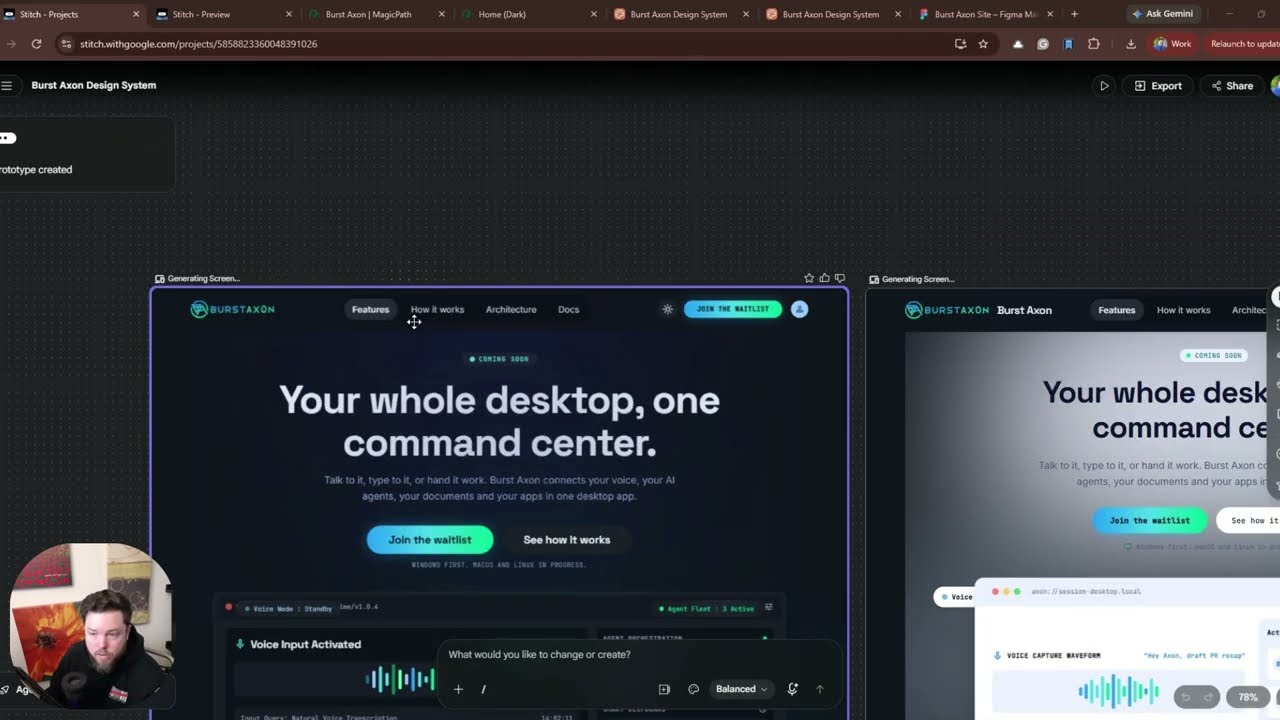
I Tested 4 AI Website Builders. One Was Clearly Better (Claude Design, Figma, Stitch, and MagicPath)
JonrocExperts1 month ago
Capabilities
Key features
App Builder
Builds working applications from plain-language descriptions without manual coding
No-Code & Low-Code
Builds apps and workflows visually with little or no programming required
The honest take
What users love & flag
Distinct themes surfaced across 45 reviews from 1 source — each grounded in real review text, ranked by how often it comes up.
Questions
Frequently asked
What is MagicPath?
MagicPath is a collaborative visual workspace where AI agents and humans work together to build interactive prototypes and production-ready applications. Unlike traditional design tools that create static mockups, it generates actual React code that syncs bidirectionally with your repository, eliminating the handoff between design and development.
How does MagicPath handle code generation differently from other design tools?
MagicPath generates production-ready React code with named components, proper TypeScript interfaces, and Tailwind CSS styling that you can push directly into your codebase as real files. It also works bidirectionally—you can pull existing components back into the canvas for visual editing, then push updates back to your repository, treating design files as living codebases rather than static assets.
Can I use my own coding agents with MagicPath?
Yes, MagicPath integrates with external coding agents including Codex, Claude Code, and Cursor through a single plugin installation. These agents can connect to your repositories, MCP servers, and Linear tasks, working directly on the MagicPath canvas from any location including terminal or phone.
What does the multi-agent collaboration feature do?
The multi-agent system allows you to make one request and watch multiple AI designers work simultaneously on different screens or variations in real time on a shared canvas. You can see every teammate and every agent move across the workspace as changes happen, enabling parallel work on different parts of a project.
Is MagicPath free?
MagicPath offers a free plan with 20 credits per day (up to 120 monthly), 5 Figma imports and 3 exports per month, and 50 external agent calls per week. Paid plans start at $7/month (billed annually at $84) for the Builder plan, with Pro at $21/month ($252 annually) and custom Teams pricing available.
What are credits used for in MagicPath?
Credits pay for AI design generation within MagicPath, with costs scaling based on complexity—simple components like buttons use fewer credits than multi-screen flows. Manual edits, exports, and library usage do not consume credits, and unused credits do not roll over between billing cycles.
Can I share working prototypes built in MagicPath?
Yes, MagicPath generates actual interactive prototypes that run in the browser and can be shared via link. These are not static mockups but working prototypes that demonstrate both how designs look and how they function with real interactions.
Does MagicPath work with Figma?
Yes, MagicPath can import and export Figma designs while maintaining component libraries and design systems. The free plan includes 5 Figma imports and 3 exports per month, while paid plans offer increased or unlimited Figma integration depending on the tier.
What platforms does MagicPath run on?
MagicPath runs on macOS and through web browsers. All work is stored in the cloud, so agents can access and modify files even when the application is closed, enabling work from any device.
What's the difference between the Builder and Pro plans?
The Builder plan ($7/month billed annually) includes unlimited external agent calls, 25 Figma imports monthly, and unlimited Figma exports. The Pro plan ($21/month billed annually) adds 600 monthly credits with upgrade options, unlimited Figma imports, premium support, and is designed for teams shipping weekly.
Compare Magic Path
Compare with another toolMore Like This
