
What it is
Overview
Fast screen and camera recording with AI auto-captions, video titles, and instant cloud upload. Remote teams, trainers, and customer support reps use it for async communication, client demos, and training videos. The AI layer adds automatic transcription, filler word removal, and title generation to standard screen capture. Built as a hybrid product combining proprietary recording tech with AI enhancement features. 16.9 million monthly visits suggest broad adoption across distributed workforces.
At a glance
Usability & Quality overview
Best for
- Teams needing quick, asynchronous video updates
- Sales/prospecting teams creating personalized video messages
- Educators creating short explainer videos
Watch out for
- Recording duration limits on free/lower tiers
- AI recap accuracy may require manual editing
- Customer support response times can vary for billing issues
Real product, not a wrapperIndependent product
Loom offers genuine workflow improvements like AI-powered filler word removal, automatic captions, and instant link sharing without file exports. The Chrome extension integration makes recording frictionless. However, it's essentially an enhanced screen recorder rather than a fundamentally new technology.
Strong evidenceQuality score
Loom The simplest tool for instant screen recording and video sharing, but pricing limits and AI accuracy can frustrateheavyusers
This score is our editorial judgment, computed automatically from the sources, weights, and dates shown above. It reflects the data we could verify as of July 17, 2026, not a guarantee or statement of fact about Loom. Third-party ratings and quotes belong to their original platforms and authors. Thin data lowers our confidence label, and we say so instead of guessing. Work on Loom? Dispute any datapoint and we will review it, publish your response, and correct verified errors.
Plans
Pricing
How free is free?
Free with limits
Free Starter plan available; Business $18/mo for unlimited videos
What you get for free
- Free Starter plan for video communication
- Screen and camera recording capabilities
- Basic video sharing and collaboration features
Behind the paywall
- Unlimited videosBusiness ($18/mo)
- Basic editing featuresBusiness ($18/mo)
- AI-enhanced videos and editingBusiness + AI ($24/mo)
- Auto-generated meeting notesBusiness + AI ($24/mo)
- Filler word removalBusiness + AI ($24/mo)
Cost to actually use
Based on 48 classified review complaints about rate limits, credits, and billing.
Community feedback
Aggregated reviews
Ratings and quoted comments below are aggregated from third-party sources and reflect those users' views, not SearchTools.ai's.
What reviewers talk about
themes inside the Sentiment pillar — not score ingredients
70Output Quality70 mentions
“Loom is the best for remote teams! | Loom is a must, I am not sure how many other tools like this one there are but Loom really becomes a key player in a team collaboration, specially if that team collaborates remotely or internationally. You can use the video links to embedded these in other places or downloadthem for editing. | Pros: Asynchronous communications that work | Pros: Documenting processes | Pros: Providing details without the need to go on meetings. | Cons: Loom can definitely joi”
“I used to rely on Loom natively to skip boring video syncs, but the Atlassian acquisition has completely broken the app. Trying to record a quick two-minute screen share now takes twenty minutes because the software keeps freezing up my entire MacBook, and half the time it won't even record my face in the browser anymore. And to make it worse, my billing suddenly skyrocketed from nine bucks to an insane hundred and sixty a month because their system automatically added unapproved user licenses w”
“This application absolutely sucks I was going to submit a presentation online when I was met with a record now button which did not work instead I was shown a women recording a video on how to use loom. Absolute let down. I ended up gettting striked for a late presentation.”
“Recording unusable after a 15 min recording, no way to stop it.”
29Value & Pricing31 mentions
“Loom-ing with Brilliance: A Video Communication Tool for Small Teams. | Loom is literally the best free (or depending on your team size) tool that I have found in recent years honestly. I have a consulting practice on the side where we work in multiple timezones. Im not the best with words or explaining things over email, and im a much more visual person. being able to show somehow how to do something rather than explain it via email is HUGE. Its literall creating the office culture vibe over vi”
“I used to rely on Loom natively to skip boring video syncs, but the Atlassian acquisition has completely broken the app. Trying to record a quick two-minute screen share now takes twenty minutes because the software keeps freezing up my entire MacBook, and half the time it won't even record my face in the browser anymore. And to make it worse, my billing suddenly skyrocketed from nine bucks to an insane hundred and sixty a month because their system automatically added unapproved user licenses w”
“I paid for their subscription, and one month later I was hacked; my account was banned from their platform, I no longer have any workspaces, and all the videos I had were deleted. They're stealing your data!!”
“I PAID 18 USD AND INSTALLED THE APP, AND IT DOESNT WORK!!!! STAY AWAY, TERRIBLE EXPERIENCE”
16Reliability36 mentions
“he fastest way to explain anything async, indispensable for remote teams — I’m Matías, founder at Anunzi (marketing + AI). We used a paid plan for a year and then paused mainly because our project volume dropped, not because Loom under-delivered. During that period, Loom became our default for demos, client updates, and internal explanations, it consistently reduced meeting time and shortened feedback cycles. From a security standpoint, sharing controls and link privacy have been clear and relia”
“I used to rely on Loom natively to skip boring video syncs, but the Atlassian acquisition has completely broken the app. Trying to record a quick two-minute screen share now takes twenty minutes because the software keeps freezing up my entire MacBook, and half the time it won't even record my face in the browser anymore. And to make it worse, my billing suddenly skyrocketed from nine bucks to an insane hundred and sixty a month because their system automatically added unapproved user licenses w”
“Loom is such a bad tool, especially the glitches and the most prominent one the camera being stuck to loom dashbaord. Tool maybe for kids to playaround but not for professionals at all who want to save time, might as well learn to use OSB studio or someother tool and host vidoes on Youtube Unlisted then to struggle with a shitty tool like this”
“I paid for their subscription, and one month later I was hacked; my account was banned from their platform, I no longer have any workspaces, and all the videos I had were deleted. They're stealing your data!!”
23Supportthin data · 5 mentions
“I worked with loom for years, i did an entire walk through on email to remove any other licenses which all showed inactive after their customer service support. Everyone was deactivated, they have then reactivated people and added people who i dont even know! to my account and to my great shock are charging me 160 per month over 2 months. This is after I dealt with customer success to make sure my account did not have more users on there. I am furious. I did not consent to this. ”
“Impossible to cancel your contract with them they make it unbelievably difficult to stop your subscription they have been billing me for months now despite me deleting my account and making every effort to contact them ”
“Very disappointing customer support experience. I paid for Loom Business, but when I tried to downgrade/cancel only to avoid future charges, I lost access to features I had already paid for during the current billing period. What made the experience worse is how difficult it is to contact customer support from inside the Loom platform. For a paid business tool, finding a clear way to open a support ticket should be simple, but instead it feels hidden and confusing. I spent too much time lookin”
“Horrible experience, can't download video, can't edit it, nothing works, just bad! switch to someone that gives a **** about their customers”
74Ease of Use62 mentions
“Loom is the best for remote teams! | Loom is a must, I am not sure how many other tools like this one there are but Loom really becomes a key player in a team collaboration, specially if that team collaborates remotely or internationally. You can use the video links to embedded these in other places or downloadthem for editing. | Pros: Asynchronous communications that work | Pros: Documenting processes | Pros: Providing details without the need to go on meetings. | Cons: Loom can definitely joi”
“We implemented video feedback in our remote team. We expected good results, but Loom crippled our progress. Loom didn’t offer anywhere near the benefits it advertised. The recording was choppy and we had to download its application to use it, and it still crashed a lot. These two user experience issues weren’t as bad as quality of life issues. Firstly, Loom’s free version only allows a 5-minute recording that's so insufficient, especially when working in a remote team environment. It only allows”
“Atlassian Loom one of the key tools I use daily | I love it. I feel it could be useful in any context, particularly when talking about working remotely or simply globally. I think whenever there is a scenario in which a team is not working in the same room and following the same schedule, there is a great opportunity to improve things using Atlassian Loom. | Pros: Record what you need and only what you need | Pros: Give a title and a summary automatically | Pros: Provide with a transcript and ca”
“Loom-ing with Brilliance: A Video Communication Tool for Small Teams. | Loom is literally the best free (or depending on your team size) tool that I have found in recent years honestly. I have a consulting practice on the side where we work in multiple timezones. Im not the best with words or explaining things over email, and im a much more visual person. being able to show somehow how to do something rather than explain it via email is HUGE. Its literall creating the office culture vibe over vi”
50Trust derived from dimensions + predator detectionview math
A composite of the quality dimensions weighted by mention volume, then capped by predator / abuse-detection rules.
Reasoning
Watch & learn
Video content
YouTube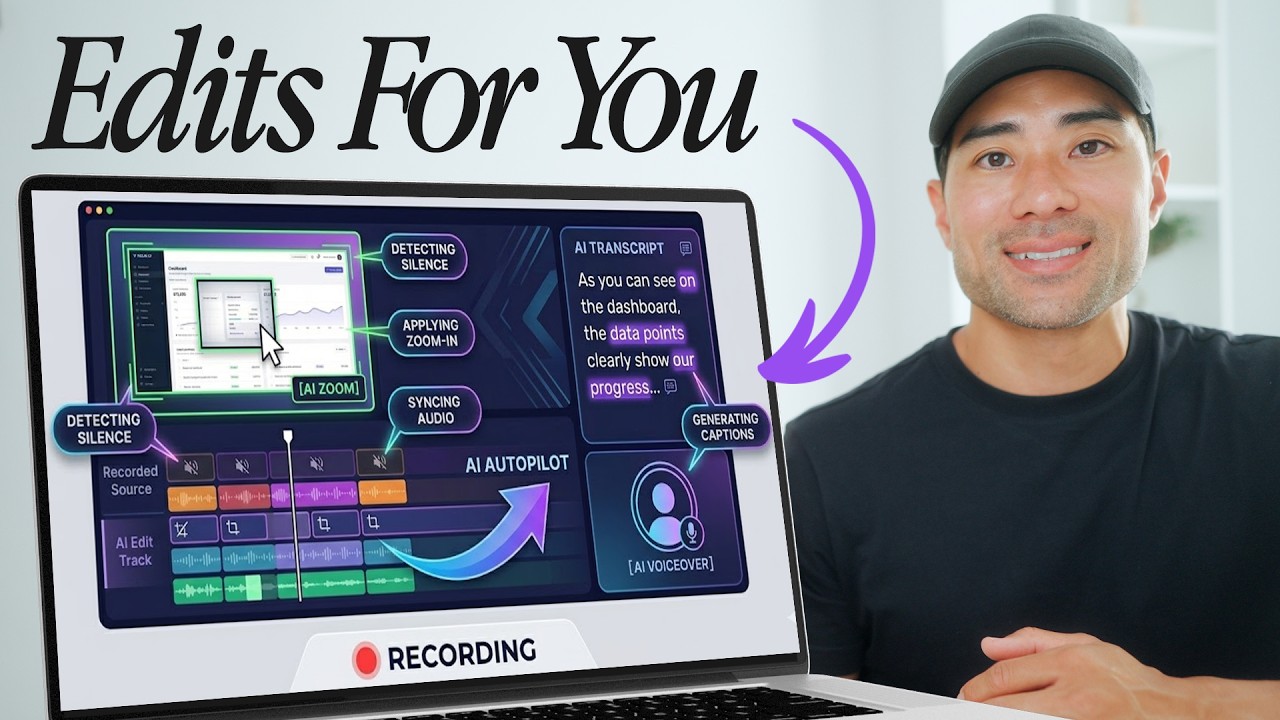 YOUTUBE3.6K views
STOP Using Loom! This Screen Recorder Edits For You!
AureliusTjin4 months ago
 YOUTUBE140 views
Best Loom Alternatives (Free, Paid & Pro) — Tested 2026
videotoolsinsights3 months ago
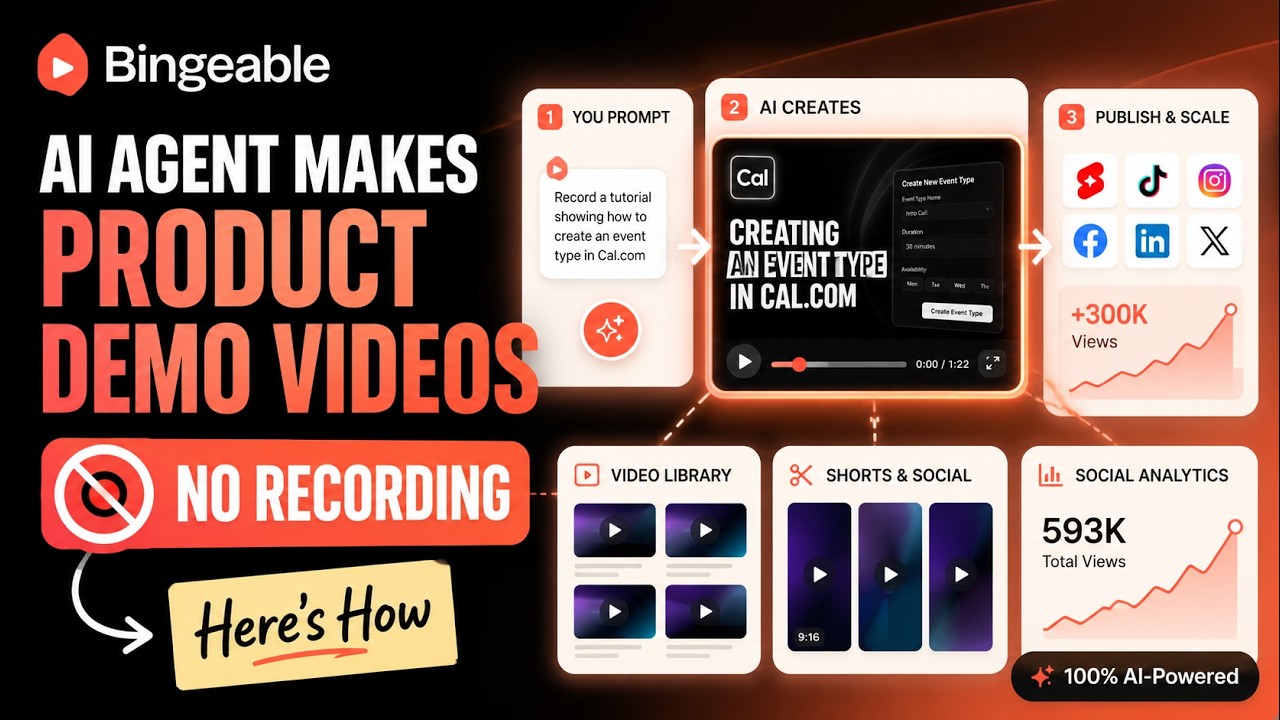 YOUTUBE711 views
How to Make Product Demo Videos Without Recording Your Screen
Bingeable_ai3 months ago
 YOUTUBE38 views
Supercut AI: The Loom Alternative That Changes How Advisors Communicate With Clients
mattreiner26404 months ago
 YOUTUBE35 views
Tella vs Loom in 2026: Every New Feature Explained
noviedizon3 months ago
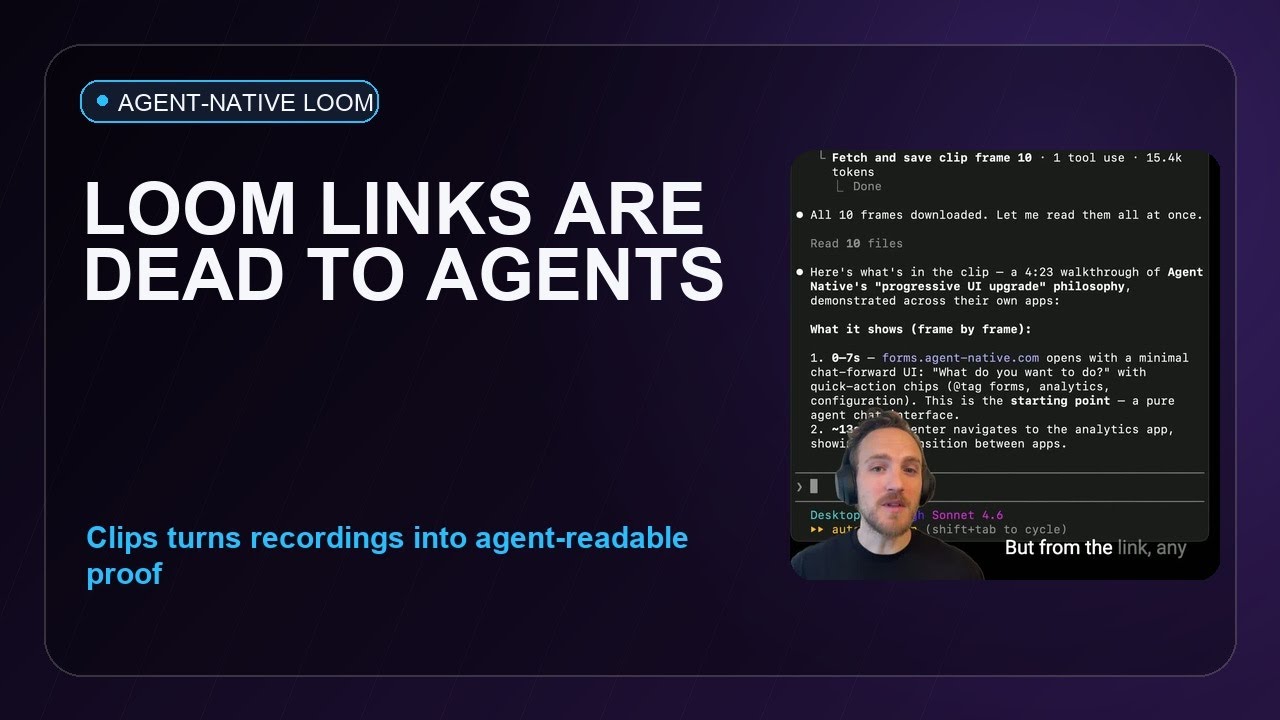 YOUTUBE34 views
This Open Source Loom Clone Is Built for AI Agents
BullBearAcademy64 months ago
Capabilities
Key features
Video Recording
Captures screen and camera footage with AI editing and transcription built in
Meeting Assistant
Records, transcribes, and summarizes meetings while capturing action items and decisions
Video Editor
Cuts, trims, and assembles footage into polished videos using text commands
Content Generator
Produces written content like articles, posts, and copy from brief prompts
The honest take
What users love & flag
Distinct themes surfaced across 36.9K reviews from 7 sources — each grounded in real review text, ranked by how often it comes up.
Questions
Frequently asked
What is Loom?
Loom is an AI-enhanced screen and camera recording platform designed for async team communication. It allows users to record their screen, camera, or both simultaneously, then automatically generates transcriptions, removes filler words, and creates meeting notes and summaries using artificial intelligence.
Is Loom free to use?
Yes, Loom offers a free Starter plan that includes 25 videos with 5-minute screen recordings, unlimited meeting length, and basic transcriptions. Paid plans start at $18/month for Business and $24/month for Business + AI with enhanced features.
What AI features does Loom provide?
Loom's AI automatically removes filler words and silence from recordings, generates meeting notes and recaps, creates transcriptions and captions in 50+ languages, and enhances video quality without manual editing. The AI can also transform recorded videos into populated Jira tickets and documentation.
What video quality does Loom support?
Loom captures high-definition video up to 4K resolution. Users can record their screen, camera, or both simultaneously through Loom's Chrome extension, desktop application, or mobile apps.
How does Loom integrate with other workplace tools?
Loom videos can be shared instantly through direct links or embedded into popular workplace tools including Slack, Gmail, Jira, Salesforce, and Google Workspace. The platform also automatically captures technical details like device information and console errors for engineering teams.
What platforms is Loom available on?
Loom is available as a web tool, Chrome extension, desktop application, and iOS mobile app. This allows users to record and share videos across different devices and platforms.
What's the difference between Loom's Business and Business + AI plans?
The Business plan ($18/month) provides unlimited videos and recording time with basic editing features. The Business + AI plan ($24/month) adds all AI features including auto-video enhancement, advanced editing, video-to-text automation, and auto-meeting recap emails.
Can Loom automatically create Jira tickets from recordings?
Yes, Loom's AI workflows can transform recorded videos into populated Jira tickets with automatically captured technical details like device information, browser data, console errors, and network activity. This is particularly useful for engineering teams documenting bugs and issues.
How many languages does Loom support for captions?
Loom automatically generates transcriptions and closed captions in over 50 languages. This makes it accessible for global teams and helps with async communication across different regions and time zones.
Compare Loom
Compare with another toolMore Like This
