What it is
Overview
Herdr runs coding agents inside terminal sessions the agents can reconfigure themselves. Where most AI code assistants live in an IDE sidebar or a chat tab, this one operates at the terminal-multiplexer layer — agents spawn shells, run commands, and reshape the workspace layout mid-task. The recurring user in available signals is the developer running multiple agents across remote machines via SSH or Tailscale, often managing workflows that span a local dev box and three cloud instances. Built as a terminal multiplexer with agent-orchestration hooks. The 396 shared layouts and 729 mods indicate a community building custom workflows on top of the base tool.
At a glance
Usability & Quality overview
Best for
- AI coding agent orchestration
- persistent terminal workflows
- multi-agent review/test handoff
Watch out for
- Cross-machine/session setup can be confusing
- Unattended run completion detection may need scrutiny
Real product, not a wrapperIndependent product
Herdr enables real workflow automation by letting multiple coding agents run simultaneously in customizable terminal layouts, with session persistence across remote machines. This goes beyond what you'd get typing prompts into ChatGPT—it's infrastructure for orchestrating agents, not just a chat interface. Users share 396+ custom layouts and 729 mods, showing genuine UX innovation.
Strong evidenceQuality score
Herdr runs coding agents in persistent, customizable terminals for multi-agent workflows, with some cross-session setup friction.
This score is our editorial judgment, computed automatically from the sources, weights, and dates shown above. It reflects the data we could verify as of November 12, 2026, not a guarantee or statement of fact about Herdr. Third-party ratings and quotes belong to their original platforms and authors. Thin data lowers our confidence label, and we say so instead of guessing. Work on Herdr? Dispute any datapoint and we will review it, publish your response, and correct verified errors.
Plans
Pricing
How free is free?
Genuinely free
Open source (Apache 2.0); all platforms included
What you get for free
- Open source under Apache 2.0 license
- Full app, herdr-core, and Herdr TUI included
- Available on macOS, Linux, Windows, iPhone, iPad, and Android
- Persistent coding agents that run when window is closed
- Agent interface customization capabilities
- Server and VM management from sidebar
Community feedback
Aggregated reviews
Ratings and quoted comments below are aggregated from third-party sources and reflect those users' views, not SearchTools.ai's.
What reviewers talk about
themes inside the Sentiment pillar — not score ingredients
63Output Quality63 mentions
“I have been long searching for a tool like it. Was even tempted to just code something like it off tmux and others - but far too busy to do it; and i cant monetize it anyway, so didnt bother. And finally a tool that i just unconditionally love. Like my ideal match. I use it personally and for work. At work which is 80% of my time. It is on wsl via windows terminal. Codex, claude, and agy. Why i love it:- lightweight. I just need the bare minimum and thats it. With near zero ram or cpu usage. And”
“I just switched to it and I am disappointed they didn’t bother making the app compatible with the tui.”
“Same. Herdr is a godsent. I have all my PC's & VM's wired up as herdr machines, the spaces and tabs omg - I live in the terminal on my phone!”
“It's good. The app is orders of magnitute better. Easier to add gui heavy mods and layouts, easier to add your customizations, works perfectly fine. Tbh the app doesn't even feel like gui. It's more like tui on steroids. I say this as someone who built entire system around tui and i abandoned it immediately. herdr gui is the thing what claude code desktop app supposed to be imo.”
51Reliabilitythin data · 8 mentions
“I have been long searching for a tool like it. Was even tempted to just code something like it off tmux and others - but far too busy to do it; and i cant monetize it anyway, so didnt bother. And finally a tool that i just unconditionally love. Like my ideal match. I use it personally and for work. At work which is 80% of my time. It is on wsl via windows terminal. Codex, claude, and agy. Why i love it:- lightweight. I just need the bare minimum and thats it. With near zero ram or cpu usage. And”
“the app still can't connect to the remote machine. the remote machine is using tailscale. it's not tailscale issue I think because connect using mobile terminal like moshi is works well”
“Herdr moved too fast. They could have first migrated the Herdr TUI to Herdr Core and then integrated the TUI with the app. I really like the app, and these days I mainly use it. If I need the TUI, I can SSH into the host and use hc attach to connect to the Herdr app. I still hope they continue maintaining the TUI and share Herdr Core with the app.”
“Did they abandon it? Like it won’t get anymore updates? I really don’t see a reason to switch. Rex seems like a better idea than Herdr if I had to use a GUI”
59Ease of Use43 mentions
“I've been using herdr for quite a while. Yesterday I was looking for a way to keep herdr as the core underneath, but get a better UI and UX on top, more like a proper app. Out of nowhere, Claude told me to check out the Herdr App. I had no idea it existed until yesterday. Fast forward to today: thanks to how customizable it is, I've already built my own agent dashboard on top of it, set up exactly how I use herdr (used to be very text-based, of course). One example: something that always bugged ”
“https://herdr.dev/mobile/ It only supports Herdr Core and is not open source yet. It is not bad but it looks just like every generic unofficial Herdr mobile app out there, not surprising. It is missing a lot of powerful features that I need like Chat View, Comprehensive SSH support etc. That is why its app size is small on Google Play: 14MB, while the Rust core binary alone of my app is 40MB(170k lines of Rust). I guess I will just stick with the app I build for myself: https://github.com/kosumi”
“The customization options are awesome. They're seriously out of this world. Thanks for making this possible.”
“I am/was a terminal user for most of my life since mid 90' I usually do not like desktop apps, but recently I got fed up with Herdr TUI it just looked and felt so '99 and decided to look for something a bit nicer, lo and behold Herdr app, so I installed it and instantly loved it, TUi got yeeted 2 mins later.”
Watch & learn
Video content
YouTube YOUTUBE141.1K views
I LOVE the herdr desktop app
typecraft_dev17 days ago
 YOUTUBE82.8K views
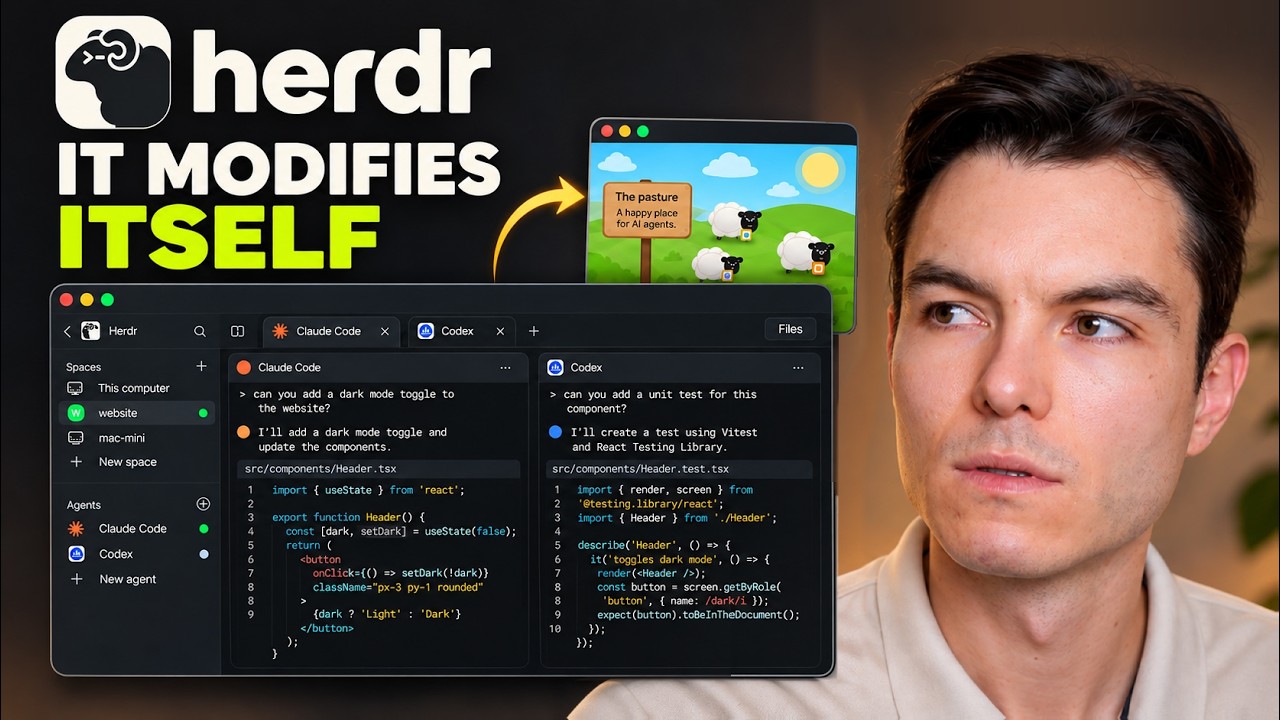
Herdr's Desktop App: Powerful and Gorgeous
lustoykov23 days ago
 YOUTUBE39.8K views
Rex vs Herder: Which One Should You Actually Use?
drucial20 days ago
 YOUTUBE35.8K views
I Tried Herdr Instead of tmux, Here’s What I Found
mischavandenburg1 month ago
 YOUTUBE49.9K views
Herdr is the Fastest Growing Dev Tool Written in Rust
codetothemoon1 month ago
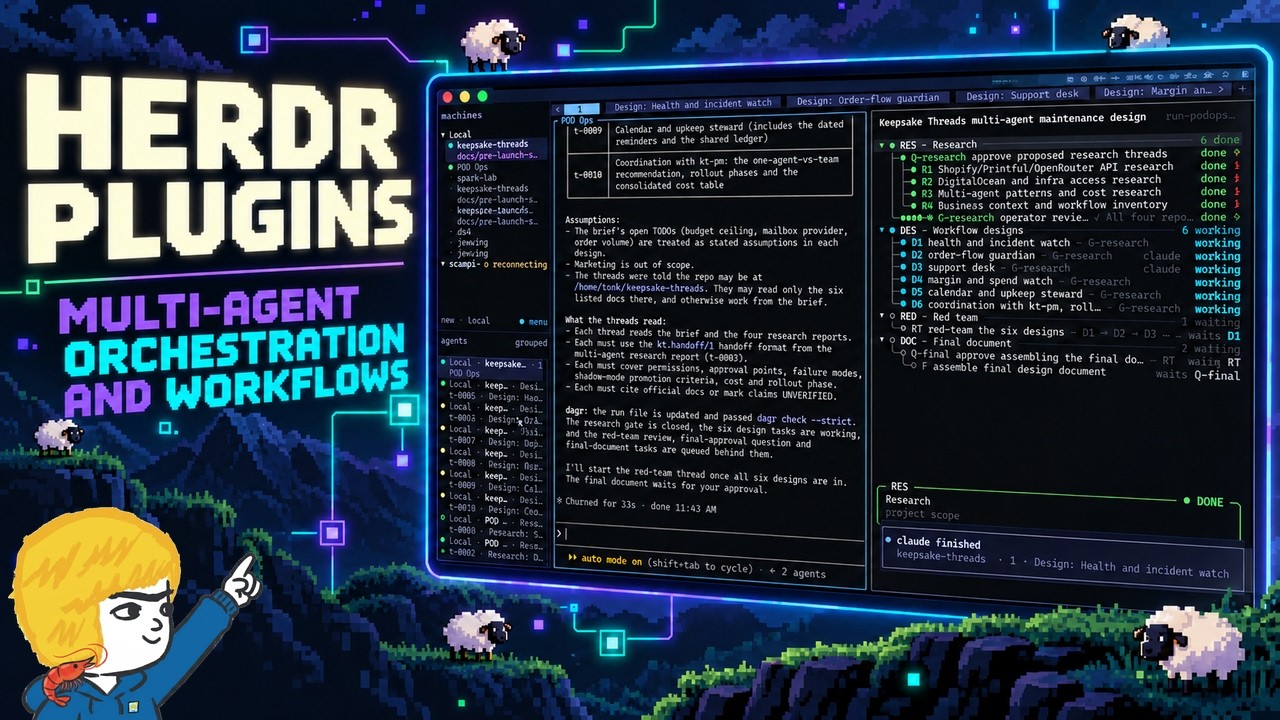 YOUTUBE33.4K views
Exploring Herdr Plugins: Multi-Agent Orchestration and Workflows
TonbisAIGarage1 month ago
Capabilities
Key features
Code Assistant
Helps you write, explain, and fix code directly inside your editor
Developer Tools
Provides utilities that help programmers build, test, and ship software faster
Agent Builder
Builds autonomous AI agents that plan and execute multi-step tasks for you
Workflow Management
Automates multi-step processes and routes tasks across your tools and team
The honest take
What users love & flag
Distinct themes surfaced across 16 reviews from 1 source — each grounded in real review text, ranked by how often it comes up.
Questions
Frequently asked
What is Herdr?
Herdr is a native application that runs coding agents in persistent terminal sessions managed by a background server called herdr-core. It allows developers to manage agents across multiple machines from a unified sidebar, close the application without stopping agent work, and even access everything from mobile devices. Agents can customize their own interface and spawn helper agents that report back automatically.
Is Herdr free to use?
Yes, Herdr is completely free and open source under the Apache 2.0 license. The application, herdr-core server, and Herdr TUI are all available at no cost for macOS, Linux, Windows, iPhone, iPad, and Android.
What happens to my coding agents when I close Herdr?
Your agents continue running in the background through herdr-core, the server component that maintains all agent sessions. You can close the application, update it, switch devices, or even put your laptop to sleep, and your agents will keep working uninterrupted. When you reopen Herdr, you'll see the current status of all your agents.
How does Herdr manage agents across multiple machines?
You can add remote machines via SSH, and their agents appear in the same sidebar alongside your local agents. All connected machines are visible in one unified view, showing which agents need attention regardless of where they're running. Remote agents continue working even when your local application is closed.
Can agents really customize their own interface in Herdr?
Yes, agents can modify Herdr's appearance and functionality through natural language requests. The application stores configuration as plain text files in ~/.config/herdr-app, and an AGENTS.md file explains the structure to coding agents, enabling them to adjust layouts, themes, keyboard shortcuts, and other interface elements based on your instructions.
What are helper agents and how do they work?
Helper agents are spawned by primary agents to handle subtasks like code reviews or test runs. They work autonomously and report back automatically without requiring manual coordination. When a helper agent completes its work, its output appears directly in the parent agent's input stream.
What platforms does Herdr support?
Herdr runs on macOS with Apple silicon, Linux on x86_64 and arm64, and Windows on x86_64. Mobile applications are available for iPhone, iPad, and Android through the App Store and Google Play. Remote machines can run any operating system accessible via SSH.
What can I do with Herdr on my phone?
The mobile application lets you monitor agent status, open terminals, type commands, paste screenshots, or use voice input from anywhere. You have full access to the same agents running on your desktop or remote machines, allowing you to check progress or provide input while away from your computer.
How does Herdr show which agents need my attention?
Agents report their status through OSC 7501, an open protocol that indicates whether they're working, done, waiting for input, or idle. The sidebar displays all agents across all connected machines with their current status, making it easy to see which ones need attention at a glance.
What are the community layouts and mods mentioned?
The Herdr community has created 396 different layouts and 729 mods that users can browse and apply to their installation. These are stored as plain text configuration files, allowing you to quickly adapt the interface to specific workflows without manual configuration.
What's the difference between Herdr and Herdr TUI?
Herdr TUI is a separate terminal-based version with its own server that doesn't share agents with the native application. While both are open source and free, they maintain independent agent sessions and configurations.
Compare Herdr
Compare with another toolMore Like This
