
What it is
Overview
A meeting transcription tool that records audio directly from your computer instead of joining calls as a bot participant. Uses hybrid architecture to process audio locally, then generates summaries and searchable notes. The bot-free approach is what early reviewers consistently praise — no "Granola Bot has joined the meeting" announcements or participant list clutter. Audience skews toward sales professionals and founders running back-to-back calls who want transcripts without the meeting-room friction of visible recording bots.
At a glance
Usability & Quality overview
Best for
- Mac users who want bot-free meeting transcription
- Professionals with 10+ substantial meetings/week seeking to stay present
- Users who want to combine handwritten notes with AI-enhanced context
Watch out for
- Mac-only availability (no Windows/mobile)
- Transcription errors with numbers in financial talks
- No audio/video playback to review recordings
Real product, not a wrapperIndependent product
Granola offers genuine innovation by recording meetings through your computer's audio instead of joining as a bot, eliminating meeting disruption. It combines this with smart calendar integration that automatically detects meetings and sophisticated transcription that produces summaries rather than raw text dumps.
Strong evidenceQuality score
Granola A bot-free AI meeting note-taker for Mac that lets you stay present and merges notes with transcripts, but Mac-only and pricey for casual users.
This score is our editorial judgment, computed automatically from the sources, weights, and dates shown above. It reflects the data we could verify as of July 15, 2026, not a guarantee or statement of fact about Granola. Third-party ratings and quotes belong to their original platforms and authors. Thin data lowers our confidence label, and we say so instead of guessing. Work on Granola? Dispute any datapoint and we will review it, publish your response, and correct verified errors.
Plans
Pricing
How free is free?
Free with limits
Free tier very limited; Business $14/mo for regular use
What you get for free
- Basic meeting transcription and note generation
- Local processing (no bots in meetings)
- Works across all meeting platforms
Behind the paywall
- Full transcript accessBusiness
- Advanced summarization featuresBusiness
- Enterprise-grade featuresEnterprise
Cost to actually use
Based on 19 classified review complaints about rate limits, credits, and billing.
Community feedback
Aggregated reviews
Ratings and quoted comments below are aggregated from third-party sources and reflect those users' views, not SearchTools.ai's.
What reviewers talk about
themes inside the Sentiment pillar — not score ingredients
66Output Quality41 mentions
“Have you tried it? By far the best note taker and the first that ditches the terrible UX of having agents join your calls. It’s absolutely fuckin seamless.”
“I have been using Granola for a while but honestly the experience has not been great for me. It keeps messing up names and sometimes the notes are just inaccurate which makes it risky to rely on for actual work. I am now looking for a free AI meeting assistant that is more reliab”
“It is a great product. All the other note taker apps are trying to be everything for everyone and do it badly. Granola just takes notes but does it really well. It knows when I start and finish a meeting, it lets me prompt how to transform the notes and it lets me grab the notes ”
“background without joining as a bot or recording audio means I can actually be present in conversations. No awkward “there’s a bot in this call” energy. It transcribes both on my Mac and iPhone, which is a game-changer for on-the-go catch-ups. The summaries it produces are actual”
38Value & Pricing13 mentions
“I love that I can use Granola for absolutely everything: every single conversation I have, every course I listen to that doesn’t have a transcript, every conversation I’m having with myself while I work, and every conversation with another person. The notes it generates are incre”
“The problem with Granola is that you pay with your (and others') personal data. It's a smart AI, but it's against GDPR (here in Europe) that people don't know that the meeting they're in is being recorded. So unfortunately it's not so smart that people don't know that they're be”
“How can I emphasize enough the value that I've received from Granola ... it's been one of my absolute highlights, in terms of tools that I use every day (and always looking for additional ways to leverage it).”
“Please make a video on Data security with all these things. The tools are invaluable but if i use this for a client call in germany or europe right now it would constitute a punishable offense! Like please, can anyone talk about this? Recording people in the background is absolut”
32Reliability15 mentions
“Granola IMO is the superior app by far. It just functions and runs much better. I haven’t had any of those context window issues and it now supports live questions in the meeting based on past context. The Fellow app is a resource hog to a point where the Zoom client itself glitc”
“I wanted to like Granola . The concept is solid and the interface is clean. But after two separate incidents where the app appeared to be recording an important conversation and simply wasn't, I can no longer trust it as a professional tool . There was no error message. No alert.”
“I'm a founder and have had horrible experiences with Granola. I leave it open throughout my work day and it only produces notes for ~60% of my calls. Great that it doesn't show up in meetings as an AI notetaker, but it's caused me to miss significant notes. This has sadly impacte”
“Granola sucks. I just had a meeting. I booted up, clicked "new," it opened a window.... and nothing happened. It didn't record or do anything, and I was flustered throughout the call. There was no error message or anything. It just sat there. After the call, I tried again. It wor”
68Ease of Use36 mentions
“I spent too long comparing these four and they solve pretty different problems. Otter makes sense if most of your meetings are scheduled online. Live transcription, a meeting bot, team collaboration, it’s built around calls already happening in Zoom or Meet. Granola feels like th”
“I agree that an app may need access to my calendar. However, I am categorically unwilling if the app requires full access to my calendar. Upon launch, it detected that access to the calendar was unavailable and blocked access to all functions. For this reason, I do not recommend ”
“Have you tried it? By far the best note taker and the first that ditches the terrible UX of having agents join your calls. It’s absolutely fuckin seamless.”
“It is a great product. All the other note taker apps are trying to be everything for everyone and do it badly. Granola just takes notes but does it really well. It knows when I start and finish a meeting, it lets me prompt how to transform the notes and it lets me grab the notes ”
Watch & learn
Video content
YouTube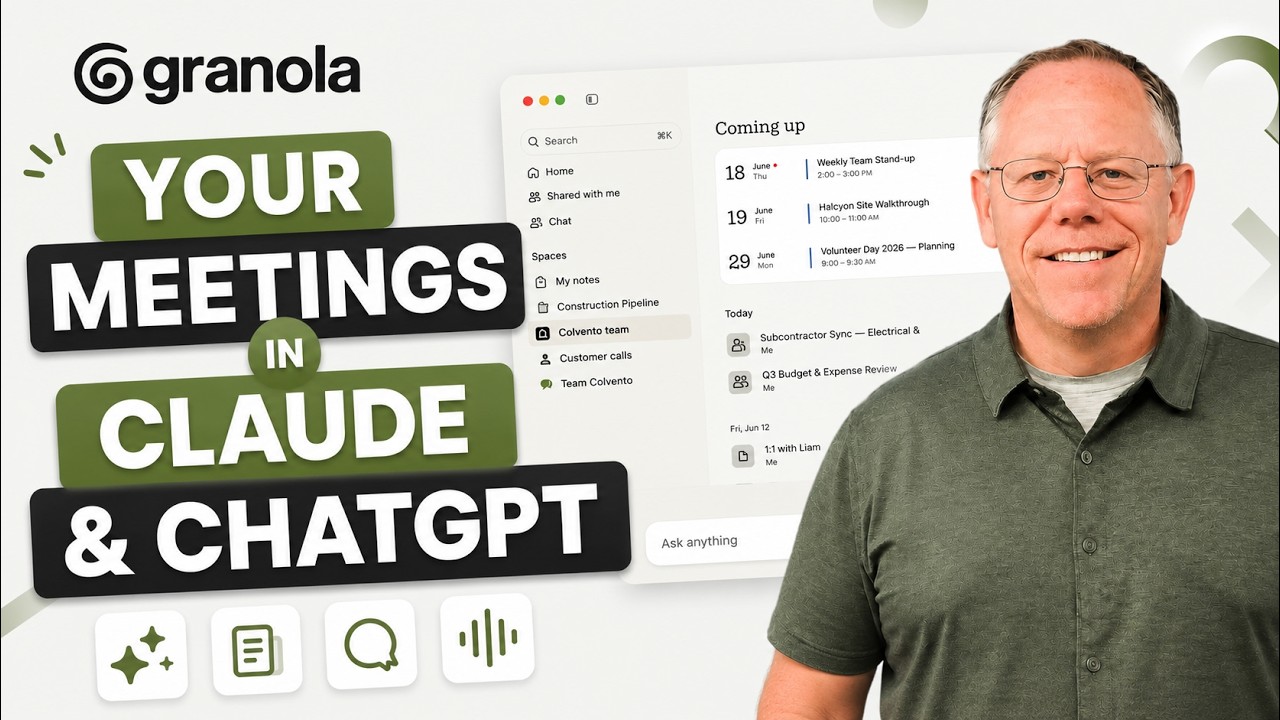 YOUTUBE8.6K views
Your Meetings in Claude & ChatGPT: Granola Connectors
KevinStratvert3 months ago
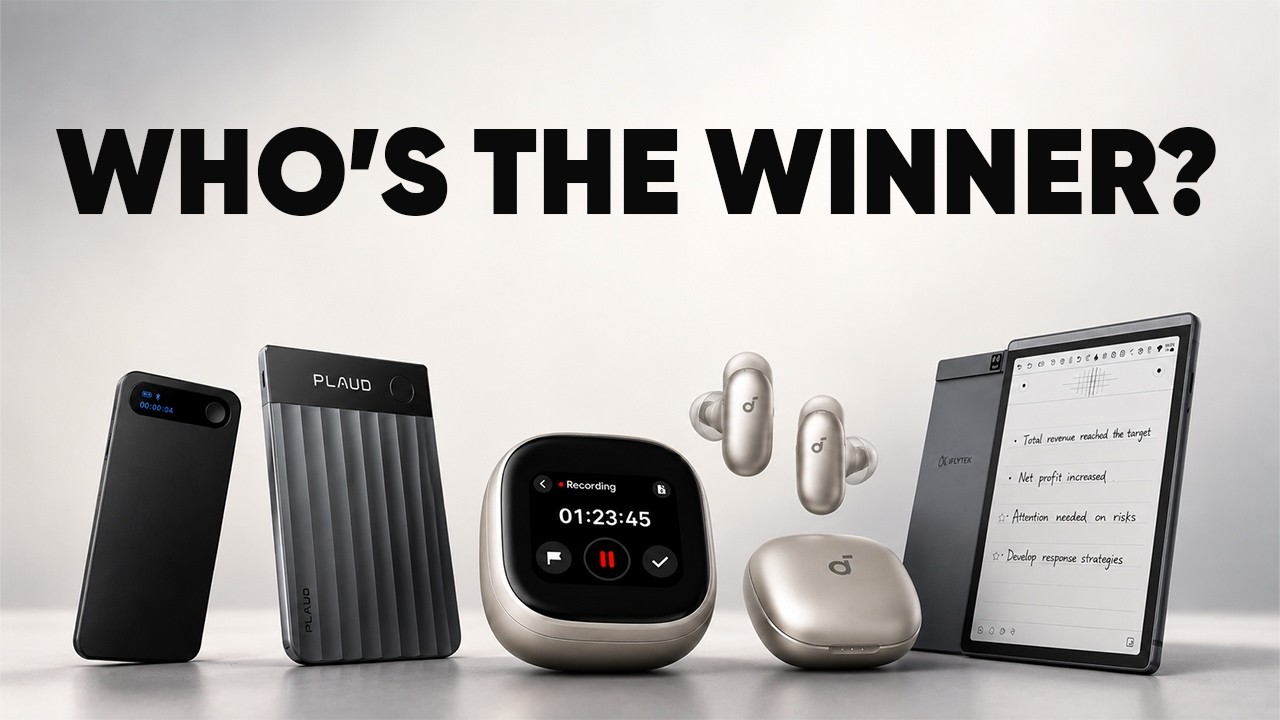 YOUTUBE4.3K views
We Tested Every AI Notetaker for a Week – Here is the Winner!
BeProductiveOfficial3 months ago
 YOUTUBE10.7K views
Granola, But Open Source and Local (Meetily)
betterstack3 months ago
 YOUTUBE12.1K views
I tried using AI every day for 3 years (this is what happened)
reysu3 months ago
 YOUTUBE1.3K views
Best Granola Alternatives in 2026
toolfinderhq3 months ago
 YOUTUBE675 views
Granola Beginner Guide: AI Meeting Notes in Microsoft Teams
andersjensenorg3 months ago
Capabilities
Key features
Meeting Assistant
Records, transcribes, and summarizes meetings while capturing action items and decisions
Transcriber
Converts recorded audio and video into accurate written transcripts
Notes Assistant
Captures, organizes, and summarizes your notes into searchable, structured documents
Speech to Text
Converts spoken audio into written text in real time or from recordings
The honest take
What users love & flag
Distinct themes surfaced across 10.1K reviews from 4 sources — each grounded in real review text, ranked by how often it comes up.
Questions
Frequently asked
What is Granola?
Granola is an AI meeting assistant that transforms meeting audio into structured notes and action items without requiring bots to join your meetings. It runs locally on your computer and captures audio directly from your device's audio system, allowing you to stay present in conversations while automatically generating comprehensive meeting summaries.
How is Granola different from other meeting recording tools?
Unlike traditional meeting tools that require adding bots to meetings, Granola runs entirely on your device and processes audio locally. This bot-free approach maintains privacy, works with participants who may be uncomfortable with recording bots, and doesn't violate company policies that prohibit external meeting bots.
What meeting platforms does Granola work with?
Granola works with any meeting platform including Zoom, Google Meet, Microsoft Teams, and even in-person conversations. Since it captures audio directly from your computer's audio system rather than joining as a bot, it's compatible with all video call platforms.
Is Granola free to use?
Yes, Granola offers a free Basic plan that includes AI meeting notes, limited meeting history, AI chat functionality, shared folders, customized note templates, and multi-language support. Paid plans start at $14/month for the Business plan with unlimited notes and integrations, and $35/month for Enterprise features.
What features does Granola provide during and after meetings?
During meetings, Granola provides pre-meeting briefings showing attendee context and previous discussion history, then captures audio in the background while you focus on listening. After meetings, it automatically generates formatted notes with action items, follow-ups, key decisions, and creates searchable meeting memory across all conversations.
What platforms is Granola available on?
Granola is available on macOS, Windows, iOS, and Android devices. It also functions as a web tool, giving you flexibility to use it across different devices and operating systems.
What integrations does Granola offer?
The Business plan includes integrations with popular productivity tools like Notion, Slack, HubSpot, and Zapier, plus API access. Granola also features an MCP connector system that allows meeting notes to be accessed directly within other AI applications and productivity tools.
Can I enhance my own notes with Granola?
Yes, you can write minimal notes during meetings and Granola will enhance them with context from the conversation to create structured, comprehensive meeting summaries. This allows you to jot down key points while letting the AI fill in the details from the audio capture.
Compare Granola
Compare with another toolMore Like This
