
What it is
Overview
Google AI Edge Gallery runs Gemma and other open-source language models entirely on your phone or tablet without an internet connection. The app is a wrapper on Gemma variants with support for custom model loading. Early users skew toward AI researchers, mobile developers, and privacy-focused individuals testing on-device inference. The strongest early signal: 22-second recipe generation on an iPhone 17 Pro, all local processing with zero cloud round-trip.
At a glance
Usability & Quality overview
Best for
- offline mobile AI experimentation
- privacy-sensitive local inference
- developer tinkering with on-device LLM workflows
Watch out for
- device heat and battery drain
- freezes on some phones
- rough setup for agentic skills
Built on another provider's modelWraps Gemma
This tool runs powerful open-source AI models entirely on your phone with zero internet connection — fundamentally different from typing into ChatGPT or Claude, which require cloud servers. It's optimized for mobile hardware (CPU/GPU/TPU) and delivers truly private, offline AI inference that cloud-based tools cannot match. The on-device execution is a transformative UX shift for mobile AI.
Strong evidenceQuality score
Google AI Edge Gallery Offline mobile AI playground for running local LLMs, but setup and stability can be rough.
This score is our editorial judgment, computed automatically from the sources, weights, and dates shown above. It reflects the data we could verify as of November 12, 2026, not a guarantee or statement of fact about Google AI Edge Gallery. Third-party ratings and quotes belong to their original platforms and authors. Thin data lowers our confidence label, and we say so instead of guessing. Work on Google AI Edge Gallery? Dispute any datapoint and we will review it, publish your response, and correct verified errors.
Plans
Pricing
Community feedback
Aggregated reviews
Ratings and quoted comments below are aggregated from third-party sources and reflect those users' views, not SearchTools.ai's.
What reviewers talk about
themes inside the Sentiment pillar — not score ingredients
57Output Quality27 mentions
“Feels like almost no one noticed Google quietly shipped Google AI Edge Gallery (search the App Store by name). I tried it on an iPhone and it’s surprisingly solid: tiny on-device models are genuinely fast and run offline, with none of the usual cloud lag. This doesn’t feel like a gimmick — more like a prototype of what a “real assistant living inside the phone” could be. If Google keeps pushing on-device (and the iOS ecosystem allows it), a “Siri replacement” might arrive via quiet experiments l”
“Every time I go to prompt it to do something it does nothing but respond in gpu code.”
“Honestly a good idea from Google: Local AI: [TL;DR] Great app, but some bugs need to be addressed. Could use .safetensors model support as well. I honestly think this app is genius. Let’s say that you’re out in the middle of nowhere and you need to see what type of food is safe to eat. You upload an image, and let the Gemma model do its thing. Or, when you’re back online, you can use the Agentic mode where it can access the internet (with custom plugins). You might be wondering why this review”
“Works great for local LLM usage: This is a great app if you want to be able to run Gemma models locally. I’m really surprised at how fast it runs—it made a recipe for black bean enchiladas in just 22 seconds on my iPhone 17 pro. It’s not the most user friendly and is oriented towards people testing stuff out but is great for what it is”
19Value & Pricingthin data · 7 mentions
“Simply amazing! 🚀: Absolutely love this app! It’s super fast and works 100% offline, which gives me so much peace of mind about my privacy. It makes me so excited for the future of AI!”
“I love how when you install the app you're immediately forced to agree to Google collecting data from the app. Doesn't this defeat the entire purpose of using local models ?”
“Phones home after every prompt.”
“lol you have to download an apk no app store? It looks like they are impersonat google and this is advertised by tech cruch xD. Maybe bought ad? I wouldn't be surprised if it contains backdoors or malware when they already seemingly break trademarks and impersonat google.”
51Reliability23 mentions
“Feels like almost no one noticed Google quietly shipped Google AI Edge Gallery (search the App Store by name). I tried it on an iPhone and it’s surprisingly solid: tiny on-device models are genuinely fast and run offline, with none of the usual cloud lag. This doesn’t feel like a gimmick — more like a prototype of what a “real assistant living inside the phone” could be. If Google keeps pushing on-device (and the iOS ecosystem allows it), a “Siri replacement” might arrive via quiet experiments l”
“I tried the v1.0.1 when it came out last week and it simply crashed my Pixel 7 . Then tried v1.0.3 a few days ago, a bit better but CPU inference is slow, I showed it to a friend who also has a Pixel 7 and his inference speed was faster. Then the app crashed on both of our phones when trying to ask follow-up questions using the GPU.”
“App Freezing: I’m enjoying testing out all the open weight models, but I’m only able to keep the app from freezing solid for a couple of minutes. Doesn’t seem to be related to a specific model.”
“Simply amazing! 🚀: Absolutely love this app! It’s super fast and works 100% offline, which gives me so much peace of mind about my privacy. It makes me so excited for the future of AI!”
34Ease of Use17 mentions
“1.0.13 was released yesterday, which brought MTP. The other features are part of today's 1.0.14 release. Today's changelog: What's Changed 1. Experimental Model Context Protocol (MCP) Support Introduced experimental support for MCP. Added a user permission flow for MCP tool calls, ensuring users are prompted for approval before the agent executes a tool (with an option to "Always allow"). Added comprehensive documentation for MCP. 2. Hardware & Performance Enhancements Pixel TPU Su”
“I'm impressed with how fast Edge Gallery (and the fork Box by jegly) works, but I haven't been able to use skills properly and productively so far. One thing I'd like to do is perform web research. Nothing special, just expanding the prompt into several searches, finding the info and creating a summary. I would also like to get more out of this app but struggle with setting it up. Was anyone able to use it productively, beyond chatting? Any other local AI you would recommend for a phone with 8gb”
“Not compatible with iPad screen. How hard it would be to make hi compatible for iPad in AI Era?: Please make it compatible with iPad sizes”
“Optimize it for Ipad with Keyboard horizantal view: I use ipad with external keyboard. Can you optimise its GUI for ipad ? Full screen view rather than mobile view”
Watch & learn
Video content
YouTube YOUTUBE199 views
Run AI on Your Phone: Free, Private, No Internet
Practical-Buildwithoutcode1 month ago
 YOUTUBE103 views
How To Run Local AI On Android Phone
noahexplainers1 month ago
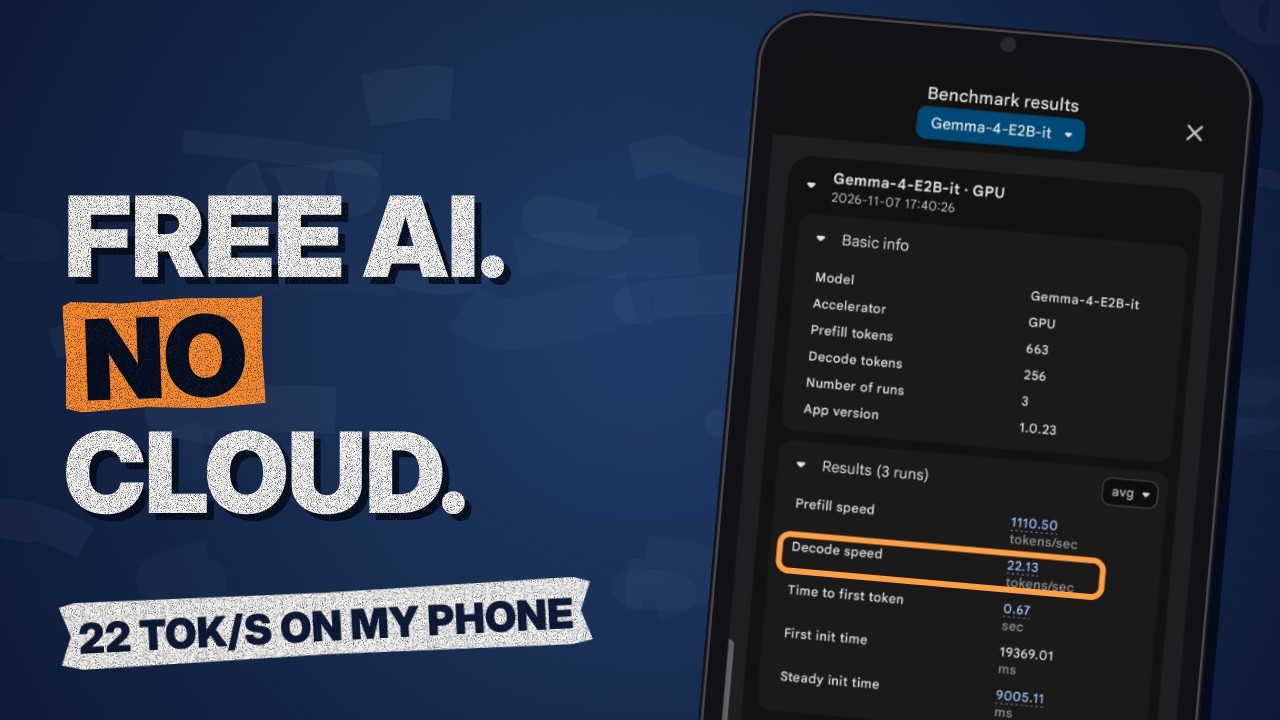 YOUTUBE29 views
Google Put a Free AI on Your Phone (No Internet Needed)
codec-40414 days ago
 YOUTUBE70 views
How to Run Your Own AI on Your Phone: Free, Works Offline
PlimmApp1 month ago
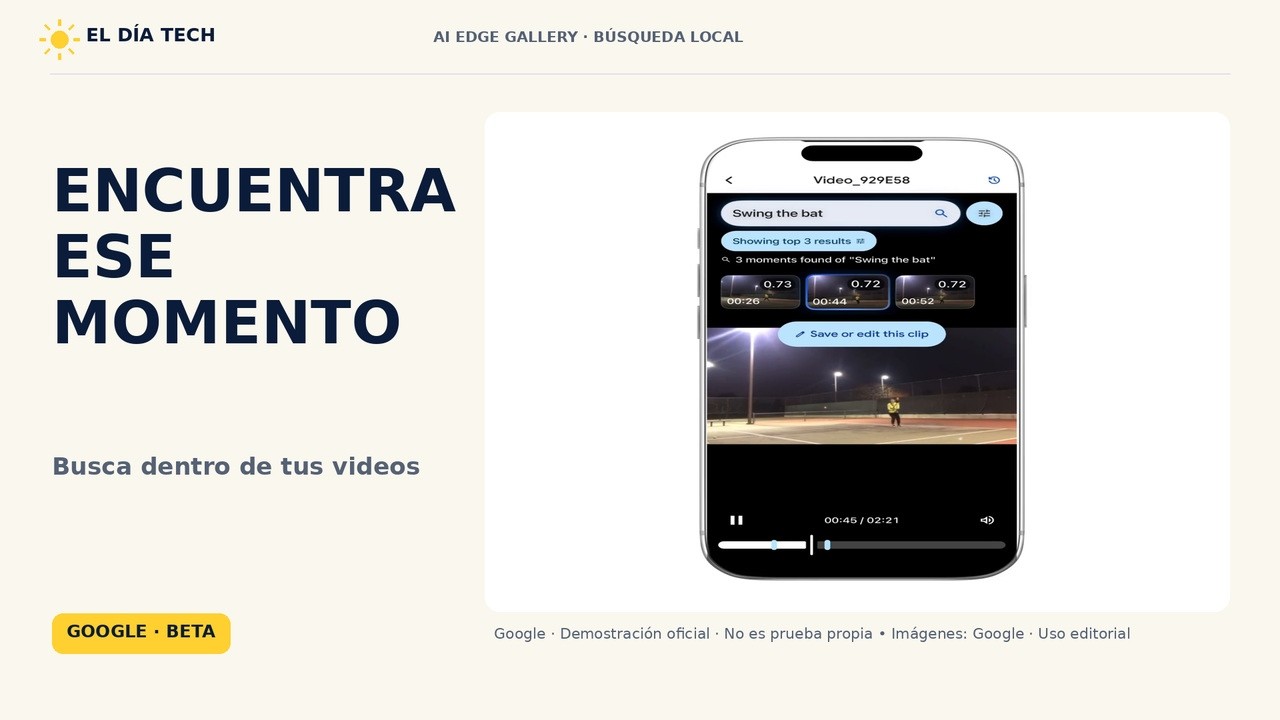 YOUTUBE26 views
Encuentra fotos y momentos de tus videos con Google AI Edge Gallery
eldiatech1 month ago
 YOUTUBE38 views
How to Run Local AI on iPhone — Free, Private & Offline 📱⚡
RipeAI21 days ago
Capabilities
Key features
Chatbot
Holds conversations and answers questions through a natural-language chat interface
Large Language Models (LLMs)
General-purpose models that understand and generate text across many tasks
The honest take
What users love & flag
Distinct themes surfaced across 923 reviews from 2 sources — each grounded in real review text, ranked by how often it comes up.
Questions
Frequently asked
What is Google AI Edge Gallery?
Google AI Edge Gallery is an open-source mobile application that runs powerful language models entirely on your phone or tablet without requiring internet connectivity. It allows you to chat with AI, search photos semantically, learn languages through AR, transcribe audio, and manage multiple open-source models—all while keeping your data completely private and offline.
Is Google AI Edge Gallery free?
Yes, Google AI Edge Gallery is completely free to download and use. The application is available on Google Play Store, Apple App Store, and as a direct APK download from GitHub releases, with no subscription fees or in-app purchases required.
Does Google AI Edge Gallery work without internet?
Yes, every feature in Google AI Edge Gallery functions entirely offline once models are downloaded. All AI inference, speech recognition, text-to-speech, image analysis, video processing, and conversations happen locally on your device with zero cloud dependencies, ensuring complete privacy.
What devices can run Google AI Edge Gallery?
Google AI Edge Gallery requires Android 12 or higher for Android devices, iOS 17 or higher for iPhones and iPads, and is also available for macOS. Users without Google Play access can install the APK directly from GitHub releases.
How does the AR Language Teacher feature work?
The XR Language Teacher lets you point your device camera at real-world objects and receive explanations in your target language through augmented reality. It automatically generates vocabulary cards to help you learn new words in context as you explore your environment.
Can I search my photos using natural language with Google AI Edge Gallery?
Yes, the Instant Media Search feature allows you to search your photo library using natural language queries like "beach sunset" or "birthday party." It uses semantic understanding and image-to-image similarity matching, all processed locally on your device without uploading photos anywhere.
What AI models can I use with Google AI Edge Gallery?
You can download and run various open-source language models from Hugging Face through the app's Model Management interface. The platform officially supports EmbeddingGemma 2 and includes FunctionGemma 270m finetuned models, with the ability to load custom compatible models and benchmark their performance on your specific hardware.
Does Google AI Edge Gallery support voice conversations?
Yes, the AI Chat interface includes on-device Automatic Speech Recognition (ASR) and Text-to-Speech (TTS). You can dictate messages using your microphone and hear AI responses read aloud with customizable voices and languages, all processed locally without internet.
Can I find specific moments in videos using Google AI Edge Gallery?
Yes, the Video Moment Finder feature lets you locate specific timestamps within videos using text descriptions. It highlights relevant moments based on your natural language query and offers clip trimming and export functionality, all processed on-device.
Is my data private when using Google AI Edge Gallery?
Absolutely. Since all processing happens entirely on your device with no cloud connectivity, none of your prompts, images, videos, or personal data ever leave your phone or tablet. This ensures complete privacy and data control for all AI operations.
Compare Google AI Edge Gallery
Compare with another toolMore Like This
