What it is
Overview
Real-time collaborative design editor that handles interface mockups, prototypes, and design systems. Reviewers consistently praise the live multi-user editing where team members see cursor movements and changes as they happen. Built as a hybrid web application with native desktop clients. The typical user base spans UI/UX designers, product designers, and frontend developers working on digital products rather than print materials.
At a glance
Usability & Quality overview
Best for
- collaborative UI/UX design
- real-time team design handoff
- design systems and plugin-driven workflows
Watch out for
- performance lag on larger or active files
- AI features that may be slower than manual work
- pricing and access constraints for newer agent workflows
Real product, not a wrapperIndependent product
Figma offers real workflow automation through design systems and component libraries that update across multiple projects simultaneously. It integrates deeply with tools teams already use like Slack, Notion, and development handoff systems. Most importantly, it transformed design collaboration with real-time editing that lets multiple people work on the same file simultaneously.
Strong evidenceQuality score
Figma Collaborative UI/UX design platform with strong real-time teamwork, but performance and AI add-ons need polish.
This score is our editorial judgment, computed automatically from the sources, weights, and dates shown above. It reflects the data we could verify as of October 12, 2026, not a guarantee or statement of fact about Figma. Third-party ratings and quotes belong to their original platforms and authors. Thin data lowers our confidence label, and we say so instead of guessing. Work on Figma? Dispute any datapoint and we will review it, publish your response, and correct verified errors.
Plans
Pricing
How free is free?
Free with limits
150 AI credits/day, 500/mo max; Pro $16/mo for 3,000 credits
What you get for free
- Unlimited drafts and files
- UI kits and templates access
- 150 AI credits per day
- Up to 500 AI credits per month
- Basic design and prototyping tools
Behind the paywall
- Higher AI credit limits (3,000+/month)Professional
- Team-wide design librariesProfessional
- Advanced prototyping toolsProfessional
- Unlimited files and projectsProfessional
Cost to actually use
Based on 103 classified review complaints about rate limits, credits, and billing.
Community feedback
Aggregated reviews
Ratings and quoted comments below are aggregated from third-party sources and reflect those users' views, not SearchTools.ai's.
What reviewers talk about
themes inside the Sentiment pillar — not score ingredients
55Output Quality245 mentions
“I've been a Figma user for years, and even though I agree with the complaints about pricing, I still think it's one of the best tools out there. 5 stars for the product, but minus one star for the pricing, billing, and support. Those areas could be improved.”
“Used to be pretty great for a wide range of uses. Now, they are pushing the incredibly dysfunctional AI (e.g. "Create a timeline of the Byzantine empire from Constantine to the Ottoman conquest of Constantinople" created an annual calendar year?!). Can no longer access pre-set existing --MUCH MORE FUNCTIONAL-- templates. This makes working in Figma completely unproductive. You have to build everything from scratch. So why use a clunky system like this? I was very happy with the simplicity and ”
“I'm a ux designer and use Figma every day for work. I rarely encounter any issues and in fact it seems like they release improvements for issues before I even recognize them as such—they have a great understanding of their users and their needs. ”
“Figma feels like it actually understands how people design together. You open a file, everyone’s already there, changes happen live, and nothing feels locked behind weird exports or versions. Sharing designs is instant, feedback is easy, and collaboration doesn’t turn into a technical headache.It’s fast, clean, and doesn’t fight you while you work. The free tier is usable, and paid plans make sense once a team grows. It’s not perfect and can get heavy on big files, but overall it feels like a to”
20Value & Pricing58 mentions
“Figma Review — Great .It's my main tool for designing , prototyping , mockups.It has plenty of plugins .Its free tier it's more than enough to get the job done — Great value for money . Useful for desiging , prototyping , mockups .Great user interface and UX .Large community for support — It the best software of its kind.Way better than Adobe's alternative.The software lags a little bit however , probable because it's built using Electron”
“I’ve had my Figma account since around 2020 and recently upgraded to a paid Pro subscription. My account was stolen and the email address and password were changed without my authorization, leaving me completely locked out of my own account. I contacted Figma Support immediately and provided evidence that I am the original account holder, including the original email address, payment information, billing records and proof that the Pro subscription was being paid from my own card. Instead of prop”
“They have monopoly over design industry so : - They price HIGH. Way to high for the quality delivered - They negociate price as a design mob, and client relationship = ghosting - They invent new use we don't care (motion, buzz, draw, wtf) and completely forget their core value (design) - Their client services are shit On a regular basis : - Figma is SLOW. - AI features are not as efficient as market competitors + their agents are strictly enclosed into Figma workspace - Figma is SLOW. - Figma”
“I cancelled my subsription months ago becaus eit was a bad product yet Figma keeps deduction from my credit card. Despote all effort even approaching CEO Dylan field they do not care and are unreachable”
21Reliability62 mentions
“I'm a ux designer and use Figma every day for work. I rarely encounter any issues and in fact it seems like they release improvements for issues before I even recognize them as such—they have a great understanding of their users and their needs. ”
“The app is designed to deliberately create errors, which uses more tokens, and costs more money. It cost me £95 this month, to create 5 very small screens for a log in process. When it works it great, but the costing is all over the place, I created a really complex filter drawer, but as soon as you are doing regular simple stuff (like a log in page) it deliberately fails over and over! ”
“I would rather give 1 star. It really does make something nice but.... I have been working with figma-make for about 4 months now. Working with figma-make turn out to be horrible; destroys your work constantly when you want to make a stand-alone app, a PWA from the figma sandbox. Constantly a lot of faults, constantly in a loop, reasons like a child and it's no way possible to make arragements for the workflow. Verry stressfull: There's not even a dowload button to download a project as zipfile”
“Excruciatingly slow, and the number of times I have devs saying they can't open it or it just gets stuck loading is crazy. Sure, the projects are large, but split into various tabs and pages which could all be lazy-loaded after initially rendering the page.”
17Support19 mentions
“The most complete design tool for product designers at the best price. | The Prototype feature is very easy to use, unlike other tools I’ve tried. There are many actions you can apply, which makes the prototype feel very close to the final product. It also offers a wide range of plugins that are easy to integrate. In my interactions with customer support, they were very efficient and helped me resolve my issues. To edit images, I still need to use Photoshop, as Figma doesn’t have many features f”
“No actual safety for work files. Support does not work efficiently. Can't solve basic problems. And takes ACTUAL weeks to reply. Tool itself has its flaws, but is manageable and okay. Prototyping is buggy and Presentation models don't work properly most of the time.”
“The site and functionality itself are great, but since the support (apparently) does not answer tickets or attempt to solve simple issues, I have not yet been able to finish a single product using figma. I have waited about 9 days for a solve on a small issue I even know the answer to, and just need someone to perform the fix on the backend. Disappointing.”
“Attention, Figma prélève mais ne répond pas à sa promesse ! Inscription sur un mois : le nombre de requettes est limité (alors que ce n'était pas indiqué). Mois suivant : prélèvement de 18€ supplémentaire, je suis pourtant en mode "gratuit" et je ne peux rien faire ! Malgré mes réclamations, ils ne répondent pas ! Je suis en colère !”
56Ease of Use108 mentions
“Figma feels like it actually understands how people design together. You open a file, everyone’s already there, changes happen live, and nothing feels locked behind weird exports or versions. Sharing designs is instant, feedback is easy, and collaboration doesn’t turn into a technical headache.It’s fast, clean, and doesn’t fight you while you work. The free tier is usable, and paid plans make sense once a team grows. It’s not perfect and can get heavy on big files, but overall it feels like a to”
“It's the worst UI of any program I've ever used. How in the world is a program that is meant to create UI and UX so poorly made.”
“worst web design software Ive ever layed my hands upon. UI is confusing and unintuitive, you have to click over several buttons (with your mouse since there are no shortcuts, such as ctrl+z (which is a CRIME not to include)) which makes it incredibely hard and frustrating to use. every tool and function Figma offers is also hard, frustrating and unintuitive to use. to add salt to the wound, most of the positive reviews (4+ stars) on here are written either by AI or AI loving techbros that never ”
“The website feels so unintuitive. Every time I try to do something specific like move text, or move a shape to a certain position, it is difficult to actually accomplish. It should not be this difficult. I’ve wasted so much time on simple things that should not have been that hard in the first place.”
72Trust derived from dimensions + predator detectionview math
A composite of the quality dimensions weighted by mention volume, then capped by predator / abuse-detection rules.
Reasoning
Watch & learn
Video content
YouTube YOUTUBE28.3K views
I Made The SAME Website UI/UX Design Manually & With AI... (Shocking Results)
saptarshipr25 days ago
 YOUTUBE18.4K views
Add guidelines to your Figma library | Teach Figma's agent your design system
Figma17 days ago
 YOUTUBE36.8K views
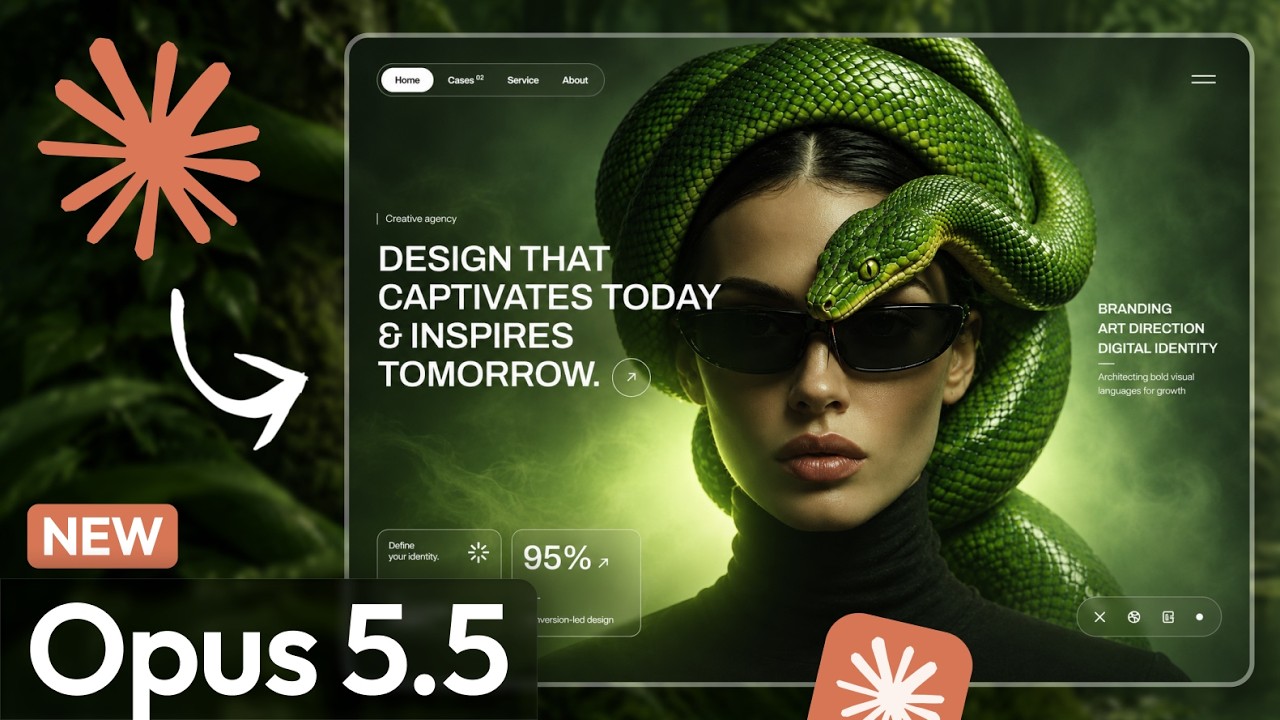
New Claude Opus 5.5 ! End of Figma Web Design?
dvxui091226 days ago
 YOUTUBE3K views
I Gave Claude Design My Design System and Here’s What Happened
babichnick26 days ago
 YOUTUBE3.9K views
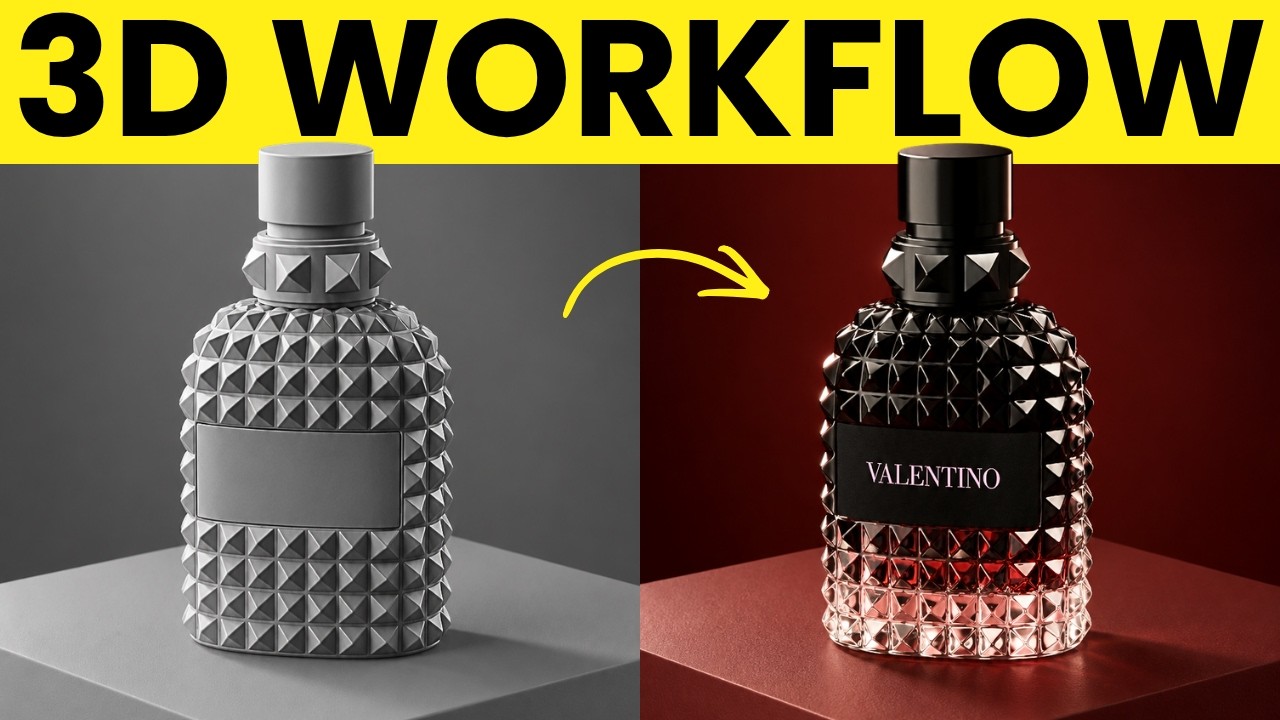
Figma Weave Makes Epic AI Product Commercials (Full Guide)
artturijalliofficial26 days ago
 YOUTUBE11.2K views
Figma Buys AI Company! + More Figma Updates
PunitChawla1 month ago
Capabilities
Key features
Graphic Design
Creates layouts, posters, and visual designs from prompts and brand inputs
Team Collaboration
Helps teams share work, coordinate tasks, and communicate inside shared AI workspaces
The honest take
What users love & flag
Distinct themes surfaced across 89.6K reviews from 7 sources — each grounded in real review text, ranked by how often it comes up.
Questions
Frequently asked
What is Figma?
Figma is a collaborative design-to-development platform that provides a unified workspace where designers, developers, and AI agents work together on a shared canvas. It eliminates the traditional disconnect between design and development teams by offering tools for creating designs, prototypes, and development specifications all in one place.
Is Figma free?
Yes, Figma offers a free Starter plan that includes unlimited drafts, UI kits and templates, and 150 AI credits per day (up to 500 AI credits monthly). Paid plans start at $16 monthly for the Professional plan with full access and 3,000 AI credits monthly.
What can Figma do?
Figma can design user interfaces and mobile apps, create interactive prototypes with animations, generate development specifications and assets for handoff, and maintain design systems with reusable components. It also includes AI assistance to generate ideas, add motion to designs, and implement feedback throughout the design process.
What platforms is Figma available on?
Figma is available as a web-based tool that runs in browsers without requiring software installation, and it also has an iOS mobile app. The browser-based architecture enables seamless team collaboration across different devices and operating systems.
What's the difference between Full, Dev, and Collab seats in Figma?
Full seats ($16/month) provide complete access to all Figma features with 3,000 AI credits monthly. Dev seats ($12/month) are designed for developers with 500 AI credits monthly, while Collab seats ($3/month) offer basic collaboration features with 500 AI credits monthly.
What AI features does Figma include?
Figma's built-in AI agent can add motion to designs, document design systems, implement feedback, and assist with various creative tasks. All plans include AI credits for these features, with the free plan offering 150 credits daily and paid plans providing between 500-4,250 credits monthly depending on the tier.
What products are included in Figma?
Figma includes multiple integrated products: Figma Design for interface creation, Figma Make for development handoff, Dev Mode for developer inspection tools, FigJam for collaborative whiteboarding, and Figma Slides for presentations. It also has emerging features like Figma Motion and Figma Sites.
How does Figma help with design-to-development handoff?
Figma streamlines handoff by generating development-ready specifications, production-ready assets, and code specifications directly from designs. The Dev Mode provides inspection tools for developers, while the unified workspace ensures specifications don't get lost in translation between design and development teams.
Compare Figma
Compare with another toolMore Like This
