
What it is
Overview
Microsoft Copilot Studio addresses the challenge businesses face when they need AI solutions tailored to their specific processes and data, rather than generic AI assistants. Organizations often struggle to implement AI that understands their unique workflows, integrates with their existing systems, and maintains enterprise security standards. The platform targets business users, IT leaders, and developers who want to create custom AI experiences without extensive coding knowledge.
At a glance
Usability & Quality overview
Best for
- Microsoft-centric teams
- enterprise chatbot/agent builders
- workflow automation with governance needs
Watch out for
- Latency in deployed agents
- Weak debugging and execution visibility
- Brittle OAuth and file-ingestion behavior in complex flows
Built on another provider's modelWraps GPT-4
Microsoft built this as a proprietary platform that deeply integrates with their entire business ecosystem (Teams, SharePoint, Power BI). It offers specialized workflow automation for building AI agents without coding, plus enterprise data grounding that generic AI tools can't match.
Strong evidenceQuality score
Copilot Studio builds enterprise AI agents and chatbots with strong Microsoft integration, but complex workflows still lack transparency.
This score is our editorial judgment, computed automatically from the sources, weights, and dates shown above. It reflects the data we could verify as of October 12, 2026, not a guarantee or statement of fact about Copilot Studio. Third-party ratings and quotes belong to their original platforms and authors. Thin data lowers our confidence label, and we say so instead of guessing. Work on Copilot Studio? Dispute any datapoint and we will review it, publish your response, and correct verified errors.
Plans
Pricing
How free is free?
No free tier
Requires Microsoft 365 subscription; usage-based pricing starts at $216/year
Behind the paywall
- Basic Copilot Studio accessMicrosoft 365 Copilot Business ($216/year)
- Pre-built Microsoft agentsMicrosoft 365 Copilot Business ($216/year)
- Enhanced productivity features in Office appsMicrosoft 365 Business Standard with Copilot ($282/year)
- Advanced security and identity managementMicrosoft 365 Business Premium with Copilot ($384/year)
Cost to actually use
Based on 22 classified review complaints about rate limits, credits, and billing.
Community feedback
Aggregated reviews
Ratings and quoted comments below are aggregated from third-party sources and reflect those users' views, not SearchTools.ai's.
What reviewers talk about
themes inside the Sentiment pillar — not score ingredients
54Output Quality31 mentions
“I’m working on building some AI agents for our documentation team and wanted to understand how much we’re actually spending on tokens/credits. We have a pretty large amount of documentation: 50+ user guides, around 150+ pages each 30+ release notes, around 700–1,000 pages each I uploaded all of these as knowledge sources in Copilot Studio so the agent can search through them when answering questions. We’re using Claude Opus 4.7, and honestly, the results are really good. It can usually pinpoint ”
“The base model for MS Copilot Studio is a unbelievably stupid, lobotomized Chat-GPT. The free Chat model on OpenAIs website has more capabilities to analyze files and will answer questions better than Copilot. Gemini AI Studio is also better. Just test by asking the same questions on both platforms. You would not believe how limited Copilots model is. My experience with it: - It can't read data connected via Copilots internal file database or connectors to specific plugins without throwing awa”
“Ultimate AI Assistant | It has performed exceptionally well where I have required deep contextual understanding , multi deimension analysis or web research. Recently it helped me in the implementation of SAP Project. It helped to prepare documentation like business blue prints, conduct workshops. Understand business requirement with the help of reviewing the information by summarizing. | Pros: Doesn't require extensive coding skills | Pros: Best at integrating with other systems | Pros: Efficie”
“I like that Microsoft Copilot Studio allows me to build and manage customized AI agents to streamline my workflow and automate customer service inquiries. It securely grounds my AI assistant with my enterprise data and connects seamlessly with my system to handle complex business tasks. My favorite part is the balance it strikes between low-code accessibility and enterprise-grade sophistication. The native ecosystem integration, especially with Microsoft Teams and Power Automate, works exception”
15Value & Pricing17 mentions
“I was testing Copilot Studio deployments, so I set up separate dev and prod environments on my developer tenant. To publish Copilot agent , I turned on the Pay-as-you-go plan. That was on 06/22. I then deployed one agent from dev to prod. That's it — a single agent. Today I checked my Azure subscription and there's a bill for ~$47,000. I'm a developer by profession — I do not have that kind of money sitting around, and there's no way a single test agent should generate a bill like this. Somethin”
“Pay as you go without a budget cap? Slow clap...”
“The fact that it blew past your budget cap is what gives me fear. I’m hoping for you it is a billing error. Please do update about this.”
“I get the reason for the change (though the blog post banging on about harnesses will no doubt cause confusion among customers). But the sudden cliff edge seems unreasonable, surely there's something you can do that halts extreme use cases from smaller one's? I'm currently working through a course which covers some of the new Studio features. With this release all my labs are now locked up across my development environment and tenant. Can't publish any workflows or agents as I don't have "suffic”
26Reliabilitythin data · 8 mentions
“It happened to me too, and it seems to be a Microsoft bug. The documentation says that Consume is free for Premium users, but as you mentioned, when Opus is set as the primary model, the agent somehow uses the Premium AI Text Generation tool instead of Generative Answers. That tool is also supposed to be included with the Premium license, so the behavior doesn’t seem correct.”
“Hi, I’d like to hear about your experiences using Copilot Studio. Unfortunately, my own experience is that it feels like Microsoft released the program too early, and it’s full of bugs or things that haven’t been fully thought through. Many times, I’ve run into a technical issue and started looking for a solution, only to find that there isn’t one. What kind of things have you successfully accomplished in Studio? Have you found any cases where it’s not worth using Studio? I was a bit surprised t”
“@22:38 THANKS for showing this bug and how to fix it! I would have NEVER figured this out, hopefully MS fixes this soon though because I'm sure they'll get a lot of tickets about it.”
“They can't make one thing bug free. Thank you”
58Ease of Use22 mentions
“Braindead take. You really think non-devs are actually going to use VS code/ CLI tools? This platform isn’t made for the people who use those tools. It’s made for the finance manager who wants a year end true up agent to share with his team. I swear some people who shit on copilot are dummies.”
“It's Microsoft. The marketing doesn't meet the reality. They need to improve it. Especially knowledge source handling and their support team often can't help either. Such a shame as it has potential. But then so did the Surface Duo. Copilot Studio could do the basics but for something as simple as reading a SharePoint list I had to integrate Copilot Studio with Python and an OpenAI LLM. It should just be easier to work with connecting to Microsoft services because that's the USP. Bui”
“This is a nice advice for actual developers, but completely useless for non-IT-people. The simplicity of Copilot Studio outweighs the smaller range of capability in most small cases.”
“Microsoft Copilot Studio changes the enterprise game. | Where you have a very finite and specific use case, that matches well with the intended use case of the product, it tends to be a great fit. For example we created a plain language chatbot which can rewrite any given piece of text into plain language, referring to specific internal standards. | Pros: Agentic workflows | Pros: AI chatbots | Pros: Deploying via Teams | Pros: Multiple knowledge sources | Cons: Ability to combine multiple sourc”
74Trust derived from dimensions + predator detectionview math
A composite of the quality dimensions weighted by mention volume, then capped by predator / abuse-detection rules.
Reasoning
Watch & learn
Video content
YouTube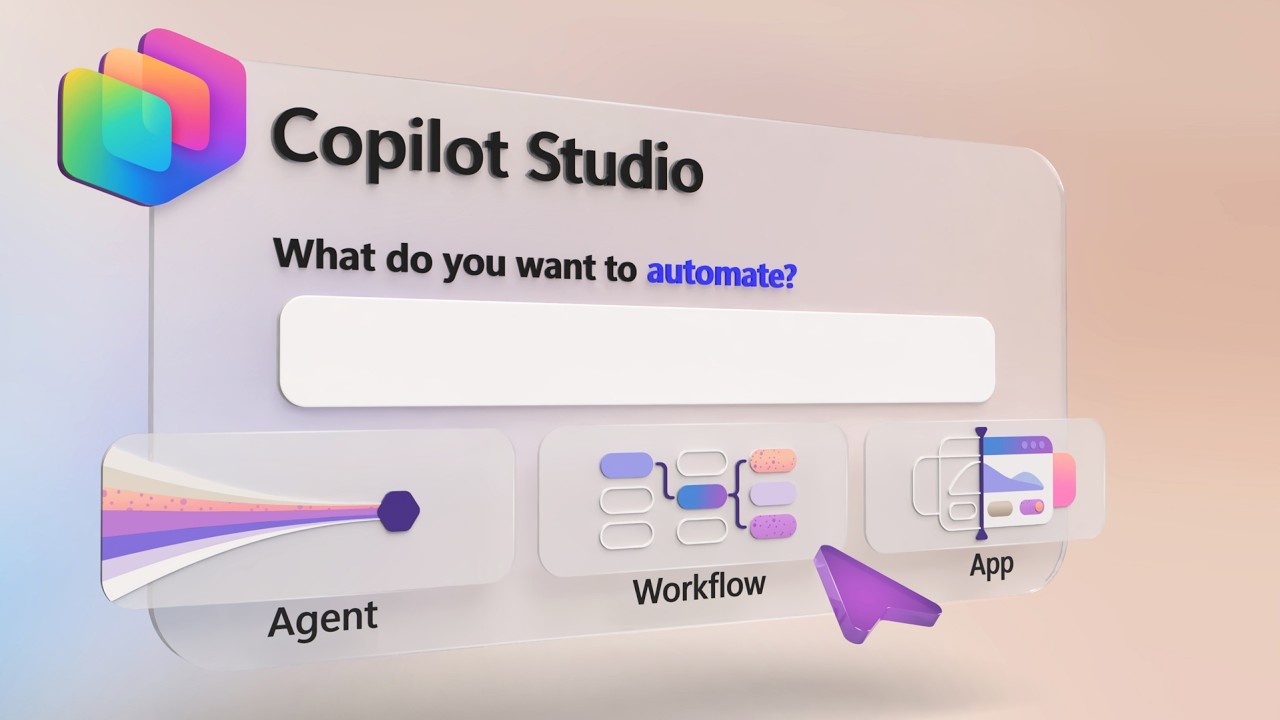 YOUTUBE36.8K views
Build Automated Agents, Workflows, and Apps - New in Copilot Studio
MSFTMechanics10 days ago
 YOUTUBE4.8K views
Simple Build | Researching Battle Card Agent | Copilot Studio Ideas
andrewhess12325 days ago
 YOUTUBE6.7K views
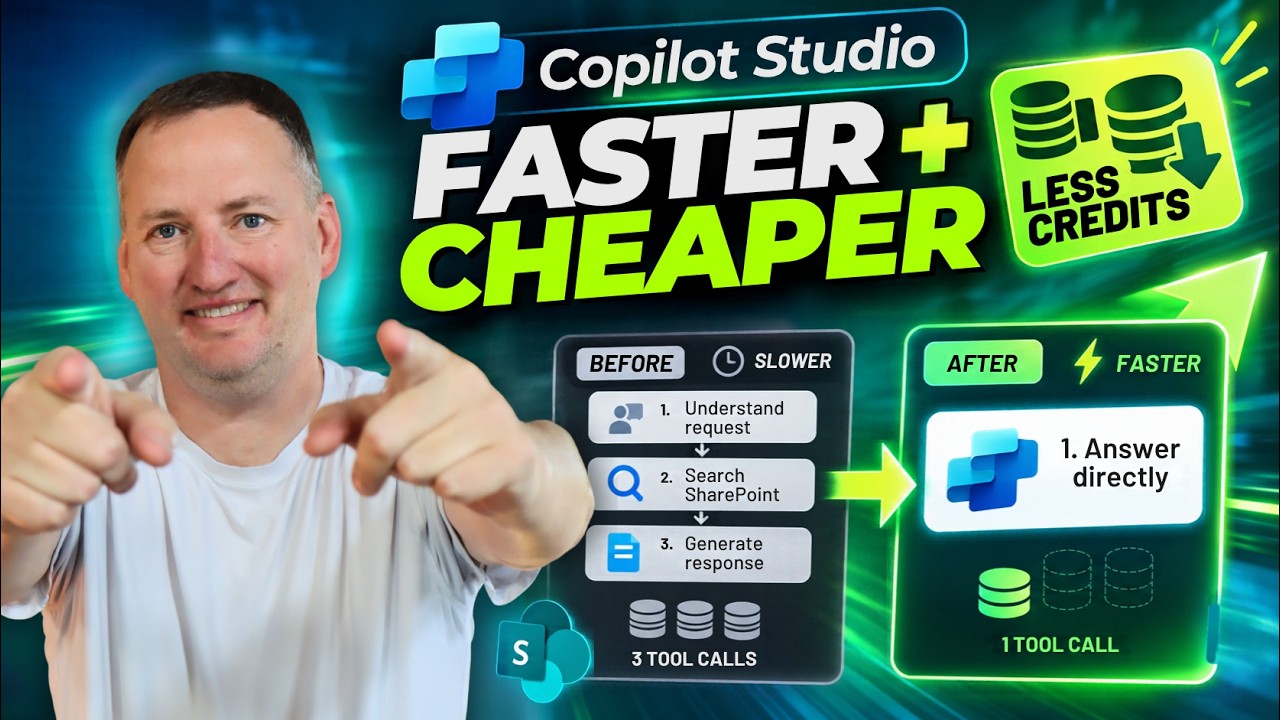
Make Copilot Studio Faster and Cheaper
ShanesCows18 days ago
 YOUTUBE496 views
What is Copilot Studio?
ExpertOfThings18 days ago
 YOUTUBE2.5K views
Copilot’s Big Leap: Microsoft AI Can Work on Your PC
NeoMerlinAI7 days ago
 YOUTUBE488 views
Overview of New Copilot Studio ft. Jay Patel
jvuniverse788425 days ago
Capabilities
Key features
Agent Builder
Builds autonomous AI agents that plan and execute multi-step tasks for you
Chatbot Builder
Creates custom chatbots for your site or business without writing code
No-Code & Low-Code
Builds apps and workflows visually with little or no programming required
The honest take
What users love & flag
Distinct themes surfaced across 158 reviews from 2 sources — each grounded in real review text, ranked by how often it comes up.
Questions
Frequently asked
What is Copilot Studio?
Microsoft Copilot Studio is a platform that lets you create custom AI agents, workflows, and apps using natural language or visual interfaces without extensive coding knowledge. It's designed for businesses that need AI solutions tailored to their specific processes and data, rather than generic AI assistants. You can deploy these custom AI solutions across Teams, websites, and social channels with enterprise-grade security and governance.
What types of AI solutions can I build with Copilot Studio?
You can build three main types of solutions: conversational agents that answer questions and guide workflows, autonomous agents that can plan and execute tasks independently, and traditional workflow automations. The platform supports multi-agent orchestration for complex processes that require specialized knowledge from different agents working together.
How much does Copilot Studio cost?
Copilot Studio offers two pricing models: a prepaid plan where you purchase Copilot Credit packs at $200 per 25,000 credits monthly (with up to 20% savings for upfront commitments), and a pay-as-you-go option with no upfront commitment that bills based on actual usage. Both plans require an Azure subscription, though new users receive $200 in Azure credits.
What platforms and channels can I deploy my AI agents to?
You can deploy your custom AI agents across multiple channels including Microsoft Teams, SharePoint, websites, social platforms, and other business applications. The platform integrates with Microsoft 365 apps and provides 1,500+ pre-built data connectors to connect with existing business systems and data sources.
Do I need coding skills to use Copilot Studio?
No, Copilot Studio is designed as a no-code platform with a visual, drag-and-drop interface. You can build AI solutions by inputting your business requirements using natural language or visual tools, making it accessible to business users, IT leaders, and developers without extensive coding knowledge.
What enterprise security features does Copilot Studio provide?
Copilot Studio includes enterprise-grade security features such as Microsoft Entra ID integration, detailed audit logs that flow into Microsoft Purview, role-based access controls, and support for major compliance standards. It also provides full Application Lifecycle Management with version control, release pipelines, and environment promotion capabilities.
How many AI models does Copilot Studio support?
Copilot Studio supports access to over 11,000 AI models through Azure AI Foundry. This extensive model library allows you to choose the most appropriate AI capabilities for your specific use cases and business requirements.
Can I monitor and manage the performance of my AI agents?
Yes, Copilot Studio provides real-time analytics for monitoring agent performance and cost management tools for controlling AI credit consumption at scale. This helps you track how your agents are performing and manage costs effectively across your organization.
Compare Copilot Studio
Compare with another toolMore Like This
