
What it is
Overview
A managed browser infrastructure service that runs headless Chrome instances in the cloud for AI agents and web scrapers. Not an AI tool itself — it's the browser layer that lets AI agents interact with websites that block API access or require complex authentication flows. The audience is backend developers and AI engineers building production agent systems that need to fill forms, handle logins, or scrape JavaScript-heavy sites. Review volume is too thin to confirm patterns.
At a glance
Usability & Quality overview
Best for
- AI agents needing browser access to dynamic/web pages without API coverage
- Automated web scraping on standard sites
- Serverless, sandboxed browser concurrency for parallel jobs
Watch out for
- Cold start delays and CAPTCHA/bot detection on protected sites
- Potential account bans for ToS violations with unclear communication (isolated but severe)
- May require additional anti-detect tools for identity-sensitive workflows
Real product, not a wrapperIndependent product
Browserbase offers proprietary managed browser infrastructure that goes beyond what standard APIs can provide, including residential proxies, CAPTCHA handling, and persistent session management. It provides real workflow automation for browser-based AI agent tasks with specialized integrations that transform the browser automation experience.
Strong evidenceQuality score
Browserbase Managed browser infrastructure for AI agents and web automation, but struggles with CAPTCHAs and cold starts under real load
This score is our editorial judgment, computed automatically from the sources, weights, and dates shown above. It reflects the data we could verify as of July 16, 2026, not a guarantee or statement of fact about Browserbase. Third-party ratings and quotes belong to their original platforms and authors. Thin data lowers our confidence label, and we say so instead of guessing. Work on Browserbase? Dispute any datapoint and we will review it, publish your response, and correct verified errors.
Plans
Pricing
Community feedback
Aggregated reviews
Ratings and quoted comments below are aggregated from third-party sources and reflect those users' views, not SearchTools.ai's.
What reviewers talk about
themes inside the Sentiment pillar — not score ingredients
49Output Quality11 mentions
“Browser automation is genuinely the hardest part of agentic pipelines right now, and you're not alone in finding it the biggest blocker. On BrowserBase specifically: it works well for headless, cloud-based scraping and form-filling when you control the target. The managed infrastructure (residential proxies, CAPTCHA handling, session persistence) saves a lot of setup pain. Main downside is cost at scale and occasional flakiness on JS-heavy SPAs. Some alternatives worth knowing: **Playwright MCP*”
“Hey guys, I gave this a spin and really liked it. But, I needed to extend the capability to send JavaScript to the browser because LLMs are very good at browser-based operations. While you can navigate and perform tasks, if you have many actions to complete on a page, like filling out a large form, it can be quite slow. So I went with another option. You really want to be able to look at a page and construct JavaScript to edit everything you need on the page before moving to the next one. Being ”
“Why's there no scroll tool? And btw your screenshots are bad. At least for me. I get a zoomed in corner”
“I built a production agent system last month - here's what actually works: Skip Playwright for complex flows. Use Browserbase + their SDK for managed browser sessions. Very stable setup. Treat the browser as stateful infrastructure, not ephemeral. Keep sessions warm, checkpoint states between actions.”
49Reliabilitythin data · 6 mentions
“BrowserBase + OpenClaw works well once you get the MCP server wired up right. The pattern that clicks: use BrowserBase's persistent sessions so your agent isn't re-authenticating on every run — that alone eliminates probably 60% of the friction people run into. For competitors worth evaluating alongside it: Playwright MCP (good for local dev, obvious cost advantage), Steel Browser (simpler API surface), and Anchor Browser if you need residential proxies baked in. BrowserBase tends to win on reli”
“Browserbase communication is non existent. You buy a tier, don't use it and get banned for any violation of ToS. This is straight nonsense. If you want to spend time and money to invest in a project and plan to integrate their tools, don't do it. No transparency, no communication, this is something no business can rely on at all. Deeply frustrated by such an experience. Stay away from this company.”
“What's going on with Browserbase? 29% failure rate on basic page loads, yet they're everywhere talking about revolutionizing browser automation and how much equity you can get for tattooing their logo to your face. Reminds me of companies prioritizing hype over substance. Meanwhile, services with actual reliability (like 93%+ success rates) get less attention because they're focused on serving customer needs instead of the Silicon Valley hype train. The loudest voices aren't always delivering th”
“I built a production agent system last month - here's what actually works: Skip Playwright for complex flows. Use Browserbase + their SDK for managed browser sessions. Very stable setup. Treat the browser as stateful infrastructure, not ephemeral. Keep sessions warm, checkpoint states between actions.”
54Ease of Usethin data · 5 mentions
“BrowserBase + OpenClaw works well once you get the MCP server wired up right. The pattern that clicks: use BrowserBase's persistent sessions so your agent isn't re-authenticating on every run — that alone eliminates probably 60% of the friction people run into. For competitors worth evaluating alongside it: Playwright MCP (good for local dev, obvious cost advantage), Steel Browser (simpler API surface), and Anchor Browser if you need residential proxies baked in. BrowserBase tends to win on reli”
“Browserbase really changed how i use ai in my daily workflow. it keeps everything in one place, loads quickly, and makes testing ai ideas easy. the browser feels lightweight but powerful, and i like that i don’t have to juggle multiple apps just to run experiments.”
“your request access button is broken.”
“You can improve by adding more built in tutorials or guides for beginners. also, occasional slowdowns with heavy ai tasks can be frustrating, so performance optimization would help. a few extra customization options for the interface would be nice too.”
Watch & learn
Video content
YouTube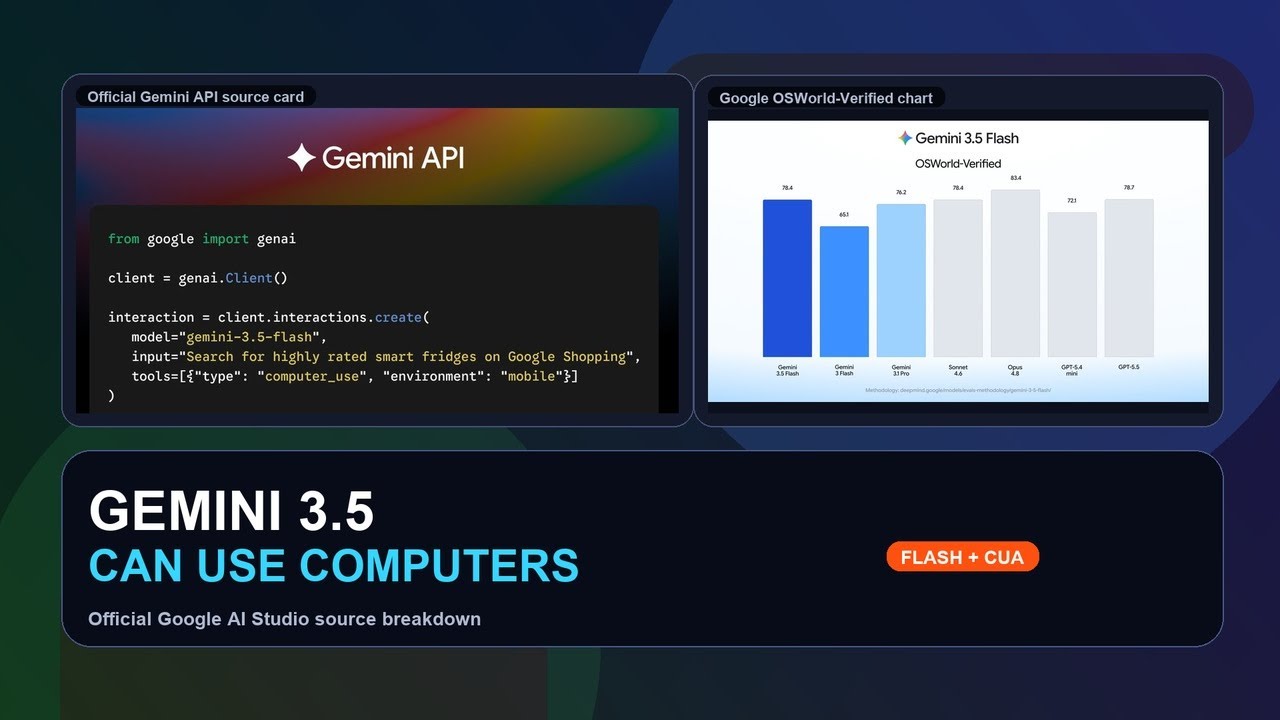 YOUTUBE891 views
Gemini 3.5 Flash Computer Use: Google AI Studio Demo Breakdown
BullBearAcademy64 months ago
 YOUTUBE312 views
Automate Any CRM (Full Tutorial)
AlejoAndPaige4 months ago
 YOUTUBE132 views
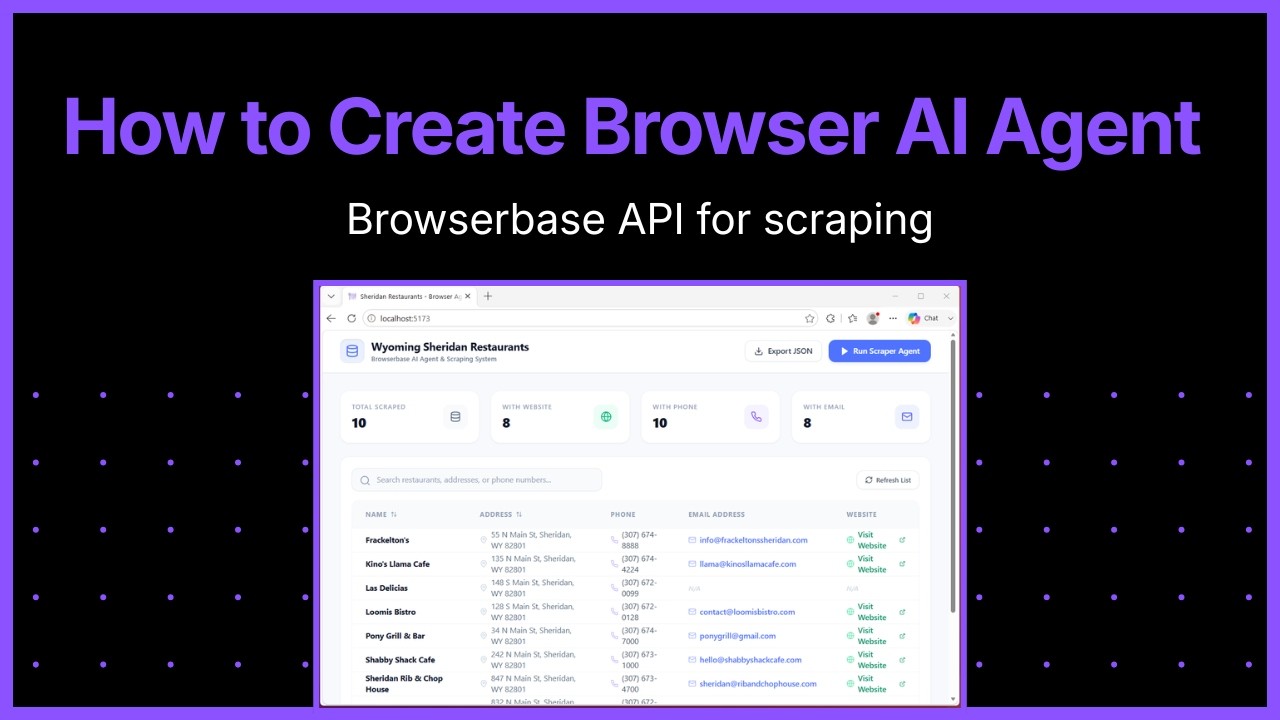
How to Create Browser AI Agent | Browserbase API
devnami4 months ago
 YOUTUBE175 views
Why enterprises must go agentic or die | Karan Vaidya, Co-Founder of Composio
browserbase3 months ago
 YOUTUBE12 views
Agentic Browsers Explained: Browserbase, Browser Use, and Proxy Infrastructure
XavierFokDRTSG4 months ago
 YOUTUBE25 views
Why Speed Is the Next AI Agent Frontier — Paul Klein, Browserbase | AI Engineer World's Fair 2026
WorkOS3 months ago
Capabilities
Key features
Agent Builder
Builds autonomous AI agents that plan and execute multi-step tasks for you
Web Scraping
Extracts structured data from websites and collects it for your use
Productivity Tools
Automates routine tasks and streamlines daily workflows to help you get more done
The honest take
What users love & flag
Distinct themes surfaced across 15 reviews from 1 source — each grounded in real review text, ranked by how often it comes up.
Questions
Frequently asked
What is Browserbase?
Browserbase is a platform that gives AI agents access to real browser sessions to automate web tasks that go beyond API limitations. It allows AI agents to navigate websites, handle logins, extract data, and interact with any website like a human user, addressing the fact that most websites don't offer APIs and valuable content is often behind login walls or dynamic interfaces.
Is Browserbase free?
Yes, Browserbase offers a free plan that includes 3 concurrent browsers, 1 browser hour, and basic capabilities for prototyping. Paid plans start at $20/month for the Developer plan (25 concurrent browsers, 100 browser hours) and go up to $99/month for the Startup plan (100 concurrent browsers, 500 browser hours).
What can Browserbase do that regular APIs can't?
Browserbase can access the 85% of the web that APIs can't reach by using real browser sessions. It can automate login processes, navigate password-protected websites, fill forms automatically, handle CAPTCHAs, and interact with dynamic content that changes based on user interactions - all tasks that are impossible with traditional API-based approaches.
What are the three core APIs that Browserbase provides?
Browserbase provides three core APIs: the Browser API for complete control over headless browsers to navigate and interact with websites, the Search API to help agents find relevant websites based on queries, and the Fetch API that converts any URL into structured HTML, JSON, or markdown for efficient data extraction.
Can Browserbase handle CAPTCHAs and anti-bot detection?
Yes, Browserbase includes automatic captcha solving capabilities starting with the Developer plan and above. The platform also provides stealth capabilities and handles anti-bot detection as part of its managed service, eliminating the need for developers to manage these infrastructure challenges themselves.
What programming frameworks does Browserbase support?
Browserbase supports popular frameworks like Playwright and Puppeteer for browser automation. Additionally, it offers its own Stagehand SDK specifically designed for AI-native browser automation, which is included in all plans along with access to major AI models through the unified Model Gateway.
How many concurrent browser sessions can I run with Browserbase?
The number of concurrent browsers varies by plan: the free plan includes 3 concurrent browsers, Developer plan offers 25, Startup plan provides 100, and Enterprise plans can access 250+ concurrent browsers. The platform processes millions of browser sessions monthly and is designed to handle large-scale operations.
What types of websites and tasks is Browserbase best suited for?
Browserbase excels at automating tasks on websites that require human-like interaction, such as job portals and vendor systems for form filling, e-commerce sites for price monitoring, competitor websites for research, and any login-protected platforms. It's particularly valuable for large-scale research projects and continuous website monitoring that would be impossible through traditional APIs.
Compare Browserbase
Compare with another toolMore Like This
